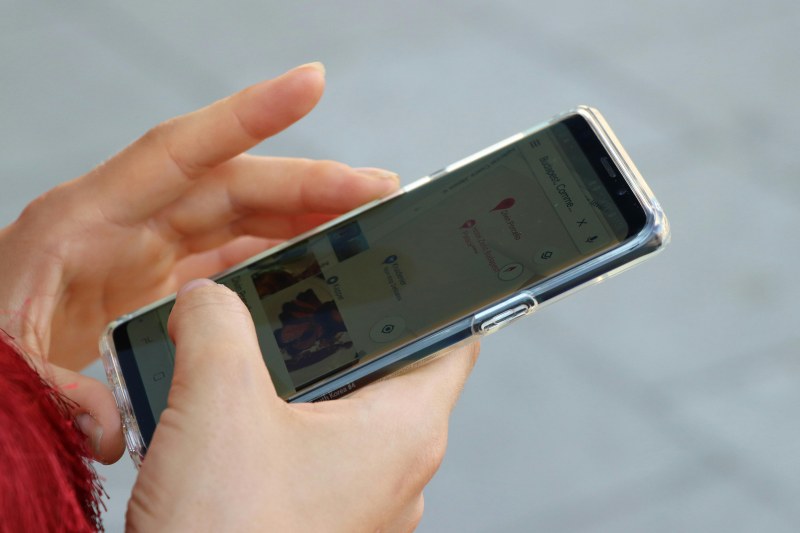
Ever tried to snap a quick photo of a sunset, only to realize your phone screen is covered in smudges? Or fumbled to check a map while walking, squinting through fingerprints? That sticky, blurry mess is a universal frustration—one that feels impossible to escape. But there’s good news: understanding why smudges happen and having a few tricks up your sleeve can keep your screen clear.
Why your phone screen attracts smudges like a magnet
The main culprit behind smudges is sebum—the natural oil your skin produces. Every time you touch your screen, you leave a thin layer of this oil, which mixes with dust and dirt floating in the air. Glossy screens (common on OLED phones) show smudges more prominently than matte ones. Even humidity plays a role: in damp weather, oil and dust stick to the screen faster.
6 easy fixes to banish smudges for good
You don’t need expensive cleaning kits to fix this. Here are 6 actionable ways to keep your screen spotless:
- Microfiber cloth wipe: The gold standard. Use a lint-free microfiber cloth (like the one that came with your phone) to wipe in gentle circular motions. It lifts oil without scratching.
- DIY cleaning solution: Mix equal parts distilled water and 70% isopropyl alcohol. Spray a tiny amount on the cloth (not the screen!) and wipe.
- Anti-smudge screen protector: These have a hydrophobic coating that repels oil and fingerprints. They also protect against scratches.
- Hand sanitizer hack: In a pinch, use a small amount of alcohol-based hand sanitizer on a cloth (make sure it’s not too wet) for quick smudge removal.
- Silicone finger covers: Perfect for gamers or heavy phone users—they prevent direct skin contact with the screen.
- Daily quick wipe: Keep a microfiber cloth in your pocket or bag for 10-second wipes throughout the day.
Which method is right for you? A quick comparison
Not sure which fix to try first? Here’s a breakdown of the most popular options:
| Method | Cost | Effectiveness | Pros | Cons |
|---|---|---|---|---|
| Microfiber Cloth | Low ($0-$5) | High | Reusable, safe for all screens | Needs regular washing |
| Anti-smudge Protector | Medium ($10-$20) | Very High | Long-lasting, scratch protection | Requires installation, may affect touch sensitivity |
| DIY Solution | Low ($2-$3) | High | Budget-friendly, easy to make | Must avoid over-wetting the screen |
A real-life trick from a tech pro
My friend Sarah, a phone repair technician, swears by the two-cloth method. She says: “First, use a slightly damp microfiber cloth to lift smudges, then a dry one to buff the screen to a shine. This prevents streaks and leaves it spotless.” She uses this trick every day on her own phone, and it works like a charm.
“The little things make the biggest difference.” — John Wooden
This quote sums it up perfectly. Taking 10 seconds each day to wipe your screen can save you from the frustration of smudges when you need your phone the most—whether you’re taking a photo, checking directions, or video-calling a friend.
FAQ: Common questions about screen smudges
Q: Can I use paper towels or tissues to clean my screen?
A: No—paper towels and tissues are abrasive and can scratch your screen. Stick to microfiber cloths instead.
Q: Does a matte screen protector reduce smudges?
A: Yes! Matte protectors are less reflective and hide smudges better than glossy ones. They’re a great choice if you hate seeing fingerprints.
Next time you reach for your phone and see smudges, don’t sigh—try one of these fixes. Your screen (and your sanity) will thank you.