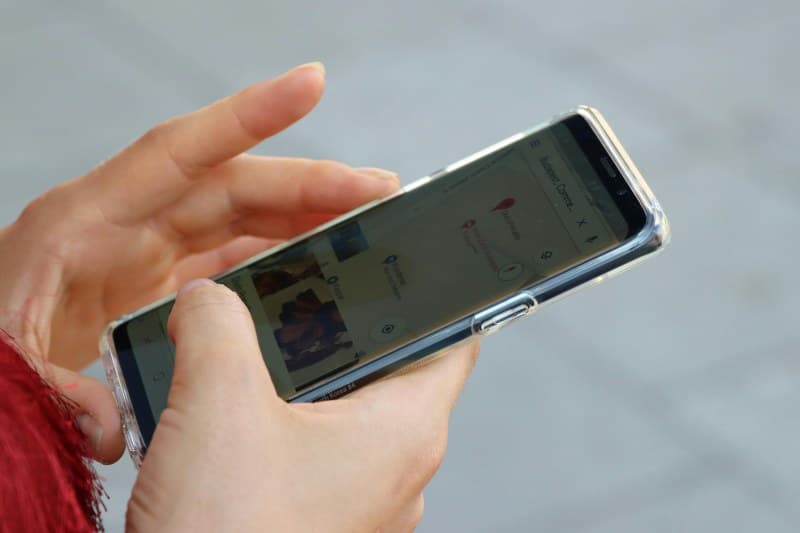
Last week, my friend Sarah showed me her new 108MP smartphone camera, excited to take magazine-worthy photos. But a few days later, she was frustrated—her shots still looked blurry or overexposed. She thought more megapixels were the magic fix, but that’s just one of the many myths holding people back from great mobile photos.
The 6 Myths That Are Ruining Your Phone Photos
Let’s break down the most common misconceptions and set the record straight:
| Myth | Fact | Key Takeaway |
|---|---|---|
| More megapixels = better photos | Megapixels determine resolution, not quality. A 12MP camera with good sensor size can outperform a 108MP one. | Focus on sensor quality and lens aperture instead. |
| Digital zoom is as good as optical | Digital zoom crops the image, losing detail. Optical zoom uses lens movement to magnify without quality loss. | Use optical zoom (if your phone has it) or move closer to the subject. |
| Flash is always needed in dark places | Flash often creates harsh shadows and overexposes subjects. Try using ambient light or night mode instead. | Enable night mode for low-light shots—most modern phones have this feature. |
| HDR is always better | HDR (High Dynamic Range) is great for high-contrast scenes, but it can make photos look flat in low-contrast situations. | Use HDR only when there’s a big difference between bright and dark areas. |
| Portrait mode only works on people | Many phones now let you use portrait mode on objects like pets, flowers, or food. | Experiment with portrait mode on non-human subjects for creative results. |
| You can’t take good photos in low light | Modern phones have large sensors and night mode algorithms that capture detailed low-light shots. | Stabilize your phone (use a tripod or rest it on a surface) for sharp night photos. |
Why Gear Isn’t Everything
“You don’t take a photograph, you make it.” — Ansel Adams
This quote rings true for mobile photography. Sarah learned this when she stopped obsessing over megapixels and started focusing on composition. She took a photo of her cat using natural light from a window, and it turned out way better than her earlier 108MP shots. It’s about how you use the tools you have, not the tools themselves.
Pro Tips to Level Up Your Mobile Photos
- 🧼 Clean your lens: A smudged lens is the #1 reason for blurry photos.
- 🌞 Use natural light: Stand near a window or go outside—natural light is soft and flattering.
- 📏 Follow the rule of thirds: Most phone cameras have a grid feature—align your subject with the lines for balanced shots.
- 🎨 Experiment with manual mode: Adjust exposure and white balance to get the exact look you want.
FAQ: Can I Take Professional Photos With My Phone?
Q: I want to take photos for my small business—do I need a professional camera?
A: Not necessarily. Many professional photographers use smartphones for social media content or even client work. The key is to master composition, light, and editing. Apps like Snapseed or Lightroom Mobile can help you refine your photos to look polished.
Remember, the best camera is the one you have with you. Don’t let myths hold you back—grab your phone and start experimenting!