Last week, my friend Sarah woke up feeling refreshed after 8 hours of solid sleep—until she checked her smartwatch. It said she’d only gotten 3 hours of deep sleep and 2 hours of light. She was confused: how could the watch be so wrong? If you’ve ever had this problem, you’re not alone. Smartwatch sleep tracking is handy, but it’s not perfect. Let’s break down why it might miss the mark and how to fix it.
5 Key Reasons Your Smartwatch Sleep Tracking Is Off
Most smartwatches use accelerometers (to detect movement) and heart rate sensors to guess your sleep stages. Here are the top reasons those guesses go wrong:
| Reason | What’s Happening | Quick Fix |
|---|---|---|
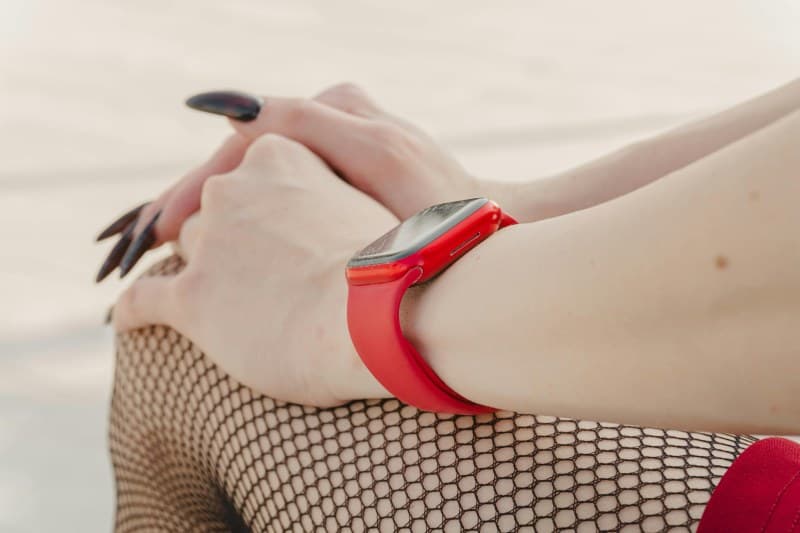
| Sensor Placement | Watch is too loose (can’t detect small movements) or too tight (restricts blood flow for heart rate data). | Adjust band to fit snugly—you should fit one finger between the band and your wrist. |
| Environmental Noise | Watch confuses external movement (like a partner’s toss) or vibrations (from a fan) with your own. | Enable sleep mode (mutes notifications) or place the watch on a nightstand (if your app supports off-wrist tracking). |
| Battery Drain | Watch dies mid-night, cutting off tracking before you wake up. | Charge fully before bed or switch to low-power sleep mode (many watches have this). |
| Sleep Position | You sleep on your wrist, blocking the heart rate sensor or pressing the screen (which might wake the watch). | Try sleeping on the opposite wrist or use a watch with a side-facing sensor. |
| Outdated Settings | Your app has old software or incorrect profile details (age, weight, or sleep schedule) that throw off algorithms. | Update the app and watch firmware, then double-check your profile info. |
How to Boost Your Sleep Tracking Accuracy
Once you know the reasons, fixing the issue is simple. Here are a few extra tips:
- Stick to a schedule: Going to bed and waking up at the same time helps the watch’s algorithm learn your pattern.
- Use a sleep mat: Some watches pair with mats (like Withings Sleep) to get more accurate data without wearing the watch.
- Check for app updates: Manufacturers often fix tracking bugs in updates—don’t skip them!
“Data without context is just noise.” — Nate Silver
This rings true for smartwatch sleep tracking. If you don’t understand why your data is off, it’s just random numbers. But with a few adjustments, you can turn that noise into useful insights.
Common Question: Can I Use Smartwatch Sleep Data for Medical Advice?
Q: I’ve been having trouble sleeping. Should I show my smartwatch data to my doctor?
A: Smartwatches are great for general insights, but they’re not medical devices. Most use accelerometers and heart rate sensors to estimate sleep stages, not the EEG (brain wave) data doctors use. Always consult a healthcare provider for sleep issues—your watch data can be a helpful conversation starter, but not a diagnosis.
Sarah took these tips to heart: she adjusted her watch band, updated her app, and started using sleep mode. The next night, her watch showed 7 hours of sleep with 2 hours of deep sleep—much closer to her actual rest. Smartwatch sleep tracking is a tool, not a crystal ball. By understanding the common pitfalls and making small adjustments, you can get more reliable data to help you improve your sleep habits. Sweet dreams (and accurate tracking!)”