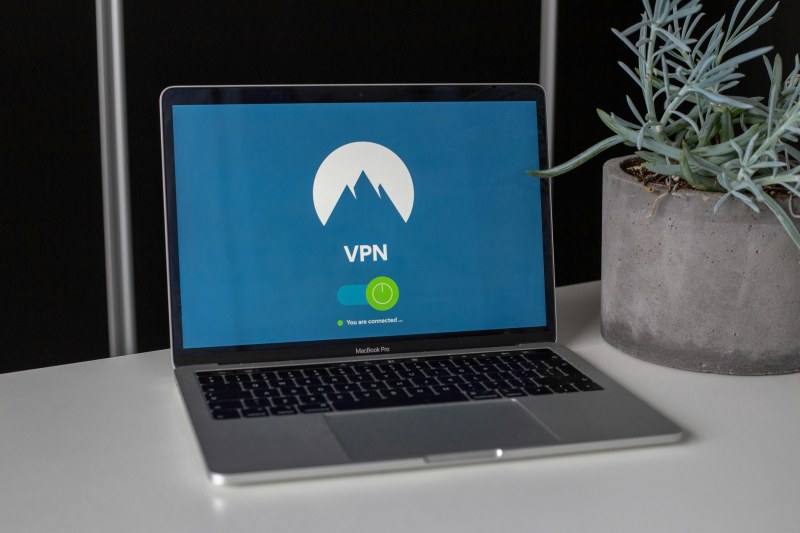
Last week, my friend Sarah used incognito mode to shop for her partner’s birthday gift, convinced no one would see her searches. She was shocked when ads for that exact gift popped up on her regular browser the next day. “I thought incognito hid everything!” she said. If you’ve ever felt that way, you’re not alone—private browsing is full of myths.
What Private Browsing Actually Does
Private browsing (or incognito mode) is a browser feature that stops your device from saving browsing history, cookies, or form data (like passwords) during your session. That means if someone uses your computer after you, they won’t see what you looked at. But here’s the catch: it doesn’t make you invisible to everyone else.
Let’s compare private browsing to regular browsing and VPN use to clear things up:
| Feature | Private Browsing | Regular Browsing | VPN + Private Browsing |
|---|---|---|---|
| Saves browsing history | No | Yes | No |
| Stores cookies locally | No | Yes | No |
| Visible to your ISP | Yes | Yes | No |
| Tracked by advertisers | Sometimes (via device fingerprinting) | Yes | Less likely |
| Visible to website owners | Yes (they see your IP) | Yes | No (VPN masks IP) |
3 Common Myths About Private Browsing Debunked
Myth 1: Private browsing hides your activity from your ISP or employer
Your internet service provider (ISP) or company network still sees every website you visit, even in incognito. They can track your IP address and the data you send/receive. For example, if you’re on your school’s Wi-Fi, the IT team can see you visited a social media site—incognito won’t change that.
Myth 2: It blocks advertisers from tracking you
Advertisers use more than cookies to track you. They can use “device fingerprinting” (like your screen size, browser version, or operating system) to identify your device, even in incognito. That’s why Sarah saw gift ads—her device’s fingerprint gave her away.
Myth 3: Private browsing makes you completely anonymous online
Anonymous means no one can identify you. But in incognito, websites still see your IP address (which can reveal your location) and any accounts you log into. If you sign into your Google account while in incognito, Google still knows exactly who you are.
“Privacy is not a luxury, it’s a right.” — Edward Snowden
This quote reminds us that tools like private browsing are not silver bullets. To protect our privacy, we need to understand their limits and use additional tools when necessary.
Q&A: Common Questions About Private Browsing
Q: Can I use private browsing to avoid being tracked by advertisers?
A: Not fully. While it stops cookies from being saved, advertisers can still use device fingerprinting. For better protection, use a privacy-focused browser (like Brave) or a VPN.
Practical Tips for Better Online Privacy
- Use a reputable VPN to encrypt your traffic and mask your IP address.
- Combine private browsing with a VPN for extra protection.
- Avoid logging into personal accounts (like social media) while in incognito.
Private browsing is useful for small things—like shopping for gifts or using a public computer—but it’s not the answer to full anonymity. By understanding its limits, you can make smarter choices to protect your online privacy.