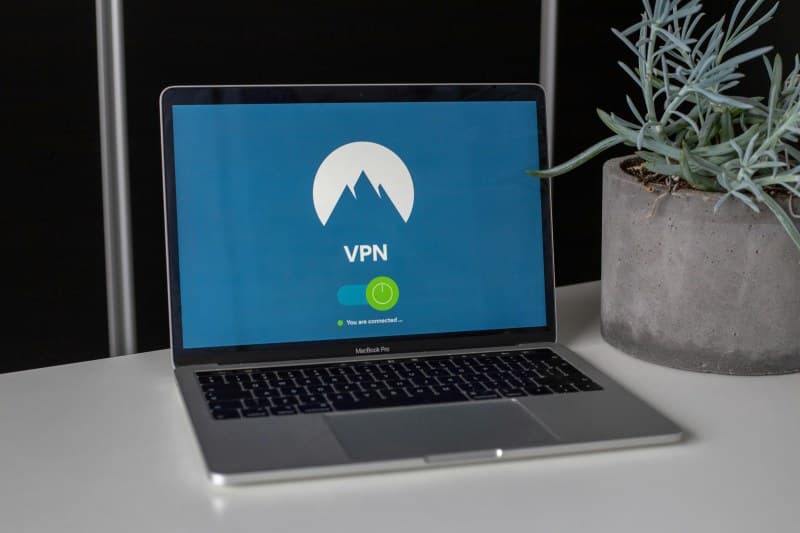
Last week, I sat in a busy coffee shop, scrolling through my bank app while sipping a latte. A stranger next to me was typing furiously, and I couldn’t shake the thought: Is someone snooping on my connection? That’s where VPNs come in—they’re like a secret, encrypted tunnel for your online data, keeping it safe from prying eyes.
What Exactly Is a VPN?
VPN stands for Virtual Private Network. It creates a secure link between your device (phone, laptop, tablet) and the internet. Think of it as wrapping your data in a locked box before sending it over the web—only you and the VPN server can open it.
5 Core Ways VPNs Keep You Safe
VPNs aren’t just one trick ponies. They use several key features to protect your privacy:
- 🔒 Encryption: Scrambles your data into unreadable code. Even if someone intercepts it, they can’t make sense of it.
- 📍 IP Masking: Hides your real IP address (the unique identifier for your device). Websites see the VPN server’s IP instead, so they can’t track your location.
- 🚇 Tunneling: Sends your data through a secure “tunnel” to the VPN server, bypassing public networks.
- 🌍 Server Switching: Lets you connect to servers in other countries. This helps bypass geo-restrictions (like watching a show only available in another region).
- 📜 No-Log Policy: Some VPNs don’t keep records of your browsing activity. This means there’s no data to share if someone asks for it.
VPN Types: Free vs Paid vs Business
Not all VPNs are the same. Here’s a quick comparison:
| Type | Pros | Cons | Best For |
|---|---|---|---|
| Free VPN | No cost, easy to use | Slow speeds, ads, may sell data | Occasional use (e.g., checking email on public Wi-Fi) |
| Paid VPN | Fast speeds, no ads, strict no-log policies | Monthly fee ($5–$15) | Regular use, streaming, online banking |
| Business VPN | Team management, secure company data | Expensive, complex setup | Remote workers, small businesses |
Common VPN Myths Debunked
Let’s set the record straight on some popular misconceptions:
- ❌ Myth: VPNs make you completely anonymous.
Truth: They hide your IP, but sites can still track you via cookies or account logins. - ❌ Myth: Free VPNs are just as good as paid.
Truth: Most free VPNs cut corners—slow speeds, ads, or data selling. - ❌ Myth: VPNs are only for tech experts.
Truth: Modern VPNs have one-click setup and user-friendly apps.
“Privacy is not something that I’m merely entitled to, it’s an absolute prerequisite.” — Marlon Brando
This quote hits home because VPNs aren’t just a luxury—they’re a way to take control of your digital privacy. In a world where data breaches are common, every little bit of protection helps.
A Real-Life VPN Story
My cousin Jake learned the hard way about free VPNs. He used one to watch a UK-based show that wasn’t available in his country. A month later, he started getting spam emails for products he’d never searched for. Turns out, the free VPN was selling his browsing data to advertisers. He switched to a paid VPN with a strict no-log policy, and the spam stopped. Lesson learned: You get what you pay for.
FAQ: Your VPN Questions Answered
Q: Do I need a VPN if I use my home Wi-Fi?
A: Yes! Even home Wi-Fi can be hacked. A VPN adds an extra layer of security, and it prevents your ISP from tracking your browsing habits.
Q: Can I use a VPN on my phone?
A: Absolutely. Most VPN providers have apps for iOS and Android. Just download the app, log in, and tap “connect” to start using it.
Practical Tips for Using VPNs
Here are a few simple tips to get the most out of your VPN:
- 💡 Choose a VPN with a no-log policy (check their privacy statement).
- 🚫 Avoid free VPNs that ask for too much personal information.
- 🔄 Turn on your VPN automatically when connecting to public Wi-Fi.
- 🔧 Update your VPN app regularly to fix security bugs.
Whether you’re browsing at a coffee shop or streaming your favorite show, a VPN is a simple way to keep your data safe. It’s not perfect, but it’s one of the best tools we have for digital privacy today.