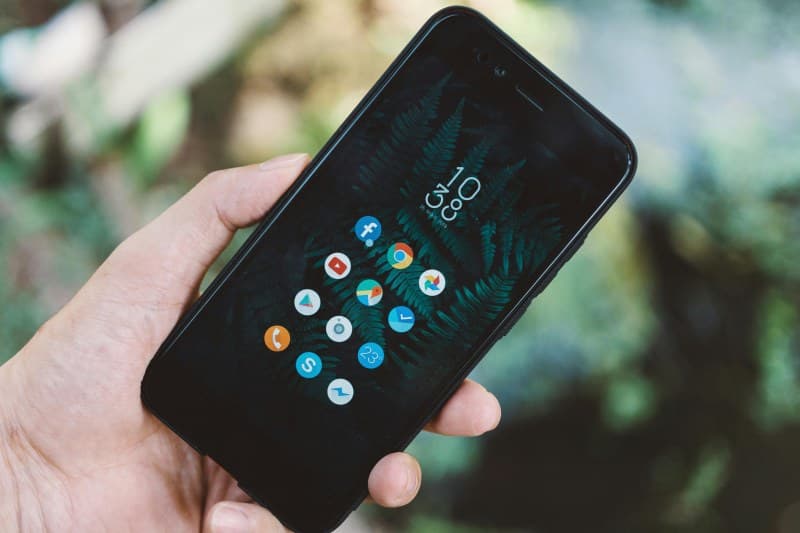
My friend Sarah has a ritual: every time she finishes using an app, she swipes it closed. She swears this keeps her phone’s battery going longer. But last month, she noticed her battery was draining faster than usual—even with her app-closing routine. So, does closing background apps actually save battery?
Does Closing Background Apps Boost Battery Life?
Let’s cut to the chase: For most modern smartphones (iOS 13+ or Android 10+), closing background apps does not save battery. In fact, it might do the opposite. Here’s why: Operating systems are designed to suspend apps that aren’t in use. Suspended apps use almost no battery—they’re just sitting idle in the background. When you force-close an app, you’re making the phone reload it from scratch next time you open it. This reloading process uses more power than leaving the app suspended.
Two Common Battery Myths Debunked
Beyond the app-closing myth, there are two other common beliefs people hold about saving phone battery:
- Myth: Turning off Wi-Fi when not using it saves battery
Reality: If you’re in an area with Wi-Fi coverage, leaving it on is better. Switching between Wi-Fi and cellular data uses more battery because the phone has to search for and connect to networks repeatedly. Only turn Wi-Fi off if you’re in a place with no Wi-Fi for hours. - Myth: Disabling Bluetooth always helps
Reality: Modern Bluetooth (4.0+) uses very little power. If you’re not using it (like no wireless earbuds), turning it off is a tiny help—but not a game-changer. Some features (like Find My Device) rely on Bluetooth, so disabling it might not be worth the trade-off.
Here’s a quick comparison of these myths and their realities:
| Myth | Reality |
|---|---|
| Closing background apps saves battery | Modern OSes suspend unused apps; force-closing uses more power to reload. |
| Turning off Wi-Fi when not in use is better | Leaving Wi-Fi on (in coverage) avoids cellular switching, saving more battery. |
| Disabling Bluetooth always boosts battery | New Bluetooth versions use minimal power; only disable if not using any Bluetooth devices. |
“If it ain’t broke, don’t fix it.” — Common Proverb
This proverb fits perfectly here. Modern smartphones are built to manage battery efficiently. Trying to “fix” things by closing apps or toggling settings unnecessarily often does more harm than good. My cousin learned this the hard way: he turned off Wi-Fi every time he left home, but his battery drained faster because his phone kept switching to 5G. He stopped doing that and noticed his battery lasted an extra hour a day.
FAQ: What Actually Saves Battery?
Q: If closing apps doesn’t help, what are real ways to save battery life?
A: Try these tips: Adjust your screen to adaptive brightness (it changes based on light), turn off location services for apps that don’t need it (like games), update your OS (manufacturers fix battery issues in updates), and avoid extreme temperatures (batteries hate being too hot or cold). These small changes make a bigger difference than closing apps.
Next time you reach to swipe an app closed, remember: your phone knows what it’s doing. Save your energy for things that actually matter—like taking photos or texting friends.