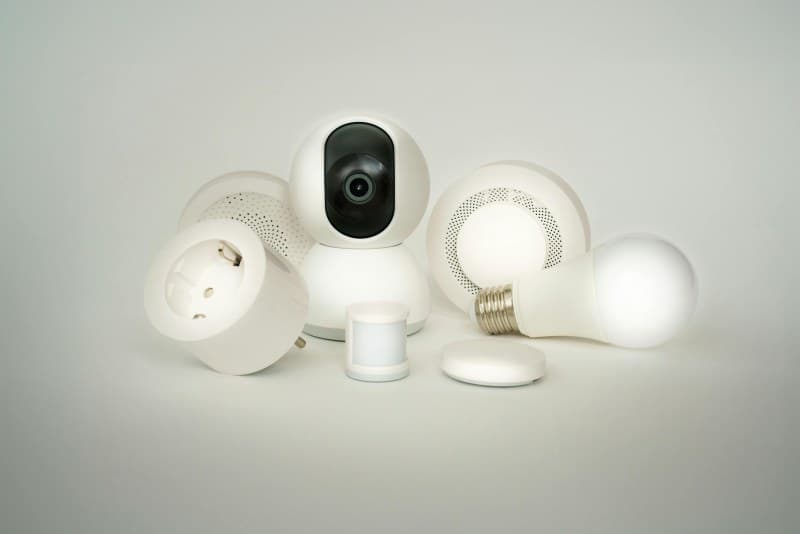
Last month, my neighbor Sarah was confused. She’d just installed a smart thermostat and a set of smart bulbs, expecting her energy bill to drop. Instead, it went up by 15%. She couldn’t figure out why—until she realized her smart speaker was on 24/7, and her smart TV was in standby mode but still drawing power. Sound familiar? Smart home devices promise convenience and savings, but they can also hide energy drains you might not notice.
6 Hidden Ways Your Smart Home Devices Impact Energy Use
1. Smart Thermostats: Saving (When Programmed Right)
Smart thermostats like Nest or Ecobee are designed to adjust temperatures based on your schedule. For example, setting it to drop 5°F at night or when you’re away can save up to 10% on heating and cooling costs. But Sarah’s mistake? She left hers on “hold” mode while on vacation, so it kept the house at 72°F all week—wasting more energy than a traditional thermostat.
2. Smart Bulbs: Wasting (If Left On Unnecessarily)
LED smart bulbs are 80% more efficient than incandescents, but their convenience can backfire. If you use voice commands to turn them on and forget to turn them off (like leaving the kitchen bulbs on while at work), the savings vanish. A single smart bulb uses ~0.5 kWh/month, but 5 bulbs left on 8 hours extra a day add up to 12 kWh/month.
3. Smart Plugs: Saving (By Cutting Phantom Power)
Phantom power (devices drawing energy when off) accounts for 5-10% of household energy use. Smart plugs let you turn off devices like phone chargers or coffee makers remotely. But if you leave the plug itself on (even with no device attached), it uses ~0.2 kWh/month—small, but multiplied by 10 plugs, it’s 2 kWh/month.
4. Smart Speakers: Wasting (Standby Mode Drain)
Always-listening devices like Amazon Echo or Google Home draw ~1.5 kWh/month each. That’s not a lot, but 3 speakers in a home add up to 54 kWh/year—enough to power a laptop for 60 hours. Sarah had 2 speakers running 24/7; turning them off when she slept cut her bill by 5%.
5. Smart TVs: Wasting (Standby and Auto-Play)
Smart TVs use 2-5 times more standby power than traditional TVs (up to 10 watts). Plus, auto-playing next episodes or ads keeps them on longer. Sarah’s TV was set to auto-play, so it ran an extra 2 hours a day—adding 6 kWh/month to her bill.
6. Smart Fridges: Saving (With Energy-Saving Modes)
Modern smart fridges have modes like “vacation” or “eco” that adjust temperature to save energy. For example, a vacation mode can reduce energy use by 30%. But if you don’t use these modes, a smart fridge uses the same energy as a regular one—sometimes more, if it has extra features like a touchscreen.
Smart Device Energy Impact Breakdown
Here’s how common smart devices stack up in energy use and savings:
| Device | Average Monthly Energy Use (kWh) | Potential Savings (%) | Common Pitfall |
|---|---|---|---|
| Smart Thermostat | 1.0 | 10-15 | Leaving on “hold” mode |
| Smart Bulb (LED) | 0.5 | 80 vs incandescents | Forgetting to turn off |
| Smart Plug | 0.2 | 5-10 (phantom power) | Leaving plug on empty |
| Smart Speaker | 1.5 | 0 (no savings) | Running 24/7 |
| Smart TV | 15.0 | 0 (without adjustments) | Auto-play and standby |
| Smart Fridge | 30.0 | 30 (vacation mode) | Not using eco modes |
“The greatest threat to our planet is the belief that someone else will save it.” — Robert Swan
This quote reminds us that every small choice with our smart devices matters. Optimizing their use isn’t just about saving money—it’s about doing our part for the environment. Sarah’s story is proof: after fixing her thermostat, turning off her speakers at night, and using smart plugs for chargers, her next bill dropped by 20%.
Common Question About Smart Devices and Energy
Q: I’m worried smart devices will increase my energy bill. Should I stick to traditional gadgets?
A: Not necessarily. Smart devices often have features that traditional ones don’t—like remote control, scheduling, and energy-saving modes. The key is to use those features. For example, a smart thermostat can save up to 10% on heating and cooling costs if used correctly, which outweighs its small standby power use. Just be mindful of common pitfalls like leaving devices on unnecessarily.
To get the most out of your smart home, take 10 minutes this week to audit your devices: check if your thermostat is programmed, turn off speakers when not in use, and use smart plugs for phantom power devices. Small changes can lead to big savings—for your wallet and the planet.