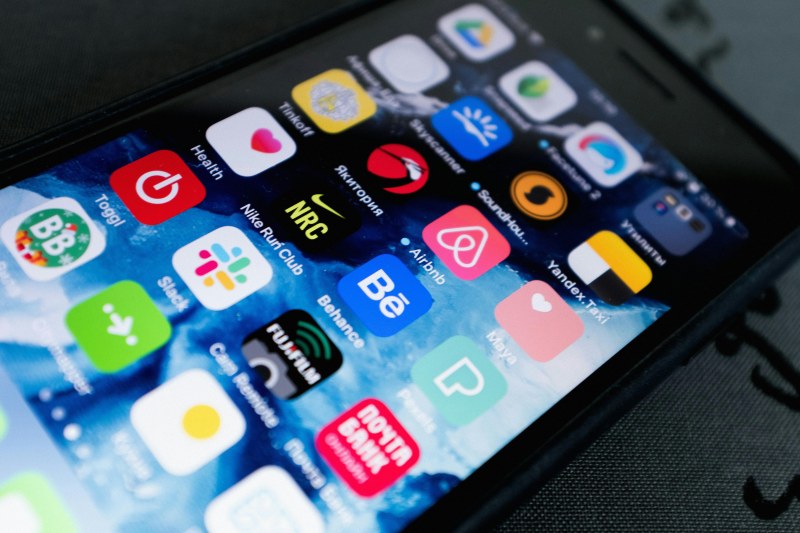
Last month, I found myself staring at my laptop screen for 10 minutes, unable to start a report—all because my phone pinged every 30 seconds with emails, social media alerts, and group chat messages. I thought I was being 'responsive,' but really, I was training my brain to jump from task to task. That’s when I tried two underrated digital habits that changed how I use my devices.
The Two Habits That Changed My Focus
1. Batch Processing Notifications
Instead of checking notifications as they come, set specific times (like 10 AM, 2 PM, and 5 PM) to go through all alerts at once. This cuts down on context switching, which studies say can reduce productivity by up to 40% (source: Stanford University).
2. Digital Sunset Routine
An hour before bed, switch off all non-essential screens (or use blue light filters) and do a low-tech activity like reading a book or stretching. This helps your brain wind down, as blue light suppresses melatonin—the hormone that regulates sleep.
Let’s break down how these two habits stack up:
| Habit | Effort Level | Time Investment | Key Impact | Pros | Cons |
|---|---|---|---|---|---|
| Batch Notifications | Low | 5-10 mins per batch | Reduces context switching | Faster task completion, less stress | May miss urgent alerts (fix: use priority notifications) |
| Digital Sunset | Medium | 60 mins daily | Improves sleep quality | Better focus next day, calmer evenings | Hard to stick to initially |
"We are what we repeatedly do. Excellence, then, is not an act, but a habit." — Aristotle
This quote rings true for digital habits. Small, consistent changes (like batch processing) add up to better focus over time.
Common Myths About Digital Focus
- Myth 1: Constant checking keeps you productive.
Fact: Context switching kills productivity—your brain takes 23 minutes to get back to a task after an interruption (University of California, Irvine). - Myth 2: Blue light filters are useless.
Fact: While they don’t eliminate all blue light, they reduce eye strain and help your body produce melatonin.
FAQ: Can These Habits Work for Everyone?
Q: I work in customer service and need to respond quickly. Can I still batch notifications?
A: Yes! Use priority settings to let urgent messages (like customer queries) come through immediately, and batch non-urgent ones (like team updates) for later.
Quick Hacks to Start Today
- For batch processing: Turn off non-urgent notifications in your phone settings. Use a timer to limit each batch to 10 minutes.
- For digital sunset: Keep a physical book by your bed. Use apps like Night Shift (iOS) or Night Light (Android) to automatically filter blue light.
These habits aren’t about cutting out screens entirely—they’re about using them intentionally. Try one for a week, and see how your focus changes.