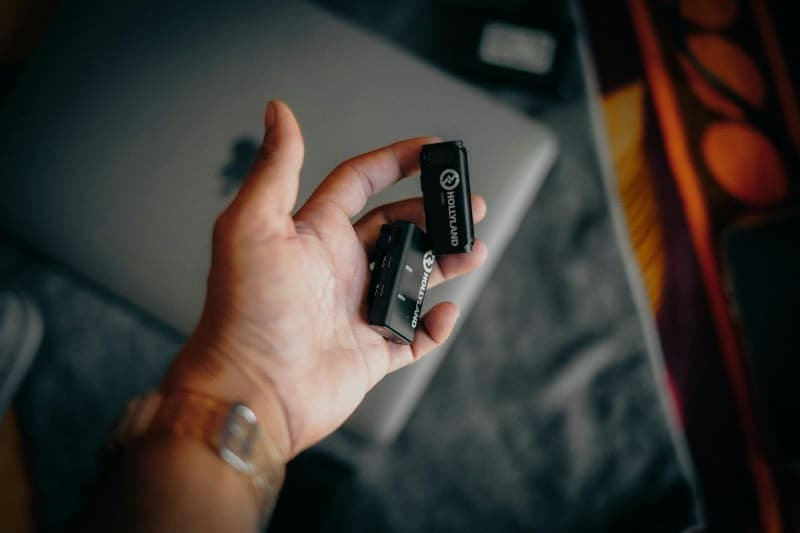
Last month, I rushed out the door for my morning commute, grabbing my phone but forgetting my tangled wired earbuds. Panicked, I grabbed my wireless pair from the counter, paired them in 2 seconds, and was listening to my podcast before I even hit the subway. It made me wonder: how do these tiny gadgets work without any cords? And why do some people say they’re not worth the money?
How Wireless Earbuds Actually Work
Wireless earbuds use Bluetooth technology to connect to your device. Think of it as an invisible radio wave that sends audio signals from your phone to the earbuds. Each earbud has a small Bluetooth chip that picks up these signals. Most modern earbuds use Bluetooth 5.0 or higher, which offers faster pairing and better range (up to 30 feet in open spaces).
The quality of sound depends on codecs—algorithms that compress and decompress audio. SBC is the basic codec, but aptX or AAC offer better sound quality. If your phone supports these, you’ll notice clearer audio with less lag.
Each earbud has a tiny rechargeable battery. The charging case acts as a portable charger, extending the total use time. For example, Apple AirPods Pro offer 4.5 hours of listening per charge, plus 24 hours from the case.
5 Common Wireless Earbud Myths (Debunked)
Let’s set the record straight on some of the most persistent myths about wireless earbuds:
| Myth | Fact |
|---|---|
| Wireless earbuds have worse sound quality than wired ones. | High-end wireless earbuds (like Sony WH-1000XM buds) use advanced codecs and drivers to match or exceed wired sound quality. |
| They’re easy to lose. | Most models have a "find my earbuds" feature (e.g., Apple’s Find My app) that plays a sound to help locate lost buds. |
| Wireless earbuds are bad for your ears. | Any earbuds (wired or wireless) can damage hearing if played at high volumes. The American Speech-Language-Hearing Association recommends keeping volume below 60% of maximum. |
| They don’t work with Android phones. | Most wireless earbuds are compatible with both Android and iOS. Some (like AirPods) have extra features for iOS, but they still work with Android. |
| Charging cases are unnecessary. | Charging cases extend battery life and protect the earbuds from damage. Without them, you’d have to charge the buds directly every few hours. |
Practical Tips for Using Wireless Earbuds
- ✨ Pair correctly: For first-time pairing, hold the button on the case until the light flashes. Make sure your device’s Bluetooth is on.
- 🔋 Extend battery life: Turn off noise cancellation when not needed—this can add 1-2 hours of use per charge.
- 🧼 Clean regularly: Use a soft cloth to wipe the ear tips. Dirty ear tips can affect sound quality and cause ear irritation.
Classic Wisdom on Tech Convenience
"The best technology is the one that disappears when you need it most." — Alan Kay
This quote perfectly sums up wireless earbuds. When they work well, you don’t think about the tech—you just enjoy the music or call. The goal of wireless earbuds is to make audio access seamless, and when done right, they do exactly that.
FAQ: Common Questions About Wireless Earbuds
Q: Can I use wireless earbuds while working out?
A: Yes! Look for earbuds with an IPX4 or higher water resistance rating—this means they can handle sweat and light rain. Many sports earbuds also have a secure fit (like ear hooks) to stay in place during movement.
Q: How long do wireless earbuds last before needing replacement?
A: Most high-quality wireless earbuds last 2-3 years. The battery life will gradually decrease over time, but you can extend their lifespan by charging them properly (avoid overcharging) and keeping them clean.