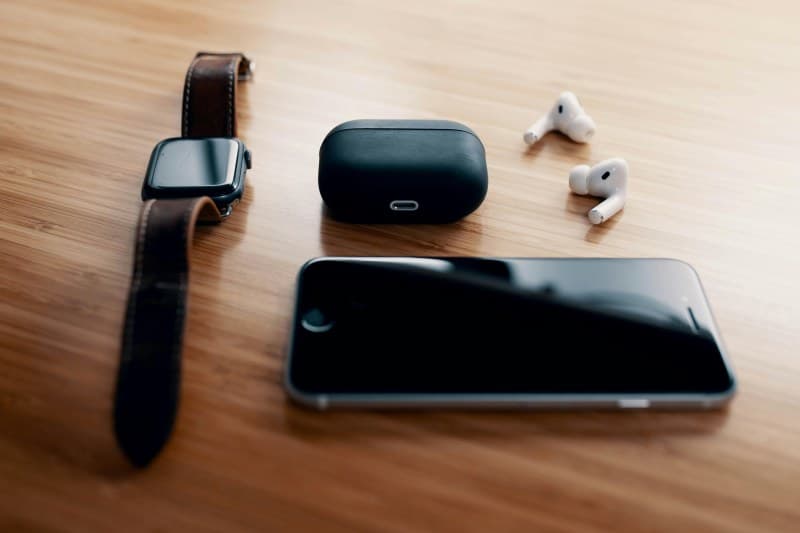
It’s 7:30 AM, and you’re rushing to catch the train. You pop in your wireless earbuds to take a work call—only to hear that dreaded low-battery beep. We’ve all been there. But why do wireless earbuds seem to die so fast, and what can you do about it?
Why Your Earbuds’ Battery Dies Faster Than Expected
Wireless earbuds rely on lithium-ion batteries, which degrade over time. But daily habits and environmental factors can speed this up. For example, using high volume or active noise cancellation (ANC) nonstop drains battery twice as fast. Extreme temperatures—like leaving them in a hot car or cold pocket—also hurt battery life.
4 Common Myths About Wireless Earbud Batteries (Debunked)
Let’s set the record straight on some popular misconceptions:
- Myth 1: Overnight charging ruins the battery → Modern earbuds have overcharge protection, so this is false. Your earbuds will stop charging once full.
- Myth 2: Closing phone apps saves earbud battery → Earbud battery use depends on Bluetooth connection and features like ANC, not phone app activity.
- Myth3: Full discharge is good for battery health → Lithium-ion batteries hate deep discharges. Keeping them between 10-80% charge is best.
- Myth4: All earbuds have the same battery life → A budget pair might last 3 hours, while premium ones can go 8+ hours with ANC on.
How Charging Habits Affect Battery Life
Not all charging habits are equal. Here’s a quick comparison:
| Charging Habit | Impact on Battery Life | Explanation |
|---|---|---|
| Overnight charging | Neutral | Overcharge protection prevents damage. |
| Partial charging (10-80%) | Good | Optimal range for lithium-ion batteries. |
| Deep discharge (0-10%) | Bad | Stresses the battery and shortens lifespan. |
| Charging in extreme temps | Bad | Hot/cold temps slow charging and degrade battery. |
Practical Tips to Extend Your Earbuds’ Battery Life
Small changes can go a long way. Here are some easy fixes:
- 🔊 Lower the volume: Every 10% volume reduction adds 15-20 minutes of battery life.
- 🔇 Turn off ANC when not needed: ANC uses extra power—switch to passive mode in quiet spaces.
- 📦 Store in the charging case: When not using, pop them back in the case to keep them charged and protected.
- 🌡️ Avoid extreme temps: Don’t leave earbuds in a car on hot days or in a frozen pocket.
“A stitch in time saves nine.” — English Proverb
This old saying rings true for earbud batteries. Taking 10 seconds to put your earbuds back in the case after use can prevent you from dealing with a dead battery when you need it most.
Quick Fixes for Common Battery Issues
If your earbuds are dying faster than usual, try these:
- Reset your earbuds: Most models have a reset button or method (check the manual) to fix software glitches.
- Clean charging contacts: Dirt or dust on the case or earbuds can prevent proper charging. Use a cotton swab with rubbing alcohol to clean.
- Update firmware: Manufacturers often release updates to improve battery efficiency.
FAQ: Your Earbud Battery Questions Answered
Q: Can I replace my earbuds’ battery if it dies completely?
A: Most wireless earbuds have non-replaceable batteries. However, some premium brands (like Sony or Bose) offer battery replacement services for a fee. Check your manufacturer’s warranty or support page for details.
By following these tips and debunking myths, you can get the most out of your wireless earbuds’ battery life. No more mid-commute dead earbuds—hooray!