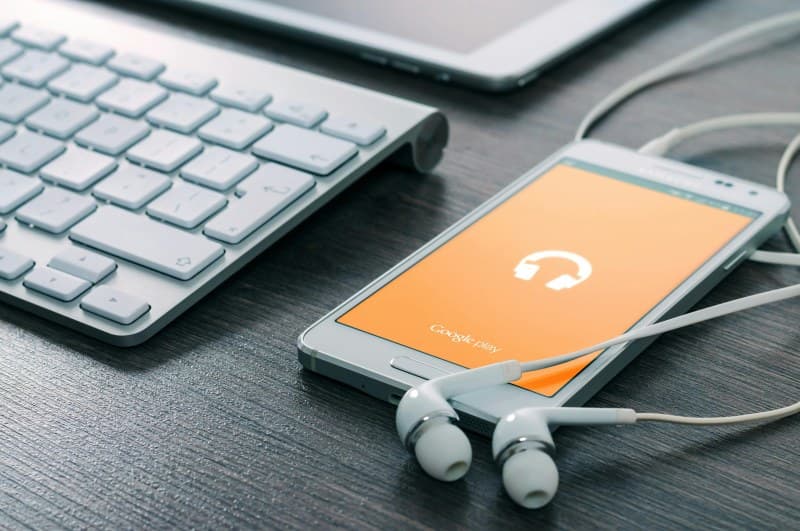
Last week, I was halfway through my morning jog—blasting my favorite playlist—when my left earbud died. I fumbled with my phone to check the battery, only to see both were at 10% after just 45 minutes. Sound familiar? Wireless earbuds are a lifesaver, but their short battery life can be a real buzzkill.
Why Do Wireless Earbuds Die So Fast?
Wireless earbuds are tiny, which means their batteries are too. Most have 50-100 mAh batteries (compared to a phone’s 3000+ mAh), so they can’t hold much charge. But there’s more to it:
- ANC Drain: Active Noise Cancellation uses extra power to block background sound.
- Background Apps: Apps like GPS or music streaming run in the background, using more Bluetooth power.
- Extreme Temperatures: Cold or hot weather slows battery chemical reactions.
- Charging Cycles: Over time, batteries lose capacity (after ~300-500 cycles).
“A stitch in time saves nine.” — English Proverb. This applies to earbud care: small daily habits (like turning off ANC) can prevent frequent battery drains.
6 Ways to Make Your Earbuds Last Longer
Here are actionable tips to extend your earbuds’ battery life:
- Turn Off ANC When Unneeded: If you’re in a quiet room, switch to passive mode. This can save up to 30% battery.
- Close Unused Apps: Apps like maps or social media that use Bluetooth in the background drain power. Close them before using earbuds.
- Keep Them At Room Temp: Avoid leaving earbuds in a hot car or cold backpack. Optimal temp is 20-25°C (68-77°F).
- Use the Original Charger: Third-party chargers may deliver inconsistent power, damaging the battery over time.
- Update Firmware: Manufacturers often release updates to optimize battery performance. Check your app regularly.
- Store in the Case: The case charges earbuds passively, so putting them back when not in use keeps them topped up.
How Effective Are These Tips? A Quick Comparison
Let’s break down the impact of three key tips:
| Tip | Effort Level | Battery Impact | Pros | Cons |
|---|---|---|---|---|
| Turn Off ANC | Low (1 click) | High (20-30% save) | Easy to do, instant results | Less noise cancellation |
| Update Firmware | Medium (5 mins) | Medium (10-15% save) | Fixes bugs, improves overall performance | Requires Wi-Fi, occasional |
| Store in Case | Low (10 secs) | High (keeps charge topped up) | Prevents battery drain when idle | Need to carry the case |
FAQ: Your Earbud Battery Questions Answered
Q: Is it okay to charge my earbuds overnight?
A: Most modern earbuds have overcharge protection, so it’s safe. But to extend battery life long-term, it’s better to unplug them once fully charged.
Q: Why do my earbuds die faster after a year?
A: Batteries degrade over time. After 300-500 charging cycles, their capacity drops by about 20%. This is normal for all rechargeable batteries.
Wireless earbuds are a convenience we can’t live without, but their battery life doesn’t have to be a frustration. By following these simple tips, you can enjoy your favorite music or podcasts longer—without reaching for the charger mid-activity. Remember, small habits go a long way in keeping your tech working for you.