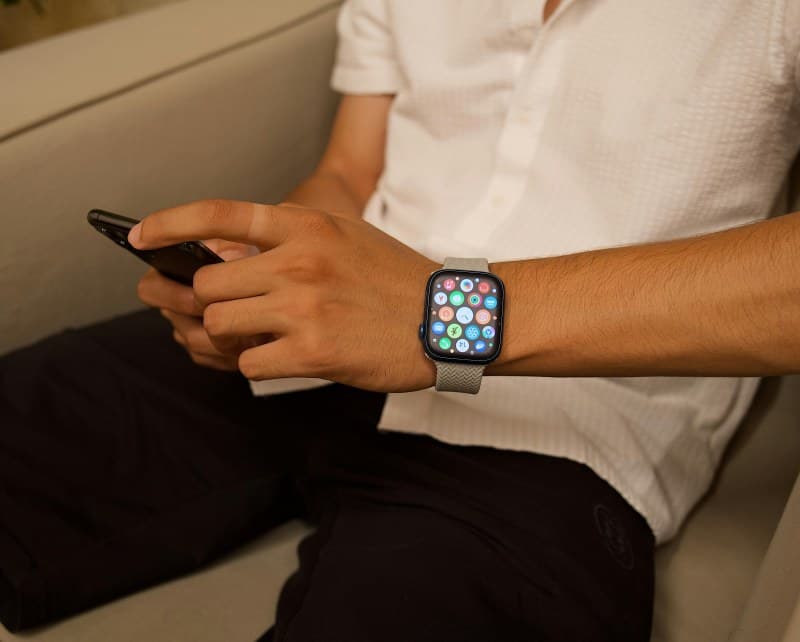
Last week, I was at a work conference, rushing to a panel, when my smartwatch died. I’d forgotten my charger, and suddenly I couldn’t check the time, track my steps, or even get calendar alerts. It was a small annoyance, but it threw off my whole morning. If you’ve ever had your smartwatch die mid-day, you know the feeling.
Why Your Smartwatch Dies So Fast
Smartwatches are tiny computers, so their battery life is limited. Common culprits include:
- Always-on display (AOD) keeping the screen lit 24/7
- Background app sync (like social media or fitness apps updating constantly)
- GPS usage for workouts or navigation
- High screen brightness in bright environments
Two Key Fixes to Extend Battery Life
Let’s break down the two most effective ways to keep your smartwatch going longer:
| Fix Type | Pros | Cons | Estimated Battery Gain | Ease of Use |
|---|---|---|---|---|
| Aggressive Power Saving Mode | Doubles battery life; turns off non-essential features | Loses AOD, app sync, and some fitness tracking | 50-70% more time | Easy (one tap in settings) |
| Smart App Management | Keeps most features; targets energy-hungry apps | Takes 5-10 mins to set up; needs occasional checks | 20-30% more time | Moderate (adjust app permissions) |
Small Changes, Big Impact
"A small leak will sink a great ship." — Benjamin Franklin
This quote rings true for smartwatch batteries. Those tiny, constant drains (like an app syncing every minute) add up over time. For example, if you turn off the always-on display, you can save up to 30% of your battery daily—enough to get you through the evening without charging.
FAQ: Common Smartwatch Battery Questions
Q: Will using power saving mode affect my ability to receive calls or texts?
A: It depends on the mode. Most aggressive power saving modes keep basic notifications (calls, texts) but turn off non-essential ones (social media alerts). Check your watch’s settings to confirm.
Bonus Quick Tips
Here are a few more easy ways to save battery:
- Lower screen brightness to auto-adjust based on light.
- Turn off GPS when you’re not working out or navigating.
- Close apps you don’t use regularly (many run in the background).