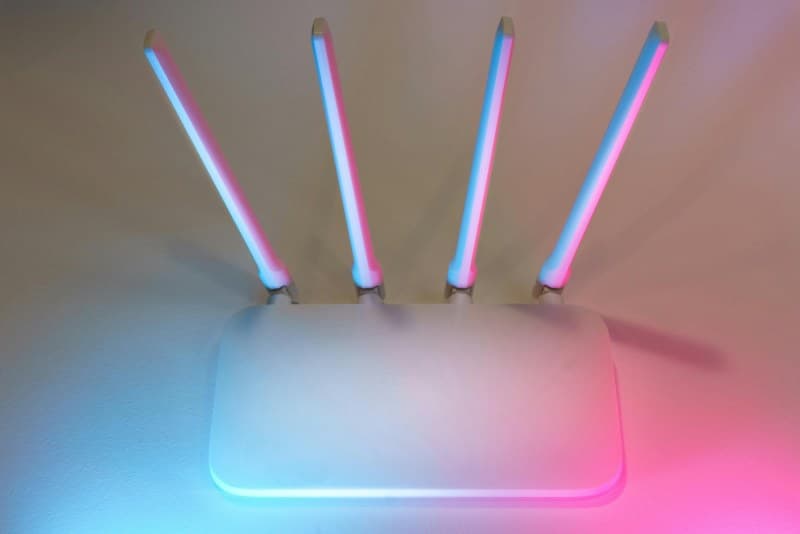
You’re curled up on your bedroom couch, ready to binge your favorite show, when the Wi-Fi signal drops to one bar. Buffering circles spin endlessly, and you sigh—why does this always happen in the rooms you use most? Weak Wi-Fi in certain areas (called dead zones) is a common tech frustration, but it doesn’t have to be a permanent problem.
Why Your Wi-Fi Signal Fades in Some Rooms
Several factors kill your Wi-Fi signal. Thick walls (especially brick or concrete) block radio waves—if your router is in the living room and your bedroom is on the opposite side of a brick wall, the signal can lose up to 50% of its strength. Distance from the router matters too; signals weaken as they travel, so a room two floors away from the router will likely have a weaker connection. Other devices like microwaves, baby monitors, or Bluetooth speakers can interfere with the 2.4GHz band (the most common Wi-Fi frequency). Even metal objects like refrigerators or bookshelves reflect signals away from your device.
2 Key Fixes to Eliminate Dead Zones
Let’s compare the two most effective solutions to get strong Wi-Fi everywhere:
| Solution | Pros | Cons | Cost Range | Ease of Setup |
|---|---|---|---|---|
| Wi-Fi Extender | Affordable, works with existing router, plug-and-play design | Can slow down speed, creates a separate network (you may need to switch between networks) | $20-$50 | Very easy (plug into an outlet and connect via app) |
| Mesh Network | Seamless coverage, same network name (no switching), better speed consistency | More expensive, requires replacing or adding multiple devices (nodes) | $100-$300 (for a 3-node system) | Moderate (follow app instructions to set up nodes around your home) |
Popular mesh options like Google Nest Wi-Fi or Amazon Eero are great for large homes, while extenders work well for small apartments or single dead zones.
Busting Common Wi-Fi Myths
- Myth 1: Placing your router high up (like on a shelf) always helps.
Truth: While height can help in some cases, the direction of the router’s antennas matters more. For multi-story homes, point antennas horizontally to spread signal across floors. - Myth 2: Aluminum foil around the router boosts signal.
Truth: Foil can reflect signals, but it’s inconsistent and may block signals in other directions. It’s not a reliable long-term fix. - Myth 3: Closing background apps on your device improves Wi-Fi signal.
Truth: Background apps use data, but they don’t affect the strength of the Wi-Fi signal itself. The issue is usually with the router or coverage.
A Word of Wisdom
“An ounce of prevention is worth a pound of cure.” — Benjamin Franklin
This applies to Wi-Fi too. Taking small steps (like placing your router in a central, open location) can prevent dead zones before they start. No need to wait until you’re stuck buffering to fix the problem.
Quick Q&A
Q: Will buying a more expensive router automatically fix my weak Wi-Fi?
A: Not necessarily. A high-end router is great, but if it’s placed behind a metal cabinet or in a corner, it won’t perform well. Focus on placement first—move the router to a central spot away from metal objects—then consider upgrading if needed.
Weak Wi-Fi doesn’t have to ruin your streaming or work sessions. Whether you go for an affordable extender or a seamless mesh network, there’s a solution for every budget. Try these fixes, and say goodbye to dead zones for good.