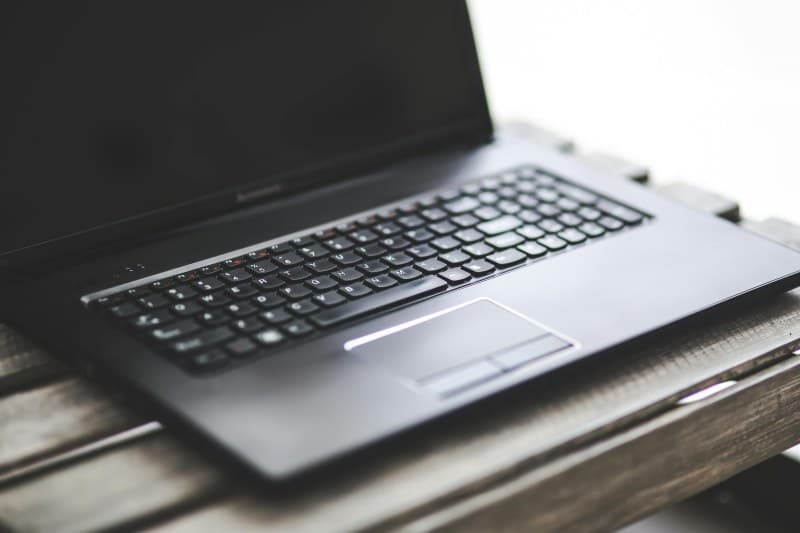
Last week, I was in a critical team meeting, sharing my screen to walk through a project, when my laptop suddenly started whirring like a jet engine. The screen dimmed, and a warning popped up: ‘Your device is overheating.’ I fumbled to prop it up on a book, but the damage was done—my call cut out for 30 seconds, and I felt flustered. If this sounds familiar, you’re not alone.
Why Does Your Laptop Overheat During Video Calls?
Video calls are CPU and GPU heavy. They require your device to process real-time audio and video, render shared screens, and keep your webcam running. When these components work hard, they generate heat. If that heat can’t escape (say, because vents are blocked by a soft surface like a bed), your laptop’s internal temperature spikes. Other culprits include dust buildup in vents, an old battery that’s losing efficiency, or using the laptop in a warm room.
4 Quick Fixes to Cool Your Laptop Fast
Here are four actionable ways to get your laptop back to a safe temperature quickly:
- Prop it up: Use a laptop stand, stack of books, or even a cereal box to lift your laptop off the surface. This opens up the bottom vents and lets air circulate.
- Close unused apps: Tabs with video streams, background downloads, or heavy software (like photo editors) drain resources. Closing them reduces CPU load and heat.
- Use a cooling pad: These portable pads have fans that blow air onto your laptop’s bottom. They’re cheap (usually $10-$20) and great for long calls.
- Move to a cooler spot: If you’re in direct sunlight or a stuffy room, moving to a shaded, well-ventilated area can lower your laptop’s temperature in minutes.
To help you choose the right fix for your situation, here’s a quick comparison:
| Fix | Effort Level (1=low,5=high) | Effectiveness (1=low,5=high) | Best For |
|---|---|---|---|
| Prop Up with Books/Stand | 1 | 4 | Quick, no tools needed |
| Close Unused Apps | 2 | 3 | Reducing CPU load mid-call |
| Use Cooling Pad | 3 | 5 | Long meetings or hot environments |
| Move to Cool Spot | 2 | 4 | Overheating due to ambient temperature |
Benjamin Franklin once said, “An ounce of prevention is worth a pound of cure.” This rings true for laptop overheating—small habits like keeping vents clear and using a hard surface can save you from mid-call panic.
Common Q&A
Q: Is it safe to use my laptop on a bed or couch?
A: No. Soft surfaces block the vents on the bottom of your laptop, trapping heat. Always use a hard, flat surface (like a desk or table) or a laptop stand to keep air flowing.
Next time your laptop starts to overheat during a call, don’t panic. Try one of these fixes—you’ll be back to your meeting in no time, and your laptop will thank you for it.