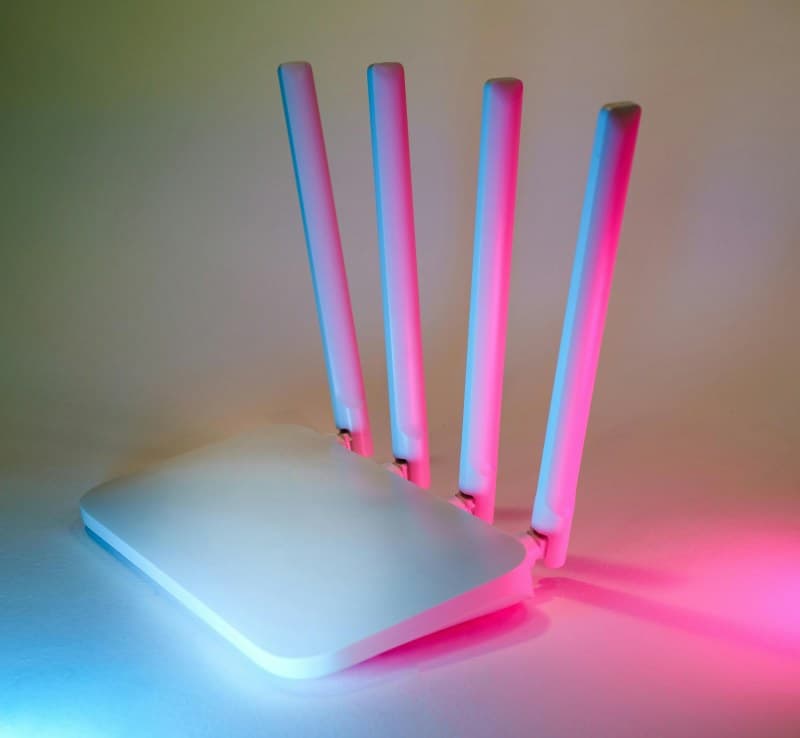
Last week, my friend Sarah moved her Wi-Fi router from her home office to the garage. She’d read an online article claiming Wi-Fi radiation causes headaches and insomnia, so she wanted to keep it as far from her bedroom as possible. But then her Zoom calls kept dropping, and her smart TV buffered nonstop. Sound familiar? Many of us have bought into Wi-Fi radiation myths without checking the science.
What Exactly Is Wi-Fi Radiation?
Wi-Fi uses non-ionizing electromagnetic radiation—the same type as radio waves or visible light. Unlike ionizing radiation (think X-rays or UV rays), it doesn’t have enough energy to break chemical bonds or damage DNA. The Federal Communications Commission (FCC) sets strict limits on how much radiation Wi-Fi routers can emit, called the Specific Absorption Rate (SAR). Most routers on the market stay well below these limits.
7 Common Wi-Fi Radiation Myths Debunked
Myth 1: Wi-Fi causes cancer
Truth: No reputable scientific study has linked Wi-Fi radiation to cancer. The World Health Organization (WHO) classifies Wi-Fi radiation as “possibly carcinogenic” (Group 2B), but this category includes things like pickled vegetables and coffee—substances with weak or unproven links to cancer. No concrete evidence exists that Wi-Fi causes tumors.
Myth 2: Keeping a router near your bed causes insomnia
Truth: There’s no scientific proof that Wi-Fi disrupts sleep. Insomnia is usually linked to stress, screen time (blue light from phones/laptops), or irregular sleep schedules. If you’re having trouble sleeping, try putting your phone on airplane mode instead of blaming the router.
Myth 3: Wi-Fi is more dangerous for kids
Truth: Kids have smaller bodies, but the FCC’s SAR limits already account for this. Studies by the American Academy of Pediatrics found no evidence that Wi-Fi harms children. As with adults, the radiation levels are too low to cause damage.
Myth 4: 5GHz Wi-Fi is more dangerous than 2.4GHz
Truth: 5GHz Wi-Fi has a shorter range and higher frequency, but it emits less power than 2.4GHz. In fact, 5GHz routers often stay further below SAR limits than their 2.4GHz counterparts.
Myth 5: Wi-Fi routers emit more radiation than cell phones
Truth: Cell phones are held close to your head, so their radiation exposure is more concentrated. A router, even if it’s in your room, is usually several feet away—so the radiation you absorb is much lower than from a phone call.
Myth 6: Turning off Wi-Fi at night is necessary for health
Truth: It’s not necessary, but it’s a personal choice. If it gives you peace of mind, go for it—just know it won’t improve your health. Turning it off can also save a tiny bit of energy.
Myth 7: Wired connections are 100% safe
Truth: Wired connections (like Ethernet) don’t emit Wi-Fi radiation, but they still use electricity, which produces minimal electromagnetic fields. The difference is negligible for most people.
Non-Ionizing vs. Ionizing Radiation: A Quick Comparison
To understand why Wi-Fi is safe, let’s compare the two types of radiation:
| Type | Energy Level | Health Risks | Examples |
|---|---|---|---|
| Non-Ionizing | Low | None proven (at typical levels) | Wi-Fi, radio waves, visible light |
| Ionizing | High | DNA damage, cancer | X-rays, UV rays, nuclear radiation |
A Word on Fear of New Tech
“Progress is impossible without change, and those who cannot change their minds cannot change anything.” — George Bernard Shaw
Shaw’s quote rings true here. When new technologies emerge, we often fear the unknown. Wi-Fi is no exception. But as science advances, we learn more about its safety. Instead of relying on viral articles, look to trusted sources like the FCC or WHO for accurate info.
FAQ: Your Wi-Fi Safety Questions Answered
Q: Is it safe to keep a Wi-Fi router in my bedroom?
A: Yes! Most routers emit radiation well below FCC limits. If you’re still worried, move it a few feet away from your bed—distance reduces exposure significantly.
Practical Tips for Peace of Mind
- Keep your router at least 1-2 feet away from where you spend most of your time.
- Use Ethernet for devices that don’t need Wi-Fi (like your desktop computer).
- Turn off Wi-Fi at night if it helps you sleep better (even though it’s not necessary for health).
- Choose a router with low SAR levels (check the product specs).
At the end of the day, Wi-Fi is a convenience that’s proven safe for most people. So go ahead—move your router back to the office, and enjoy your uninterrupted Zoom calls.