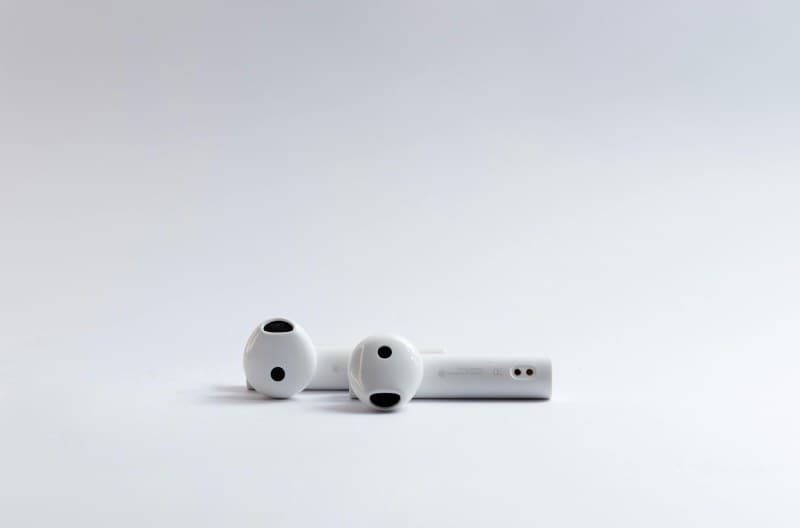
Ever grabbed your wireless earbuds to take a call, only to have them stutter or disconnect mid-sentence? Sarah, a remote worker, faced this daily when joining team meetings—her earbuds would lag so much that her colleagues heard her voice 2 seconds after she spoke. She finally fixed it by understanding the tech behind how her earbuds connect to her laptop. Let’s break down that tech, debunk some myths, and share tips to keep your connection smooth.
How Wireless Earbuds Actually Connect to Your Device
At the core, most wireless earbuds use radio waves to talk to your phone or laptop. When you pair them, your device sends a signal to the earbuds, creating a secure "channel" for audio. But not all channels are the same—different technologies handle speed, latency, and battery life differently.
4 Key Technologies Powering Wireless Earbud Connections
Here’s a look at the most common tech used in modern earbuds, compared side by side:
| Tech Name | Pros | Cons | Best For |
|---|---|---|---|
| Bluetooth Classic | Widely compatible, stable for basic audio | High battery use, noticeable latency | Everyday music listening |
| Bluetooth Low Energy (BLE) | Super low battery consumption | Slower data transfer, not ideal for high-quality audio | Fitness trackers or basic calls |
| aptX | Low latency, high-quality audio | Requires device support, slightly more battery use | Video calls or gaming |
| LDAC | Hi-res audio quality, fast transfer | Short range, higher battery drain | Hi-fi music enthusiasts |
Common Myths About Wireless Earbud Connections (Debunked)
Let’s clear up some false ideas:
- Myth 1: More expensive earbuds have unlimited range. No—even premium earbuds max out at 30-50 feet (depending on tech). Walls or other devices can reduce this.
- Myth 2: Wireless always has lag. Technologies like aptX reduce latency to almost zero, making it perfect for video calls or gaming.
- Myth 3: Pairing once means forever. Sometimes, resetting your earbuds is needed if they connect to the wrong device or lose their pairing.
Battery-Saving Tips for a Stable Connection
To keep your earbuds connected longer:
- Keep your device within 10 feet of your earbuds (closer = better signal and less battery use).
- Turn off unused features like noise cancellation when you don’t need them.
- Update your earbuds’ firmware—manufacturers often fix connection bugs in updates.
Real-World Example: Fixing Latency for Video Calls
Sarah’s problem was latency. Her laptop supported aptX, but her old earbuds didn’t. She switched to a pair with aptX support, and suddenly her voice matched her video perfectly. Her colleagues stopped teasing her about "speaking from the past," and her meetings became way more productive.
FAQ: Why Do My Earbuds Keep Disconnecting?
Q: I’ve tried everything, but my earbuds still disconnect. What’s wrong?
A: Common causes include low battery, interference from other devices (like Wi-Fi routers or microwaves), or outdated firmware. Try moving closer to your device, turning off nearby Bluetooth devices, or resetting your earbuds.
Final Thoughts
"Good communication is the bridge between confusion and clarity." — Unknown
This quote rings true for wireless earbuds too. Understanding how they connect helps you fix issues and get the most out of your device. Whether you’re listening to music, taking calls, or gaming, knowing the tech behind your earbuds can turn frustration into smooth, clear audio.