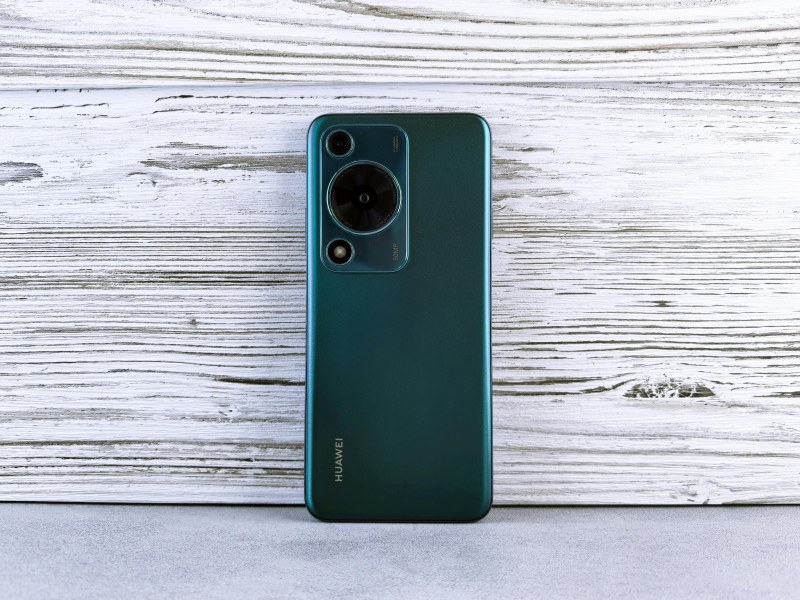
Last month, I found my 3-year-old Samsung Galaxy in a dusty drawer. It still turned on, but apps lagged and the battery died fast—too slow for daily use. Throwing it away felt like a waste, so I dug into ways to repurpose it. Here are the 5 best methods I found, complete with what you need, how much it costs, and the ups and downs of each.
5 Ways to Repurpose Your Old Smartphone 📱
Before diving into details, here’s a quick comparison to help you pick the right method for your needs:
| Method | Tools Needed | Cost | Pros | Cons |
|---|---|---|---|---|
| Home Security Camera | Old phone, charger, wall mount | Free (app) + $10–$20 (mount) | Easy setup, real-time alerts, no monthly fees | Requires Wi-Fi, battery drains if not plugged in |
| Car Media Player | Old phone, car mount, aux cable/Bluetooth adapter | $5–$15 (mount/adapter) | Dedicated music/podcast device, no data usage | Takes up car space, needs regular charging |
| Baby Monitor | Old phone, charger, crib mount | Free (basic app) + $5–$10 (mount) | Saves money on a dedicated monitor, remote access | Wi-Fi dependent, possible audio lag |
| Digital Photo Frame | Old phone, charger, stand | Free (photo app) + $5–$10 (stand) | Displays your photos automatically, customizable | Screen size limited by phone, glare in sunlight |
| E-Reader | Old phone, charger | Free (e-book app) | Portable, access to thousands of books | Screen glare, shorter battery life than dedicated e-readers |
1. Home Security Camera
Turn your old phone into a budget-friendly security camera. Apps like AlfredCamera or Manything let you use the phone’s camera to monitor your home. Just download the app on both your old phone (the camera) and your main phone (the viewer). Mount the old phone near a door or window, keep it plugged in, and you’ll get motion alerts straight to your main device.
2. Car Media Player
If your car doesn’t have a built-in infotainment system, your old phone can fill the gap. Load it with your favorite music, podcasts, or audiobooks. Use a car mount to attach it to the dashboard and connect via aux cable or Bluetooth. No more using your main phone while driving—this keeps it free for calls or navigation.
3. Baby Monitor
Skip the expensive baby monitors and use your old phone. Apps like Baby Monitor 3G let you stream audio and video from the old phone (placed near the crib) to your main phone. It even has features like lullaby playback and motion detection. My friend Lisa used this for her newborn—she saved $150 and loved checking in while cooking.
4. Digital Photo Frame
Turn your old phone into a rotating photo frame. Use apps like Google Photos or Amazon Photos to create a slideshow of your favorite memories. Prop it up on a stand, keep it plugged in, and it’ll display photos all day. It’s a great way to show off family photos without buying a dedicated frame.
5. E-Reader
Use your old phone as a portable e-reader. Download apps like Kindle or Google Play Books, load your favorite novels, and read on the go. While it’s not as easy on the eyes as a dedicated e-reader (like a Kindle Paperwhite), it’s a free way to enjoy books without carrying extra devices.
Key Things to Do Before Repurposing
- Factory reset: Erase all personal data to protect your privacy.
- Keep it plugged in: Most methods need constant power—battery life on old phones is usually short.
- Update the OS: If possible, update the phone’s operating system to get the latest app support.
FAQ: Common Questions
Q: Do I need to keep the SIM card in the old phone?
A: No—most repurposing methods work over Wi-Fi, so you can remove the SIM card to avoid accidental charges.
“Waste not, want not.” — English Proverb
This old saying sums up why repurposing your old phone matters. It keeps electronic waste out of landfills and saves you money on buying new gadgets. Whether you use it as a security camera or a photo frame, your old phone can still be useful long after it’s done being your main device.