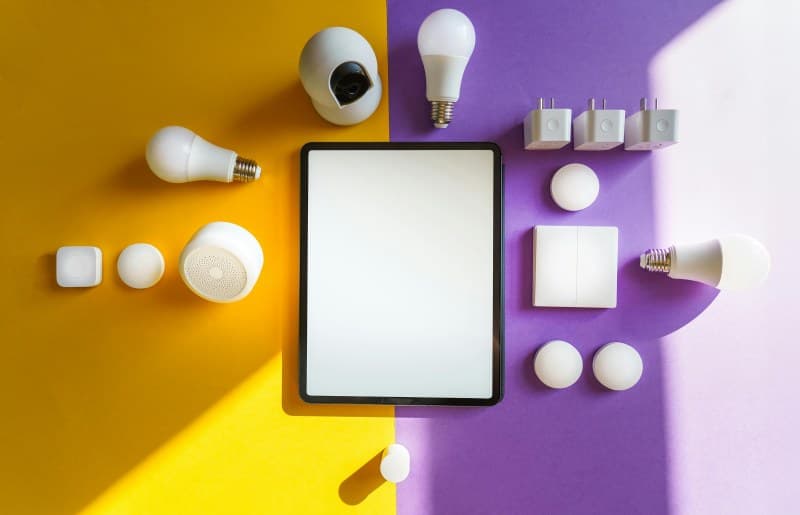
Last month, my friend Sarah got a scary surprise—her smart doorbell sent her a notification of someone at the door, but when she checked, the feed showed a stranger laughing and waving. Turns out, she’d never changed the default password on the device. Hackers had easily gained access. If you’re like Sarah, you love your smart gadgets but don’t know where to start with security. Don’t worry—you don’t need a computer science degree to keep your devices safe. Here are 7 simple ways, with all the details you need to choose what works for you.
7 Security Methods: Compare Effort, Cost, and Pros & Cons 🔒
Below is a breakdown of each method to help you pick the best ones for your home:
| Method | Effort Level (1-5) | Cost | Pros | Cons |
|---|---|---|---|---|
| Change default passwords | 1 | Free | Blocks 90% of basic hacks; takes 2 mins per device. | Easy to forget if you have many devices. |
| Update firmware regularly | 2 | Free | Fixes security bugs; most devices auto-update now. | May require restarting devices, which is a minor hassle. |
| Separate smart device Wi-Fi | 3 | Free (if router supports) or $50-$100 (new router) | Isolates smart devices from your main network; protects personal data. | Requires setting up a guest network or new router. |
| Disable unused features | 2 | Free | Reduces attack surface; saves battery on devices. | You might miss a feature you later want. |
| Enable 2FA | 2 | Free | Adds an extra layer of security; even if password is stolen, hackers can’t access. | Requires entering a code from your phone each time you log in. |
| Check app permissions | 2 | Free | Stops apps from accessing unnecessary data (like your location for a smart light). | Can be time-consuming if you have many apps. |
| Use a VPN for smart devices | 3 | $5-$15/month | Encrypts data; hides your device’s IP address. | May slow down device performance slightly. |
Why Prevention Is Key: A Timeless Quote
"An ounce of prevention is worth a pound of cure." — Benjamin Franklin
This old saying rings true for smart home security. Spending 10 minutes a week updating passwords or checking firmware can save you from the stress of a hack. Sarah now changes her device passwords every month and uses 2FA—she hasn’t had a security scare since.
Common Question: Do I Need to Worry About Fun Devices?
Q: I only have a smart speaker for music—do I still need to secure it?
A: Yes! Even a smart speaker can be a gateway for hackers. For example, a hacked speaker could listen to your conversations or redirect your internet traffic to malicious sites. Taking small steps like changing the default password and updating firmware keeps even "fun" devices safe.
Smart home devices make our lives easier, but they also come with risks. The good news is that you don’t need to be a tech expert to protect your home. Pick 2-3 methods from the list above (like changing passwords and enabling 2FA) to start. Over time, you can add more as you get comfortable. Stay safe, and enjoy your smart gadgets without worry!