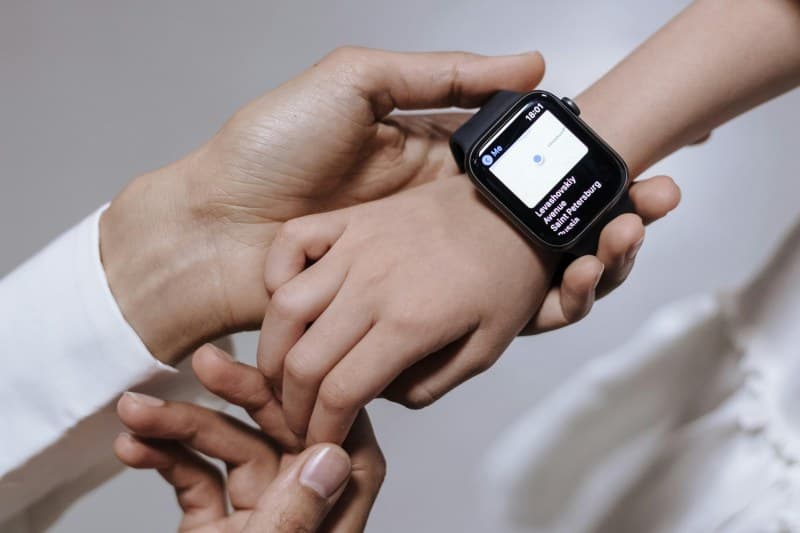
Sarah glanced at her smartwatch first thing in the morning, frowning at the sleep score: 62. She’d slept 7 hours—why did she feel like she’d pulled an all-nighter? Like millions of people, she relied on her device to decode her sleep, but she wasn’t sure if the numbers meant anything. Let’s break down how smartwatches track sleep, debunk common myths, and help you get the most out of your data.
How Smartwatches Track Sleep: The Basics
Most smartwatches use two main tools: accelerometers (to detect movement) and heart rate sensors (to measure pulse variability). When you’re asleep, your movement slows and your heart rate changes with each sleep stage. The watch uses algorithms to turn this data into sleep stage estimates—light, deep, REM, and awake time.
4 Myths About Smartwatch Sleep Tracking (Debunked)
Let’s clear up the confusion:
- Myth 1: It can perfectly detect all sleep stages. No—smartwatches estimate stages based on movement and heart rate, not brain waves (like a clinical sleep study). They’re close, but not 100% accurate.
- Myth 2: More sleep = better quality. A 7-hour night with 2 hours of deep sleep is better than 8 hours with little deep sleep. Quality matters more than quantity.
- Myth3: You need to wear it tight to get accurate data. Tight enough to stay on, but not so tight it cuts off circulation. A loose fit can lead to missed heart rate readings.
- Myth4: All smartwatches track sleep the same way. Different brands use different algorithms. For example, Fitbit focuses on sleep score, while Garmin emphasizes recovery.
How Popular Smartwatches Compare for Sleep Tracking
Not all devices are created equal. Here’s a quick look at four top options:
| Device Name | Sleep Stages Tracked | Accuracy (User Reports) | Battery Impact | Extra Features |
|---|---|---|---|---|
| Apple Watch Series 9 | Light, Deep, REM, Awake | High (close to clinical estimates) | Medium (1-2 days per charge) | Sleep score, wind-down mode |
| Fitbit Charge 6 | Light, Deep, REM, Awake | Medium-High | High (7+ days) | Sleep score, snore detection |
| Garmin Venu 3 | Light, Deep, REM, Awake, naps | High | High (14+ days) | Sleep recovery score, stress tracking |
| Samsung Galaxy Watch 6 | Light, Deep, REM, Awake | Medium-High | Medium (2-3 days) | Sleep coaching, blood oxygen during sleep |
Practical Tips to Boost Your Smartwatch’s Sleep Tracking Accuracy
Want more reliable data? Try these:
- 💡 Wear your watch on your non-dominant hand to reduce movement interference.
- 🔋 Charge it fully before bed—low battery can cause data gaps.
- 🛌 Keep your watch clean and dry (sweat or dirt can affect sensors).
- 📱 Calibrate it occasionally by logging your sleep manually for a few nights.
Real-Life Example: Sarah’s Sleep Journey
Sarah decided to take her smartwatch data seriously. She noticed her deep sleep was only 10% of her total sleep (the recommended range is 15-25%). She started a wind-down routine: no screens 30 minutes before bed, and reading a book instead. After two weeks, her deep sleep jumped to 20%, and her sleep score improved to 85. She finally felt rested in the morning.
“Early to bed and early to rise makes a man healthy, wealthy, and wise.” — Benjamin Franklin
Franklin’s words ring true today. Smartwatches help you stick to a consistent sleep schedule, which is key to good health. By tracking your sleep, you can adjust your routine to get the rest you need.
FAQ: Can I Trust My Smartwatch’s Sleep Data for Medical Purposes?
Q: I have trouble sleeping—should I use my smartwatch data to talk to my doctor?
A: Smartwatch data is great for general wellness, but it’s not a replacement for a clinical sleep study. Share your data with your doctor as a starting point, but they’ll likely recommend a formal evaluation if you have persistent sleep issues.