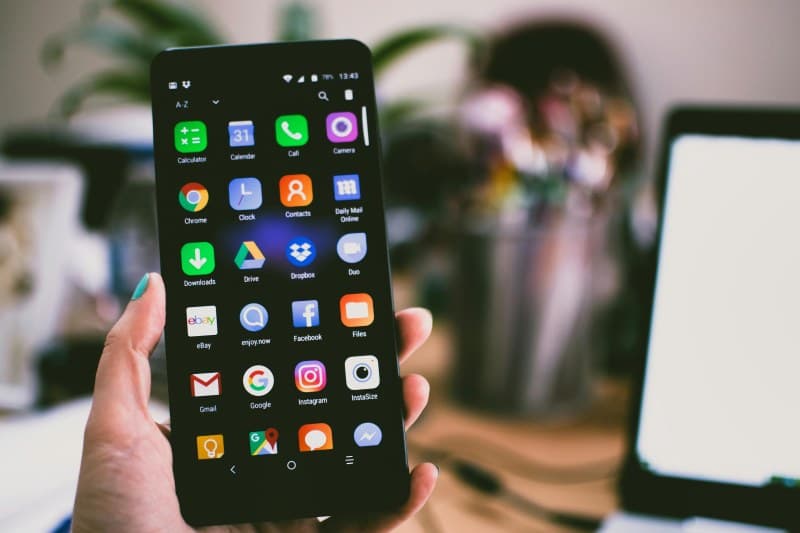
Imagine Sarah, a freelance writer, staring at her screen at 10 AM. She’s supposed to finish a blog post, but every 5 minutes, her phone buzzes—social media notifications, a text from her friend, a sale alert. By noon, she’s written only a paragraph. Sound familiar? Digital distractions are the silent productivity killers of our time, but there are simple ways to fight back.
Myths About Digital Distractions We Need to Stop Believing
Before we dive into fixes, let’s bust two common myths:
- Myth 1: Willpower is enough. Many think if they just “try harder” to ignore their phone, they’ll succeed. But studies show the average person checks their phone 58 times a day—willpower alone isn’t enough to break that habit.
- Myth 2: All digital tools are bad. Not true! Tools like calendar apps or focus timers can actually help you stay on track—if you use them intentionally.
2 Key Fixes to Beat Digital Distractions
These two methods are proven to cut down on distractions and boost focus. Let’s compare them:
| Aspect | Time Blocking with Tech Boundaries | Environment Optimization |
|---|---|---|
| Core Idea | Schedule focused work blocks (e.g., 9-11 AM) and turn off non-essential notifications during those times. | Adjust your workspace to remove digital triggers—like putting your phone in a drawer or using a separate monitor for work. |
| Pros | Structured, easy to measure progress, fits into existing routines. | Long-term habit formation, reduces reliance on willpower. |
| Cons | Requires discipline to stick to the schedule, may need to adjust for unexpected tasks. | May require small changes to your workspace (e.g., buying a phone stand for the drawer). |
| Effort Level | Medium (needs 10 mins of planning daily). | Low to medium (one-time setup). |
| Best For | People who thrive on routines and like to plan their day. | People easily distracted by visual cues (e.g., a glowing phone screen). |
Sarah tried the time blocking method. She set her phone to Do Not Disturb from 9-11 AM and used a timer to track her focus. After a week, she noticed she was finishing her work 2 hours earlier than before—no more last-minute rushes.
"The successful person has the habit of doing the things failures don't like to do." — Thomas A. Edison
This quote hits home because setting digital boundaries isn’t always fun. It means saying no to that social media scroll or text message during work time. But over time, these small habits lead to big results.
Common Q&A: Your Distraction Questions Answered
Q: Can apps help me block distractions?
A: Yes! Apps like Forest (which grows a tree if you stay off your phone) or Freedom (which blocks social media sites) are great tools. But remember—they work best when combined with the two fixes above. For example, use Forest during your time-blocked focus periods to reinforce your boundaries.
Q: Is it okay to check my phone during breaks?
A: Absolutely! Breaks are important for recharging. Just set a time limit (like 5 minutes) so you don’t get sucked into a social media rabbit hole. Try using a timer to keep your break short.
Bonus Hacks to Keep Focus Strong
- Use grayscale mode on your phone—colors make notifications more tempting.
- Keep your phone in another room during focus blocks (out of sight, out of mind).
- Drink water regularly—dehydration can make you more easily distracted.
Digital distractions don’t have to control your workday. By trying one of these two fixes and adding a few bonus hacks, you can regain focus and get more done—without feeling overwhelmed.