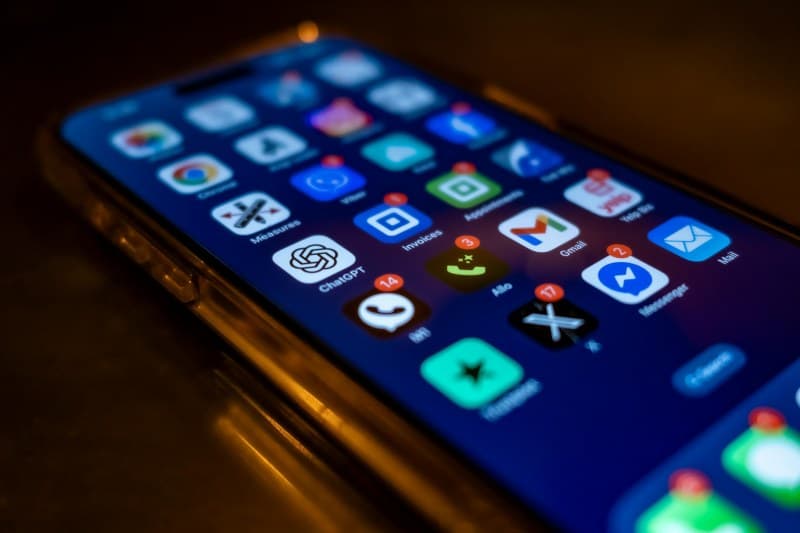
Last week, I missed a reminder for my favorite coffee shop’s flash sale because the notification never showed up on my lock screen. I checked the app settings—everything was enabled. Sound familiar? App notifications are everywhere, but how do they actually work, and why do they sometimes vanish without a trace?
What Are App Notifications, Anyway?
At their core, app notifications are messages apps send to grab your attention—whether it’s a new message, a sale alert, or a reminder. They’re designed to keep you engaged, but they can also feel overwhelming if not managed right.
4 Key Types of App Notifications (And How They Differ)
Not all notifications are the same. Here’s a breakdown of the most common ones:
| Type | When It Shows Up | Common Use Case | Pros | Cons |
|---|---|---|---|---|
| Push Notifications | Even if the app is closed | Flash sales, message alerts | Instant, hard to miss | Can feel intrusive |
| In-App Notifications | Only when you open the app | Unread messages, new features | Non-intrusive, context-specific | Easy to miss if you don’t open the app |
| SMS Notifications | As a text message | Appointment reminders, delivery updates | High open rate, works without internet | Can be marked as spam |
| Email Notifications | In your email inbox | Newsletters, receipt confirmations | Detailed info, easy to archive | Often buried in other emails |
How Notifications Reach Your Phone
It’s not magic—here’s the simple version: When an app wants to send you a notification, its server sends a message to a push service (like Apple’s APNS or Google’s FCM). This service then delivers the message to your device, which displays it on your screen. If your phone is offline, the push service holds the message until you’re back online.
Common Myths About App Notifications Debunked
- Myth 1: Disabling all notifications saves a lot of battery. While some apps drain battery with constant alerts, modern phones optimize this. Disabling only unnecessary ones is better than turning all off.
- Myth 2: Notifications are always instant. Network delays or server issues can cause gaps. For example, if the app’s server is down, your alert might arrive late or not at all.
- Myth 3: You can’t customize notifications per app. Most phones let you adjust sound, vibration, or lock screen visibility for every app individually.
Q&A: Why Do Some Notifications Go Missing?
Q: I enabled notifications for an app, but I never see them. What’s wrong?
A: There are a few reasons. Your phone might be in Do Not Disturb mode, the app’s settings could be set to silent, or the push service had a temporary glitch. Try restarting your phone or rechecking the app’s settings.
“The art of being wise is the art of knowing what to overlook.” — William James
This quote applies perfectly to notifications. You don’t need to respond to every alert—pick the ones that matter most and ignore the rest to stay focused.
App notifications are a double-edged sword: they keep you informed but can distract you. By understanding how they work and which types are useful, you can take control of your device and reduce unnecessary interruptions.