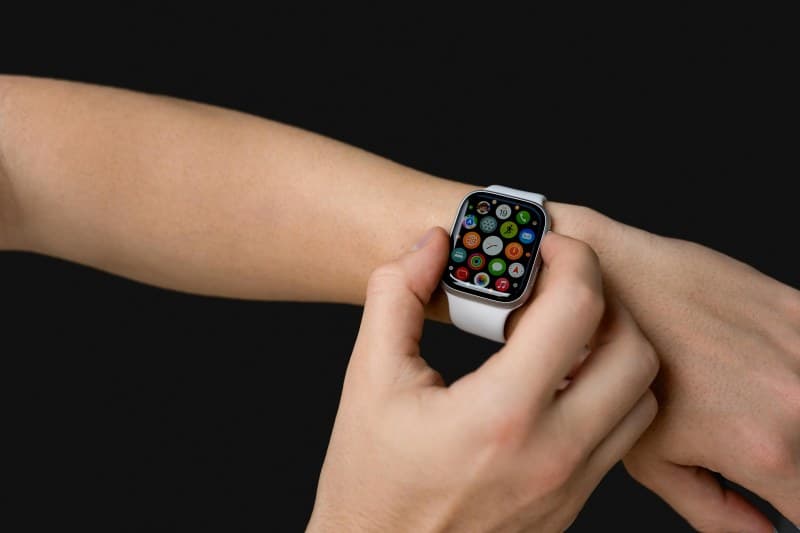
You just unboxed your shiny new smartwatch, excited to track steps, monitor sleep, and stay connected without reaching for your phone. But after a few days, you notice the battery dies by mid-afternoon, notifications are overwhelming, and you’re not sure if you’re using it right. Sound familiar? You’re not alone—many new users fall into common traps that limit their smartwatch’s potential.
6 Common Mistakes & Quick Fixes
Let’s break down the top errors and their simple solutions in a quick table:
| Mistake | Why It’s a Problem | Quick Fix |
|---|---|---|
| Keeping all notifications on | Overwhelms you and drains battery fast | Customize app notifications to only show essential alerts (e.g., calls, texts) |
| Not optimizing battery settings | Shortens battery life to just a few hours | Turn off always-on display when not needed; use power-saving mode during long days |
| Ignoring software updates | Misses bug fixes and new features | Enable auto-updates or check for updates weekly |
| Wearing it too tight/loose | Affects heart rate accuracy and comfort | Fit snugly (one finger should slide between band and wrist) |
| Using GPS for every activity | Drains battery quickly | Use GPS only for outdoor activities (e.g., running); use indoor mode for gym sessions |
| Forgetting to sync with phone | Misses data sync (steps, sleep) and app updates | Set up auto-sync via Bluetooth or Wi-Fi |
Debunking Smartwatch Myths
“The greatest mistake you can make in life is to be continually fearing you will make one.” — Elbert Hubbard
This quote rings true for smartwatch users too—many avoid using features because they fear messing up, but learning from small blunders is the best way to get the most out of your device. Let’s debunk two common myths:
- Myth: Smartwatches are only for fitness freaks. Truth: They’re versatile tools—you can use them to set reminders, control your music, or pay for coffee (via contactless payments).
- Myth: Charging overnight damages the battery. Truth: Modern smartwatches have overcharge protection, so it’s safe to charge while you sleep.
A Real-Life Example: Sarah’s Journey
Sarah, a busy elementary school teacher, bought a smartwatch to track her daily steps and sleep. At first, she kept all notifications on—emails, social media, and school alerts—so her watch buzzed nonstop. Her battery died by 3 PM every day. She also wore it too tight, which made her wrist sore and heart rate readings inaccurate.
After reading about common mistakes, she turned off non-essential notifications, loosened the band, and enabled auto-updates. Now her battery lasts two days, and her sleep data is more accurate. She even uses the watch to set reminders for grading papers—something she never thought of before!
FAQ: Your Smartwatch Questions Answered
Q: Do I need to wear my smartwatch 24/7?
A: No—while it’s great for tracking sleep, you can take it off when charging or if it feels uncomfortable. Many users remove it during showers (unless it’s water-resistant) or when doing activities that might scratch it. Wearing it only when you need it can also extend battery life.
Smartwatches are powerful tools, but like any gadget, they require a little tweaking to fit your lifestyle. By avoiding these common mistakes, you’ll get more out of your device and enjoy a smoother experience. Remember—don’t be afraid to experiment; that’s how you find what works best for you!