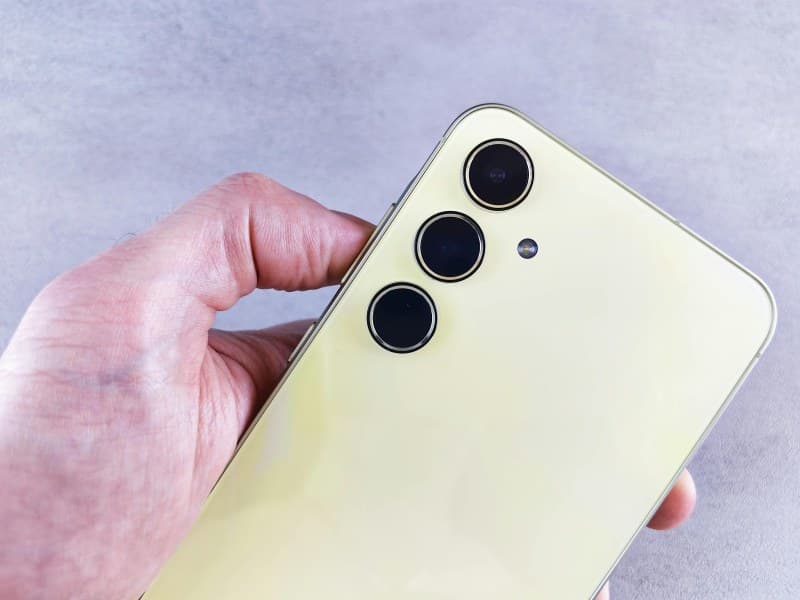
You’re about to snap a perfect sunset photo, but your phone hits you with that dreaded message: ‘Storage full.’ Sound familiar? Most of us have been there, scrambling to delete old texts or apps just to make room. But do you know the two main types of smartphone storage—and how to use them to avoid that panic? Let’s dive in.
The Two Core Types of Smartphone Storage 📱
Smartphones rely on two primary storage options: internal and expandable. Each has its own strengths and best uses.
Here’s a quick comparison:
| Feature | Internal Storage | Expandable Storage (SD Card) |
|---|---|---|
| Speed | Fast (uses UFS or eMMC tech) | Depends on card (Class 10/UHS cards are fast) |
| Best For | OS, apps, and frequently used files | Photos, videos, music, and large documents |
| Permanence | Built-in (can’t remove without opening the phone) | Removable (swap or upgrade easily) |
| Cost | More expensive per GB (pre-installed) | Cheaper per GB (buy separately) |
| Compatibility | Works with all apps | Not all apps support moving to SD cards |
How to Maximize Your Storage Space 💡
For Internal Storage
- Clear app cache: Most apps store temporary data (like social media photos) that you don’t need. Go to Settings > Apps > [App Name] > Clear Cache.
- Offload unused apps: On iOS, this keeps app data but removes the app itself. On Android, use “Uninstall unused apps” in Settings.
- Move media to cloud: Services like Google Photos or iCloud let you store photos/videos online and free up internal space.
For Expandable Storage
- Choose the right SD card: Go for Class 10 or UHS-1 cards for fast read/write speeds (good for 4K videos).
- Organize files: Use a file manager app to sort photos, videos, and documents into folders on the SD card.
- Use for media, not apps: Stick to storing large files (like movies) on the SD card—apps run better on internal storage.
Busting Common Storage Myths
Let’s answer a few questions people often ask:
Q: Does adding an SD card slow down my phone?
A: It depends. If you use a low-speed card (like Class 4), yes—apps or videos stored on it might lag. But a high-speed card (Class 10 or UHS) will work just as smoothly as internal storage for media.
Q: Can I move all my apps to the SD card?
A: No. Some system apps (like your phone’s camera) or apps that need high speed (like games) can’t be moved. Check the app’s settings to see if it’s allowed.
“A place for everything, and everything in its place.” — Benjamin Franklin
Franklin’s old adage applies perfectly to smartphone storage. Assigning the right files to the right storage type (internal for apps, expandable for media) keeps your phone running fast and your space organized.
A Real-World Example
Take my friend Mia, a travel blogger. She used to delete half her photos every month to make space for new content. Then she got a 128GB SD card. Now she stores all her travel photos and videos on the card, keeping her internal storage free for editing apps like Adobe Lightroom. Her phone no longer lags, and she never has to choose between a beautiful landscape shot and a video of a local market.
By understanding the two types of storage and how to use them, you can say goodbye to “storage full” panic and keep your phone running smoothly.