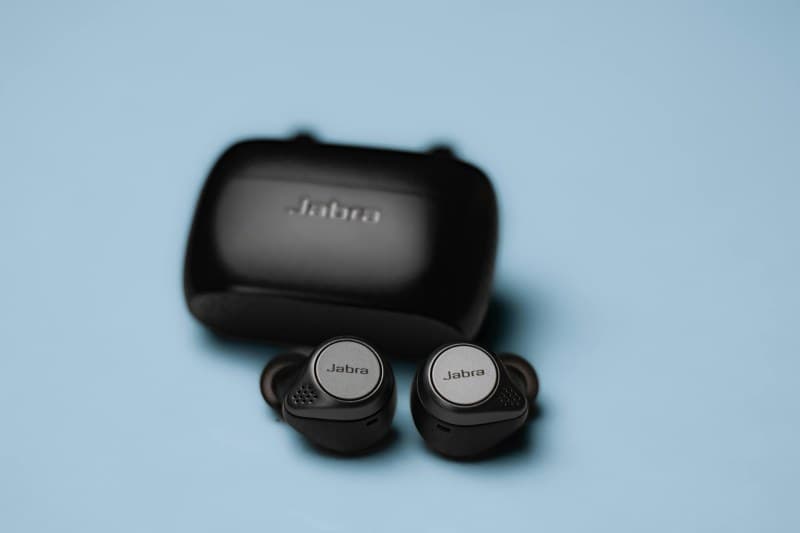
Last week, I was mid-call with my mom when my wireless earbuds cut out. Again. I was walking past a coffee shop with a dozen Wi-Fi networks, and my left bud kept dropping, making me repeat every sentence twice. Sound familiar? If your earbuds have ever lagged during a workout or died mid-podcast, you’re not alone. Let’s break down the two most common reasons this happens, plus how to fix them and debunk some myths along the way.
Two Key Causes of Earbud Connectivity Woes 🎧🔌
1. Signal Interference: The Invisible Crowd
Bluetooth uses the 2.4GHz frequency band—same as Wi-Fi routers, microwaves, and even some baby monitors. When too many devices fight for space on this band, your earbuds get lost in the noise. For example, if you’re using earbuds near a busy office with 10+ Wi-Fi networks, you’ll likely experience lag or disconnections. Even a microwave running nearby can disrupt the signal (those waves are strong!).
2. Battery Imbalance: The Silent Killer
Most wireless earbuds sync their connection through one primary bud (usually the right one). If one bud’s battery is significantly lower than the other, it can break the sync. I once used my right bud alone for a week, then tried to pair both—they kept disconnecting until I fully charged both. The imbalanced battery levels confused the sync process.
Fixes at a Glance: Compare Solutions for Each Cause
Here’s a quick breakdown of how to fix the two main issues:
| Issue Type | Quick Fixes | Pros | Cons |
|---|---|---|---|
| Signal Interference | 1. Move away from Wi-Fi routers/microwaves. 2. Switch earbuds to a different Bluetooth channel (if supported). | Instant results; no extra tools needed. | Might require changing your location. |
| Battery Imbalance | 1. Charge both buds fully. 2. Reset the earbuds to sync battery levels. | Solves long-term issues; improves overall battery life. | Takes time to charge/reset. |
Myths Debunked: What You Think You Know About Earbuds
Let’s clear up some common misconceptions:
- Myth 1: Closing all apps fixes connectivity. Nope—this doesn’t affect Bluetooth signal interference. It’s about the physical environment, not your phone’s apps.
- Myth 2: Premium earbuds never disconnect. Even high-end models struggle in crowded 2.4GHz areas. For example, my friend’s $200 earbuds still cut out at a music festival.
FAQ: Your Earbud Questions Answered
Q: Can I use my earbuds near a microwave?
A: It’s best to avoid it. Microwaves emit strong 2.4GHz signals that disrupt Bluetooth. If you must, keep at least 3 feet away to minimize interference.
“Technology is a useful servant but a dangerous master.” — Christian Lous Lange
This quote rings true for wireless earbuds. They’re amazing tools, but understanding their limits (like signal interference) helps us use them without frustration. Next time your buds cut out, try moving to a quieter spot or charging both fully—you’ll likely get back to your music or call in no time.