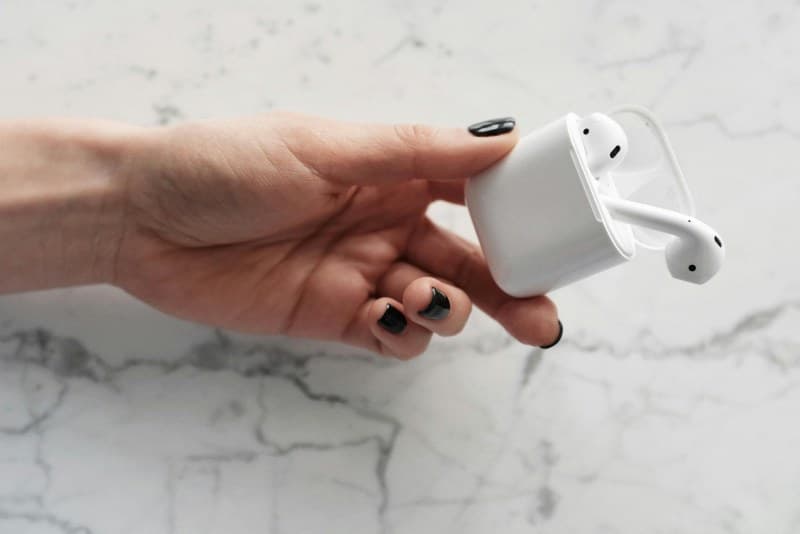
You’re mid-jog, your favorite playlist blaring, when suddenly—silence. Your wireless earbuds are dead. Frustrating, right? We’ve all been there. But why do these tiny gadgets drain so quickly? Let’s break down the top causes and how to keep your earbuds going longer.
6 Key Causes of Battery Drain (And Quick Fixes)
Below is a breakdown of the most common reasons your earbuds die fast, plus simple solutions:
| Cause | Explanation | Quick Fix |
|---|---|---|
| Active Noise Cancellation (ANC) Always On | ANC uses extra power to block external sounds. | Turn off ANC when in quiet environments (like your home office). |
| Bluetooth Signal Interference | Other devices (Wi-Fi routers, microwaves) disrupt Bluetooth, forcing earbuds to use more power. | Move away from interference sources or switch to a less crowded Wi-Fi channel. |
| High Volume Levels | Louder sound requires more power from the earbuds’ speakers. | Keep volume at 50-70% (also better for your hearing!). |
| Case Not Charging Properly | Dirty charging contacts or a low case battery mean earbuds don’t get full charges. | Clean contacts with a dry cloth and charge the case nightly. |
| Background App Usage | Apps running in the background (like music streaming) keep the Bluetooth connection active. | Close unused apps on your phone when using earbuds. |
| Old Battery | Lithium-ion batteries degrade over time (after 2-3 years). | Replace the earbuds or contact the manufacturer for battery service. |
Myths You Should Stop Believing
Myth 1: Leaving Earbuds in the Case Charges Them Indefinitely
Your earbud case has its own battery. Once the case is dead, it can’t charge your earbuds. Always keep the case charged to avoid surprises.
Myth 2: Using Earbuds While Charging Damages the Battery
Modern lithium-ion batteries are designed to handle charging while in use. No need to worry about harming your earbuds!
Myth 3: Closing Apps Saves Earbud Battery
Closing apps won’t help if the Bluetooth connection is still active. Instead, turn off Bluetooth when you’re not using your earbuds.
A Little Habit Goes a Long Way
“Small daily improvements are the key to staggering long-term results.” — Robin Sharma
This quote rings true for earbud battery life. Let’s take Sarah’s story: She works from home and uses her earbuds 8 hours a day. For months, they died by 3 PM. Then she started turning off ANC during solo work sessions and charging her case every night. Now her earbuds last the entire day. Small changes, big impact!
FAQ: Common Earbud Battery Questions
Q: Can I leave my wireless earbuds charging overnight?
A: Most modern earbuds have overcharge protection, so it’s safe. But to extend the case’s battery life over time, unplug it once fully charged.
Q: How often should I replace my earbuds’ battery?
A: Lithium-ion batteries last 2-3 years. If your earbuds die much faster than when you bought them, it’s time to consider replacement or battery service.
By understanding these causes and fixing small habits, you can keep your wireless earbuds going longer—so you never miss a beat.