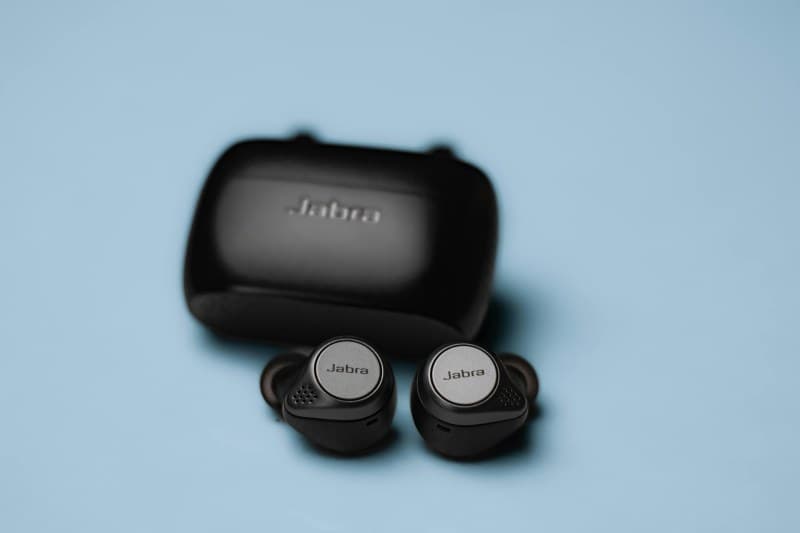
Last week, I grabbed my wireless earbuds on the way to the gym, only to find one dead and the other at 10%. I stood there, staring at the case, wondering why they never last as long as the box says. If you’ve been there, you’re not alone. Wireless earbud battery life is a universal frustration, but most of us don’t know the simple things that can fix it.
Myths vs. Facts: What You’re Getting Wrong About Earbud Batteries
Let’s clear up some common misconceptions first. Here’s a quick breakdown of what’s true and what’s not:
| Myth | Fact |
|---|---|
| Leaving earbuds in the case charges them forever | Cases have limited battery—once the case is empty, earbuds stop charging. |
| Charging to 100% is best for battery health | Partial charges (30-80%) are better for lithium-ion batteries, as full charges stress them over time. |
| Closing apps on your phone saves earbud battery | Battery drain comes from Bluetooth signal strength, not app background activity. |
| All earbuds have the same battery life | Battery capacity varies—entry-level models may last 3 hours, while premium ones can go 8+. |
| Cold weather doesn’t affect earbuds | Low temperatures slow lithium-ion chemistry, reducing battery life temporarily. |
Key Factors That Drain Your Earbud Battery Fast
Several factors contribute to quick battery drain. Here’s how they stack up:
| Factor | Impact Level | Explanation |
|---|---|---|
| Volume level | High | Louder volume requires more power to drive the speakers. |
| Active Noise Cancellation (ANC) | High | ANC uses extra processing power to block external sounds. |
| Bluetooth signal strength | High | Weak signals (e.g., phone in a backpack) force earbuds to work harder to maintain connection. |
| Streaming high-quality audio | Medium | Hi-res music files use more data, draining battery faster than podcasts or low-quality tracks. |
| Case battery health | High | Old cases lose capacity, so they can’t fully charge earbuds. |
Practical Hacks to Extend Your Earbud Battery Life
- 💡 Lower the volume: Even a 10% reduction can add 30 minutes of use.
- 🚫 Turn off ANC in quiet spaces: Most earbuds have a toggle—use it when you don’t need noise cancellation.
- 📶 Keep your phone close: Avoid putting your phone in a bag or back pocket; keep it in your front pocket for a stronger signal.
- 🔋 Charge the case regularly: Don’t wait until the case is empty—top it up every few days.
- 🧼 Clean charging contacts: Dirt or debris on the earbuds or case can prevent proper charging. Use a cotton swab to wipe them gently.
Classic Wisdom: Small Habits Add Up
“The little things are infinitely the most important.” — Sir Arthur Conan Doyle
This quote rings true for earbud battery life. The small, daily habits—like turning off ANC or cleaning contacts—can make a huge difference. You don’t need to buy new earbuds; just adjust a few things to get more use out of the ones you have.
Real-Life Example: How I Doubled My Earbud Battery Life
A friend of mine used to get only 3 hours of use from her earbuds. She started doing three simple things: turning off ANC at home, keeping her phone in her front pocket instead of her backpack, and cleaning the charging contacts weekly. Now she gets 6 hours—double the time! It’s amazing what small changes can do.
FAQ: Your Burning Earbud Battery Questions Answered
Q: Is it bad to leave my earbuds charging overnight?
A: No, most modern earbuds have overcharge protection, so they’ll stop charging once full. However, to preserve long-term battery health, it’s better to unplug them once they’re charged instead of leaving them connected all night.