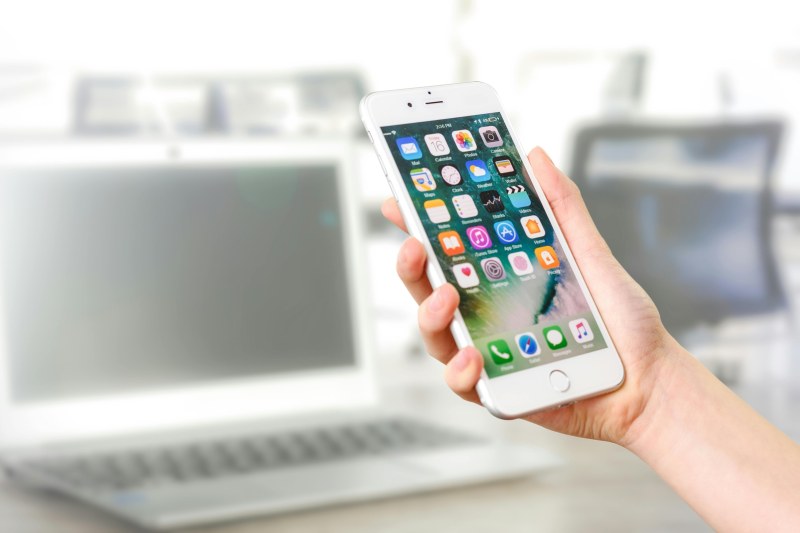
Last month, I rushed to a coffee shop for a client meeting and realized I’d left my phone charger at home. Panic set in—my battery was at 10%—until I spotted a sleek wireless charging pad on the table. I plopped my phone down, and within minutes, the battery icon started climbing. That moment made me curious: how does this cable-free magic work, and why do so many people still avoid it?
How Wireless Charging Actually Works
At its core, wireless charging uses inductive coupling—a simple physics concept that’s been around since the 1800s. Here’s the breakdown: your charging pad has a transmitter coil (a loop of copper wire). When you plug the pad into a power source, it sends an alternating current through this coil, creating a magnetic field. Your phone (or other device) has a receiver coil inside it. When you place the phone on the pad, the magnetic field induces a current in the receiver coil, which charges your battery. No cables, no plugs—just a quiet transfer of energy.
Wired vs. Wireless Charging: A Quick Comparison
Wondering if wireless is right for you? Let’s compare the key differences:
| Feature | Wired Charging | Wireless Charging |
|---|---|---|
| Speed | Faster (e.g., 25W wired charges 50% in 30 mins) | Slower but improving (15W wireless charges 50% in 45 mins) |
| Convenience | Requires plugging in; cables can be messy/lost | Just place on pad; no cables to fumble with |
| Portability | Need to carry cable + adapter | Portable pads exist; no extra cables to pack |
| Battery Impact | Minimal (with quality chargers) | Minimal (myth that it damages batteries) |
6 Common Wireless Charging Myths Debunked
Let’s bust the most persistent myths about wireless charging:
- Myth: Wireless charging is way slower than wired.
Truth: Modern 15W wireless chargers are almost as fast as 20W wired ones. For example, a Samsung Galaxy S23 charges to 50% in 45 mins with 15W wireless vs. 30 mins with 20W wired—hardly a dealbreaker for daily use. - Myth: It damages your phone’s battery.
Truth: Quality wireless chargers have overcharge protection and temperature controls, just like wired ones. Your battery’s lifespan depends more on how often you charge to 100% than the method. - Myth: You can’t use your phone while charging wirelessly.
Truth: You can—just pick it up! But using it (especially for gaming or video calls) will slow the charging speed since the phone is using energy at the same time. - Myth: All wireless chargers work with all phones.
Truth: Most new phones support the Qi standard (Apple, Samsung, Google), but older models might not. Always check your device’s specs before buying a pad. - Myth: Wireless charging is unsafe (fire risk).
Truth: Qi-certified chargers undergo strict safety tests to prevent overheating and short circuits. Avoid cheap, uncertified pads—they’re the real risk. - Myth: You have to remove your phone case.
Truth: Thin cases (under 3mm) work fine. Thick cases (with metal accents or built-in batteries) block the magnetic field—so take those off.
Practical Tips for Better Wireless Charging
To get the most out of your wireless charger, follow these simple tips:
- Use a Qi-certified charger (look for the Qi logo on the pad).
- Align your phone correctly: Most pads have a sweet spot (usually the center) where the coils line up.
- Keep the charger and phone cool: Overheating slows charging—avoid placing the pad in direct sunlight or on soft surfaces (like a bed) that trap heat.
- For faster charging, use a higher-wattage pad (15W instead of 5W) if your phone supports it.
“Innovation is taking two things that already exist and putting them together in a new way.” – Tom Freston
This quote perfectly sums up wireless charging. It takes inductive coupling (invented by Michael Faraday in 1831) and combines it with modern smartphone tech to create a convenient, cable-free experience. It’s not a revolution—just a smart evolution.
FAQ: Your Wireless Charging Questions Answered
Q: Can I charge multiple devices at once on a single wireless pad?
A: Some pads (like dual-coil or multi-device pads) support this, but most basic pads charge one device at a time. Check the pad’s specs before buying if you need to charge two phones or a phone + earbuds.
Q: Does wireless charging work through wood or glass?
A: Thin, non-metal surfaces (like a wooden table or glass counter) are okay. Thick or metal surfaces block the magnetic field, so avoid those.