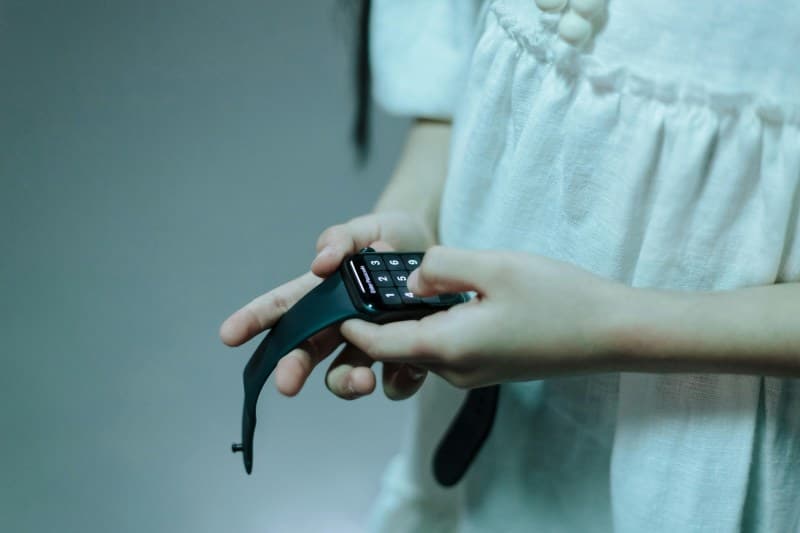
Last week, I was rushing to a coffee shop meeting when my phone buzzed—too late. My smartwatch, which usually alerts me to texts and calls, had stayed silent. I later found out the issue was a simple Bluetooth disconnect I’d ignored. If you’ve ever missed an important alert because your smartwatch lagged, you’re not alone.
7 Common Causes of Smartwatch Notification Delays & Fixes
Let’s break down the most frequent reasons your watch might be slow to notify you, along with quick solutions:
| Cause | What It Means | Quick Fix |
|---|---|---|
| Bluetooth Disconnect | Your watch lost connection to your phone. | Turn Bluetooth off/on on both devices; move closer to your phone. |
| App Notification Settings | The app isn’t allowed to send alerts to your watch. | Check the app’s settings on your phone to enable watch notifications. |
| Battery Saver Mode | Your watch is conserving power by limiting notifications. | Turn off battery saver or adjust settings to allow critical alerts. |
| Outdated Software | Old OS versions can cause compatibility issues. | Update your watch and phone to the latest software. |
| Background App Restrictions | Your phone is blocking the app from running in the background. | Disable background restrictions for the app on your phone. |
| Network Issues | Weak Wi-Fi or cellular signal on your phone affects sync. | Move to an area with better signal or switch to Wi-Fi. |
| Watch Face Overload | Complex watch faces with many widgets slow down notifications. | Switch to a simpler watch face with fewer widgets. |
Prevent Delays Before They Happen
Small habits can keep your notifications running smoothly:
- 💡 Update your watch and phone monthly to fix bugs.
- 🔗 Check Bluetooth connection daily if you rely on alerts.
- ⚡ Avoid using battery saver mode when you need critical notifications.
Classic Wisdom for Tech Troubles
“A stitch in time saves nine.” — English Proverb
This old saying applies perfectly here. Fixing a small Bluetooth glitch today can save you from missing a flight alert or work meeting tomorrow. Don’t ignore those minor delays—they often signal a bigger issue waiting to happen.
Real-Life Example: The Flight Alert That Almost Got Missed
My friend Sarah once missed a flight alert because her smartwatch was in battery saver mode. She’d turned it on the night before to save power, but forgot to turn it off. By the time her phone buzzed, it was too late to make it to the airport. Now, she sets a reminder to check her watch’s battery mode before important days.
FAQ: Common Questions About Smartwatch Notifications
Q: Will using third-party apps cause notification delays?
A: Yes, sometimes. Third-party apps may not integrate as smoothly with your smartwatch’s operating system, leading to lag. Stick to official apps when possible, or check the app’s permissions to ensure it has access to send notifications to your watch.
Q: Can a full watch storage cause delays?
A: Absolutely. If your watch is low on storage, it can slow down all functions, including notifications. Delete unused apps or old data to free up space.
Final Thoughts
Smartwatch notification delays are usually easy to fix—you just need to know where to look. By checking your settings, updating software, and keeping an eye on connectivity, you can ensure you never miss an important alert again. Remember: small fixes today prevent big headaches tomorrow.