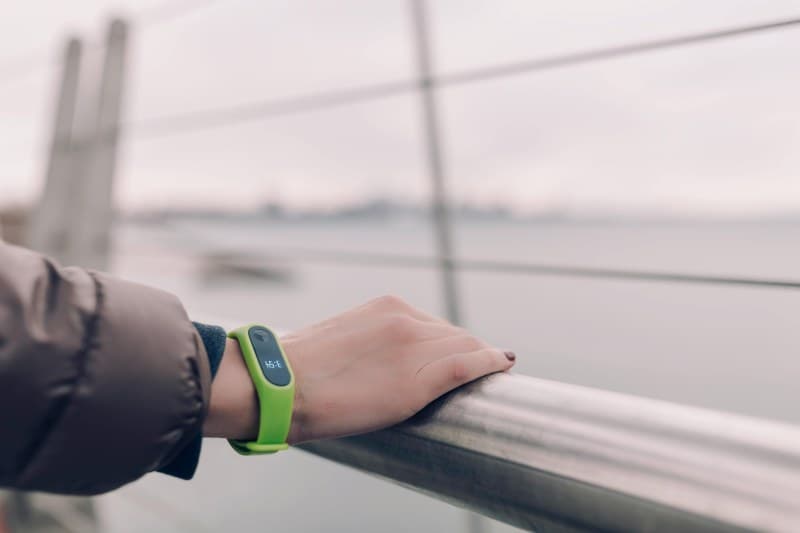
Last week, I laced up my running shoes, checked my smartwatch (fully charged the night before), and headed out for a 5K. Halfway through, the screen dimmed and died—leaving me without my pace tracker or music. I was confused: why did it die so fast? After some research, I found two key culprits behind unexpected smartwatch battery drain, plus easy fixes to keep it going longer.
Two Key Causes of Smartwatch Battery Drain
1. Background App Overload
Most smartwatches run apps in the background, even when you’re not actively using them. Think: your weather app updating every 5 minutes, a social media app pushing notifications, or a fitness tracker logging your steps nonstop. Each of these small tasks uses battery power, and over time, they add up to a dead watch.
2. Screen Settings That Hog Power
The screen is one of the biggest battery drains on any smartwatch. Two settings are especially guilty: high brightness (using full brightness outdoors or in well-lit rooms) and always-on display (AOD) (keeping the screen on 24/7 to show time and notifications). Even if the screen is dim, AOD uses constant power.
Here’s a quick comparison of the two causes and their fixes:
| Cause | Impact on Battery | Quick Fix |
|---|---|---|
| Background App Overload | Moderate to high (depends on number of apps) | Disable unused apps; limit update frequency for others |
| Screen Brightness/AOD | High (biggest drain for most users) | Lower brightness; turn off AOD when not needed |
"The little things are infinitely the most important." — Sir Arthur Conan Doyle
This quote sums up smartwatch battery drain perfectly. The tiny, constant tasks (like background app updates) might seem insignificant, but they’re the main reason your watch dies before the end of the day.
Easy Fixes to Extend Battery Life
Now that you know the causes, here are simple steps to fix them:
- 🌱 Clean up background apps: Go to your watch’s settings, find the apps section, and disable any apps you don’t use (like that old game or unused social media app).
- 🔆 Adjust screen settings: Lower brightness to auto (so it adjusts to light levels) and turn off AOD if you don’t need it (you can still check the time by lifting your wrist).
- 📍 Optimize GPS use: If you use GPS for workouts, download maps offline before you go (so the watch doesn’t use data to load maps) or use your phone’s GPS instead (since phones have bigger batteries).
Common Question About Smartwatch Battery Life
Q: Does charging my smartwatch overnight damage the battery?
A: No! Most modern smartwatches have lithium-ion batteries that stop charging once they’re full. So you can safely leave it on the charger overnight without harming the battery life.
By making these small changes, you can extend your smartwatch’s battery life from a few hours to a full day (or even longer). Next time you head out for a run or a busy day, your watch will be right there with you.