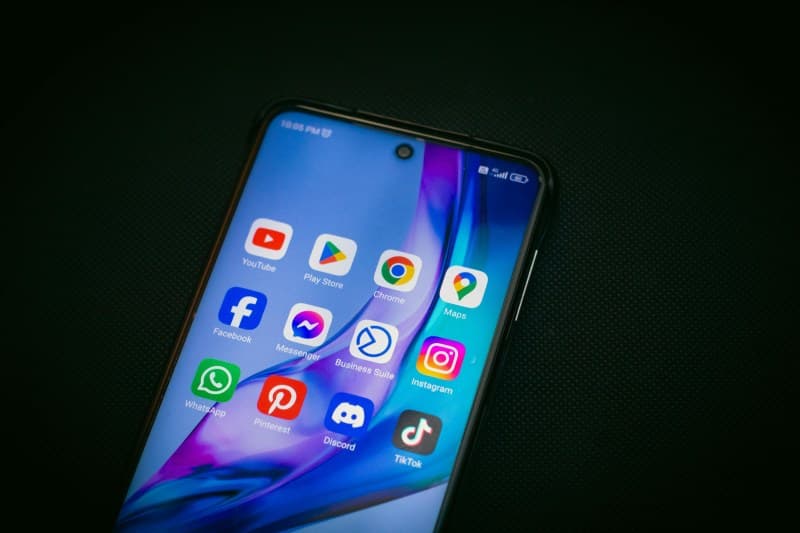
Last summer, I was using my phone to navigate to a coastal town. The sun blazed down, and after 20 minutes, my screen flashed a warning: “Device too hot—please cool down.” I could barely hold it. If you’ve ever faced this, you know how frustrating it is. Let’s break down why phones overheat and what to do about it.
6 Key Reasons Your Phone Gets Too Hot
1. Environmental heat: Leaving your phone in direct sunlight or a hot car (even for 10 minutes) can push its temperature past safe limits.
2. Heavy usage: Gaming, streaming 4K videos, or using GPS for long stretches strains the CPU and GPU, generating heat.
3. Background apps: Apps like social media or location trackers running in the background use resources without you noticing.
4. Charging while using: Fast charging already generates heat—adding usage (like scrolling) makes it worse.
5. Outdated software: Old OS versions often have bugs that cause inefficient resource use, leading to overheating.
6. Faulty hardware: A degraded battery or damaged component (like a faulty charging port) can cause constant overheating.
Quick Fixes to Cool Your Phone
When your phone overheats, try these steps:
• Remove its case (cases trap heat).
• Close all background apps (swipe up or use the app switcher).
• Move to a cool, shaded area (avoid air conditioning vents directly—sudden temperature changes can harm components).
• Turn off unused features (GPS, Bluetooth, Wi-Fi).
• Stop charging until it cools down.
Cooling Method Comparison
Here’s how common cooling methods stack up:
| Method | Pros | Cons | Effort Level |
|---|---|---|---|
| Remove case | Instant heat release | No protection for the phone | Low |
| Close background apps | Reduces CPU load | Might need to reopen apps later | Medium |
| Move to shade | Natural, no extra steps | Depends on available shade | Low |
| Turn off unused features | Saves battery + reduces heat | Inconvenient if you need GPS/Bluetooth | Medium |
“Moderation in all things, including the use of our devices.” — Adapted from Aristotle’s Golden Mean principle
This quote rings true here. Using your phone nonstop in hot conditions or while charging is a surefire way to overheat it. Taking breaks and limiting heavy usage can go a long way.
Common Q&A
Q: Can overheating permanently damage my phone?
A: Yes. Consistent overheating shortens battery life, warps internal parts, or even causes battery swelling. If your phone overheats often, get it checked by a professional.
My friend learned this the hard way. He played games on his phone while charging every night. After six months, his battery drained in 2 hours and overheated daily. Replacing the battery cost him $50—money he could’ve saved with simple habits.
Taking small steps to prevent overheating (like not leaving your phone in the sun) can save you from costly repairs. Remember: Your phone is a tool—treat it with care.