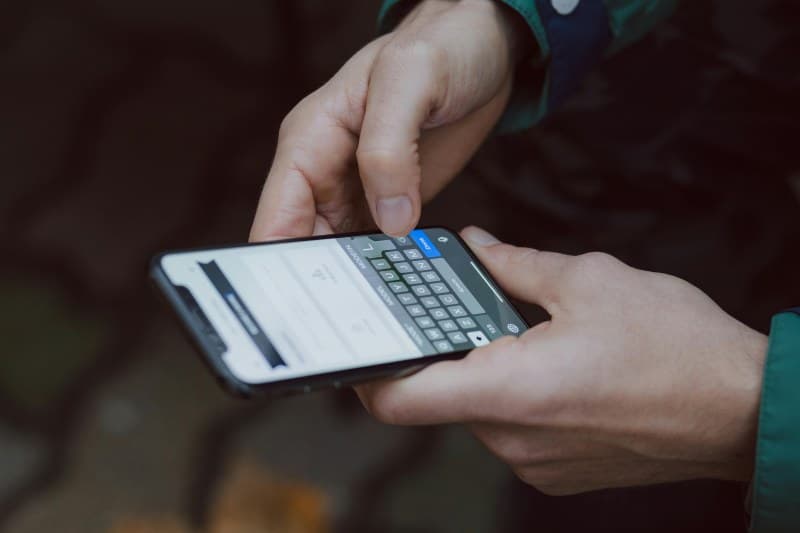
Last week, I left my phone on the kitchen counter before heading to work—100% battery, screen off, no apps open. When I got home, it was at 30% and I had no idea why. Sound familiar? You’re not alone. Idle battery drain is one of the most frustrating tech issues, but it’s usually fixable once you know the causes.
6 Key Reasons Your Idle Phone Drains Battery Fast 🔋
1. Background App Refresh
Many apps (like social media, email, or weather) check for updates even when you’re not using them. This constant activity eats into your battery. For example, your favorite photo app might be syncing photos in the background without you noticing.
2. Location Services Running Nonstop
Apps like maps, ride-sharing services, or fitness trackers often use GPS in the background. If an app is set to “Always” access location, it will keep searching for signals even when idle—draining power quickly.
3. Push Notifications Overload
Every time a notification pops up, your screen lights up and the phone wakes from sleep. Too many non-essential notifications (like sale alerts or game updates) add up to significant battery drain over time.
4. Screen Timeout Too Long
If your screen stays on for 2 minutes or more after you lock it, that’s extra time the display is using power. Even a few seconds of unnecessary screen time can add up over the day.
5. Outdated Software
Old operating systems often have bugs or inefficiencies that cause battery drain. Manufacturers release updates to fix these issues, so skipping them can lead to worse battery life.
6. Weak Cellular Signal
When your phone is in an area with poor reception (like a basement or rural area), it uses more power to search for a signal. This constant searching drains battery even when you’re not using the phone.
Top 3 Battery Drainers: Quick Comparison
Here’s a breakdown of the most impactful culprits and their easy fixes:
| Culprit | Impact Level | Quick Fix |
|---|---|---|
| Background App Refresh | High | Turn off for non-essential apps (e.g., games, shopping apps). |
| Location Services (Always On) | Medium-High | Set to “While Using” for most apps instead of “Always.” |
| Push Notifications | Medium | Disable notifications for apps you don’t need real-time updates from. |
“Waste not, want not.” – Traditional Proverb
This old saying applies perfectly to battery life. Wasting power on unnecessary background tasks means you’ll be left wanting juice when you need it most. Small adjustments to how your phone uses power can go a long way.
Common Q&A About Idle Battery Drain
Q: Does closing all apps manually save battery life when idle?
A: Not really. Most modern phones manage app background activity automatically. Closing apps might even force them to restart later, using more power. Focus on turning off background refresh for non-essential apps instead.
Q: Will enabling airplane mode help with idle battery drain?
A: Yes! If you’re in an area with no signal (like a plane or remote location), airplane mode stops your phone from searching for cellular or Wi-Fi signals, which saves a lot of battery.
Final Tips to Keep Your Battery Going
Fixing idle battery drain doesn’t have to be complicated. Try these small changes:
- Set your screen timeout to 30 seconds.
- Update your phone’s software regularly.
- Use Wi-Fi instead of cellular data when possible.
By addressing these 6 common issues, you can keep your phone charged longer and avoid those panic-inducing dead battery moments. Remember: every little bit helps!