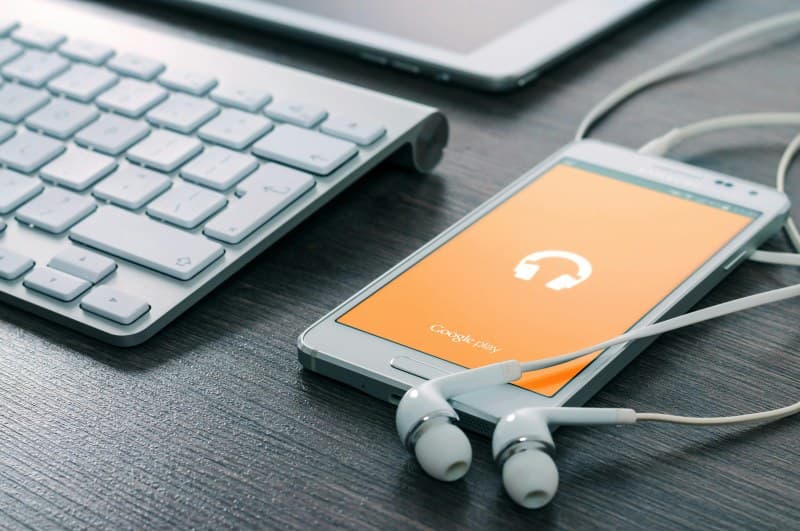
Last week, I was halfway through my morning jog when my wireless earbuds died—right as my go-to pump-up song started playing. I fumbled with my phone, switching to speaker mode, but it just wasn’t the same. If you’ve ever been in that situation, you know how frustrating it is. So why do these tiny gadgets die so fast, and what can we do about it?
Why Do Wireless Earbuds Die So Fast? 7 Key Reasons
Let’s break down the most common culprits behind quick battery drain:
- Battery Degradation: Over time, lithium-ion batteries lose their ability to hold a charge. After 2-3 years of regular use, your earbuds might only last half their original time.
- Background Apps: Apps like GPS or music streaming running in the background on your device force earbuds to work harder, draining power faster.
- High Volume: Cranking the volume to max uses significantly more power than keeping it at 60-70%.
- Bluetooth Range Issues: Being too far from your device (over 10 meters) makes earbuds use extra power to maintain a stable connection.
- Extreme Temperatures: Cold or hot environments (like a car in summer) reduce battery performance and can even damage cells.
- Charging Case Problems: Dirty or damaged charging contacts in the case prevent proper charging, leaving earbuds underpowered.
- Firmware Bugs: Outdated firmware often has power management glitches that waste battery.
To give you context on typical battery life, here’s a comparison of three popular wireless earbud models:
| Earbud Model | Battery Life (ANC On) | Battery Life (ANC Off) | Total with Charging Case |
|---|---|---|---|
| Apple AirPods Pro 2 | 6 hours | 7.5 hours | 30 hours |
| Samsung Galaxy Buds 2 | 5 hours | 7.5 hours | 29 hours |
| Sony WF-C500 | N/A (no ANC) | 10 hours | 20 hours |
Benjamin Franklin once said, “Little strokes fell great oaks.” This rings true for earbud battery life—small, consistent changes can add up to big improvements in how long your earbuds last.
7 Easy Fixes to Extend Your Earbuds’ Battery Life
Now that you know the reasons, here are simple fixes to keep your earbuds going longer:
- Replace Degraded Batteries: If your earbuds are 2+ years old, check if the manufacturer offers battery replacement services (some do!).
- Close Background Apps: Before using earbuds, close unnecessary apps on your device to reduce strain.
- Lower Volume: Keep volume at 60-70%—it’s better for your ears and your battery.
- Stay Within Range: Keep your device in your pocket or bag (not in a backpack across the room) to maintain a strong Bluetooth connection.
- Avoid Extreme Temps: Don’t leave earbuds in a hot car or cold garage. Store them in a cool, dry place.
- Clean Charging Case: Wipe the charging contacts with a dry cloth once a week to remove dirt and debris.
- Update Firmware: Check the manufacturer’s app (like Apple’s Settings or Samsung’s Galaxy Wearable) for firmware updates—they often fix power issues.
Common Question: Can I Overcharge My Wireless Earbuds?
Q: I often leave my earbuds in the charging case overnight—will that overcharge them?
A: Most modern wireless earbuds have overcharge protection, so leaving them in the case overnight won’t damage the battery. However, it’s still a good idea to remove them once fully charged to avoid unnecessary stress on the battery over time.
By understanding the reasons behind fast battery drain and applying these simple fixes, you can enjoy your favorite music, podcasts, or calls without worrying about your earbuds dying mid-session. Remember, small changes go a long way!