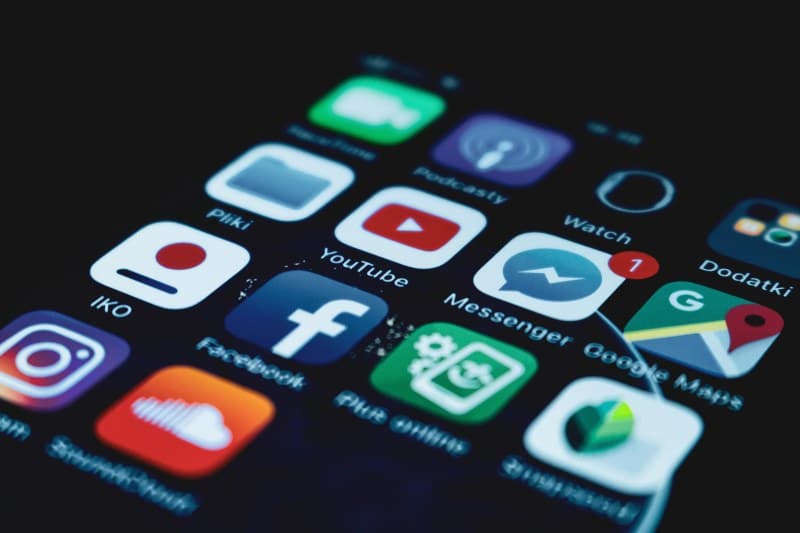
Last week, I sat down to finish a client report, but before I knew it, 45 minutes had slipped away scrolling through Instagram Reels. I didn’t want to delete the app (I love the plant care tutorials!), but I needed to stop letting it derail my day. That’s when I tested two simple methods to reduce distraction without hitting the uninstall button.
Method 1: Time Blocking with App Timers 🕒
Most smartphones have built-in tools like iOS Screen Time or Android Digital Wellbeing that let you set daily limits for specific apps. For example, I set a 30-minute daily limit for Instagram. When the time is up, the app locks until the next day. This method works because it forces you to be intentional about how much time you spend on distracting apps.
Pro tip: Start small—if you usually spend 2 hours on social media, try 1 hour first. You can adjust the limit as you get used to it.
Method 2: Intentional Notification Management 🔔
Notifications are the biggest culprit of distraction. I turned off non-essential alerts (like likes, comments, and game updates) for all my social media apps. Instead, I check these apps once or twice a day during designated breaks. I also use “Do Not Disturb” mode during work hours to block all notifications except for emergency calls and work emails.
This method is flexible because it doesn’t restrict how long you can use an app—just when you get alerted to it.
How the Two Methods Compare
Here’s a quick breakdown of the pros, cons, and best use cases for each method:
| Method | Pros | Cons | Best For |
|---|---|---|---|
| Time Blocking with App Timers | Easy to set up, no extra apps needed, enforces strict limits | Can feel restrictive if you need more time occasionally, doesn’t address notification interruptions | People who struggle with mindless scrolling and need hard limits |
| Intentional Notification Management | Flexible, reduces constant interruptions, works for work and personal apps | Requires regular check-ins to adjust settings, relies on self-discipline to avoid checking apps randomly | People who need to use apps for work but want to cut distraction from non-work alerts |
“The key is not to prioritize what’s on your schedule, but to schedule your priorities.” — Stephen Covey
This quote hits home because both methods are about choosing what matters most. Instead of letting apps dictate your day, you decide when and how to use them.
Common Question
Q: Will these methods work for apps I use for work, like Slack or Zoom?
A: Absolutely! For work apps, you can exclude them from timers or keep their notifications on. The goal is to limit distraction from non-work apps, not hinder your productivity. For example, I keep Slack notifications on during work hours but turn off all social media alerts.
At the end of the day, reducing app distraction is about being intentional. Whether you choose time blocking or notification management, the key is to find a method that fits your lifestyle and stick with it. You don’t have to delete your favorite apps—you just have to take back control of your time.