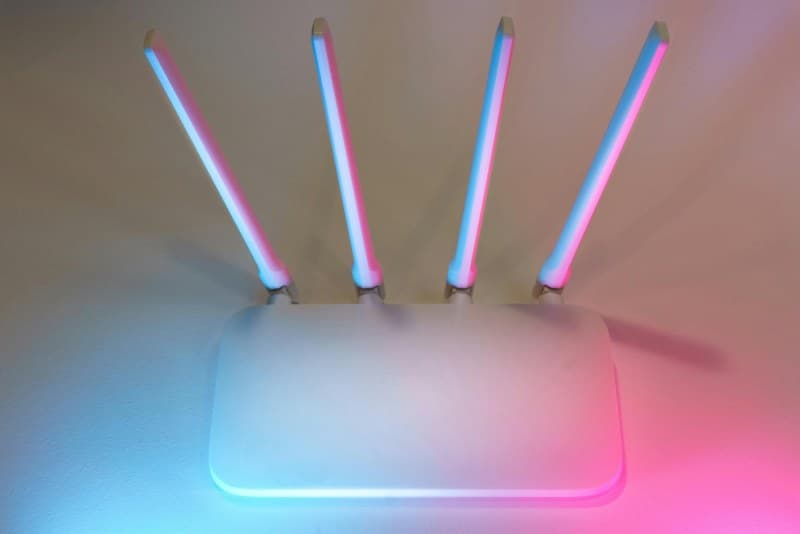
It’s 8 PM, you’re settled in to watch your favorite show, and suddenly—buffering. The spinning wheel taunts you, and you’re left wondering why your Wi-Fi always acts up when you need it most. You’re not alone; this frustration plagues millions of people daily.
Why Does Wi-Fi Buffering Happen?
Buffering occurs when your device can’t download data fast enough to keep up with playback. Let’s break down the top causes:
- Signal interference (microwaves, baby monitors, or neighboring Wi-Fi networks)
- Bandwidth overload (too many devices using the network at once)
- Outdated router firmware or hardware
- Distance from the router (walls or floors weakening the signal)
- Network congestion (peak hours like 7–9 PM)
- Background apps (streaming or syncing on other devices without you knowing)
6 Easy Fixes to Stop Buffering
Here are actionable steps to get your stream back on track:
- Move closer to the router or use a Wi-Fi extender for a quick signal boost.
- Update your router’s firmware (most have a web interface to do this in minutes).
- Pause other downloads or streams on your network to free up bandwidth.
- Change your Wi-Fi channel (use apps like Wi-Fi Analyzer to find less crowded options).
- Restart your router—this clears temporary glitches and often fixes buffering.
- Limit background apps on your device (close unused apps that might be using data).
Let’s compare these fixes by effort and impact:
| Fix | Effort Level | Time to Apply | Key Benefit |
|---|---|---|---|
| Move closer/use extender | Low | 5 mins | Immediate signal boost |
| Update firmware | Medium | 10–15 mins | Fixes security & performance bugs |
| Pause other streams | Low | 1 min | Frees up bandwidth instantly |
| Change Wi-Fi channel | Medium | 5–10 mins | Avoids interference from neighbors |
| Restart router | Low | 2 mins | Clears temporary network glitches |
| Limit background apps | Low | 2 mins | Reduces data usage on your device |
Common Myths About Wi-Fi Buffering (Debunked)
Let’s set the record straight on some popular misconceptions:
- Myth: More expensive routers always fix buffering. Fact: A mid-range router with proper placement works better than an overpriced one in a bad spot.
- Myth: Closing background apps doesn’t help. Fact: Apps like social media or cloud sync can use data in the background, causing buffering.
- Myth: Wi-Fi 6 is the only way to avoid buffering. Fact: Basic fixes like channel changes often solve the issue without upgrading.
Real-World Example: Sarah’s Buffering Nightmare
Sarah loved watching weekly cooking shows, but every Thursday night, her stream would buffer nonstop. She tried restarting her router, but it only helped for a few minutes. Then she realized her neighbor’s Wi-Fi was on the same channel as hers. Using a free Wi-Fi analyzer app, she switched to a less crowded channel—and her buffering problems vanished. Now she never misses a recipe step!
FAQ: Your Wi-Fi Buffering Questions Answered
Q: Will using an Ethernet cable eliminate buffering?
A: Yes! Wired connections are more stable than Wi-Fi, so if you can connect your device directly to the router, you’ll likely see no buffering.
Final Thoughts
Buffering doesn’t have to ruin your streaming experience. With a few simple fixes, you can get back to enjoying your favorite content. As Benjamin Franklin once said:
“An ounce of prevention is worth a pound of cure.”Taking proactive steps like updating your router or changing channels can save you from future frustration. So next time that spinning wheel appears, try one of these fixes—you’ll be back to streaming in no time.