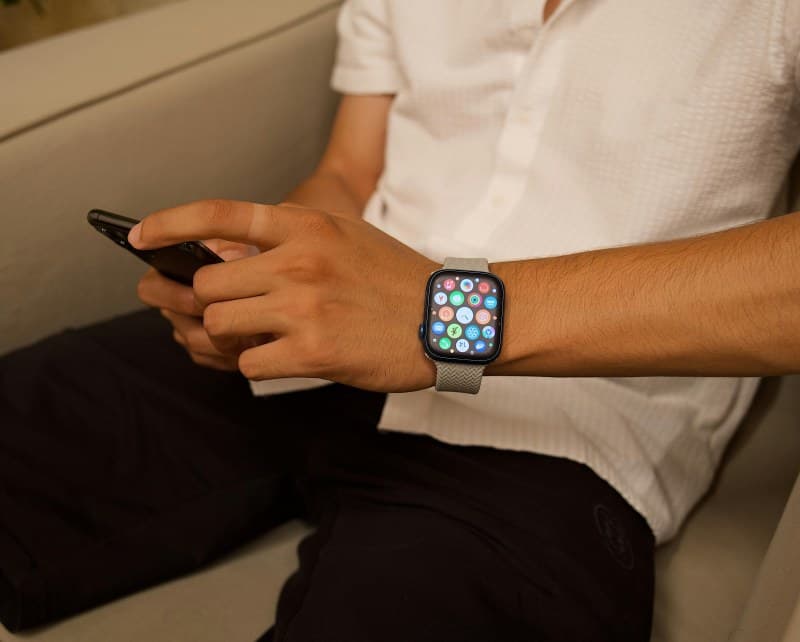
Last week, I was in the middle of a morning run when my Apple Watch died. I’d charged it overnight, but by 10 AM, the screen went black—no workout tracking, no notifications, just a useless piece of metal on my wrist. If your smartwatch dies mid-day, you’re not alone.
Why Your Smartwatch Dies Too Soon
Smartwatch battery drain often comes from small, consistent habits you might not notice. Let’s break down the most common culprits:
| Cause | Impact on Battery | Quick Fix |
|---|---|---|
| Constant GPS | Drains 30-50% faster | Use GPS only for workouts |
| Max screen brightness | 20-35% extra drain | Set auto-brightness |
| Background app sync | 15-25% drain | Turn off sync for non-essential apps |
| Aging battery | 50%+ capacity loss | Replace battery or watch |
4 Ways to Extend Your Smartwatch Battery Life
You don’t need to buy a new watch to fix mid-day death. Try these simple tweaks:
- Adjust screen settings: Set auto-brightness (so the screen dims in dark places) and reduce screen timeout to 10 seconds or less.
- Limit GPS and connectivity: Turn off GPS after workouts and disable Bluetooth when you’re not using wireless earbuds.
- Manage notifications: Go into your watch settings and turn off alerts for apps you don’t need (looking at you, social media).
- Use power-saving mode: Most watches have a mode that disables non-essential features like always-on display or heart rate monitoring—perfect for busy days.
Myth Busting: What Doesn’t Actually Help
Let’s clear up some common misconceptions:
- Myth: Closing all apps saves battery. Truth: Smartwatches don’t run apps in the background like phones—closing them won’t make a difference.
- Myth: Dark mode is useless. Truth: For OLED screens (like Apple Watch), dark mode uses less power because black pixels are turned off.
- Myth: Charging overnight damages the battery. Truth: Modern smartwatches have overcharge protection—you can leave them plugged in without worry.
“By failing to prepare, you are preparing to fail.” — Benjamin Franklin
This quote hits home for smartwatch users. Taking 2 minutes each night to check your charge (and adjust settings if needed) can prevent that mid-day panic. After my run incident, I started turning off GPS post-workout and setting auto-brightness—now my watch lasts all day.
Common Question
Q: Can I replace my smartwatch battery, or do I need a new watch?
A: It depends on the model. For Apple Watch, you can get a battery replacement from Apple for around $79. For Android watches like Samsung Galaxy Watch, many models have replaceable batteries (check your manufacturer’s website). If your watch is over 3 years old, replacing the battery might be cheaper than buying a new one.