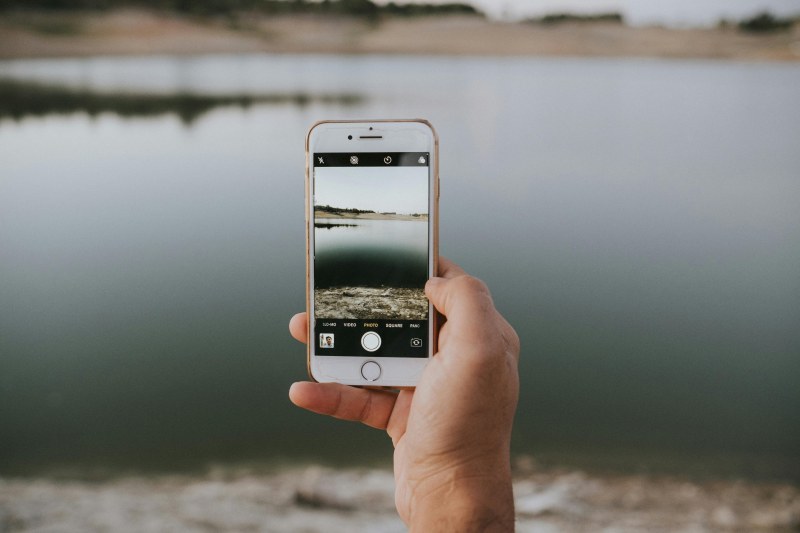
Last summer, I stood in the middle of Tokyo’s Shibuya Crossing, map open on my phone—when the screen flickered and died. No way to call my friend, no clue where the café we planned to meet was. That sinking feeling of being lost with a dead phone? It’s a traveler’s worst nightmare. But why does your phone battery drain so fast when you’re on the go, and how can you fix it?
Why Your Phone Battery Dies Fast While Traveling
Traveling throws your phone into a battery-draining storm. Here’s what’s happening:
- 🔍 Location services: GPS for maps, check-ins, and ride-sharing apps works overtime to track your position.
- 🔄 Background sync: Email, social media, and cloud apps keep refreshing to pull new data, even when you’re not using them.
- ☀️ Screen brightness: Outdoor sunlight makes you crank up the brightness, which guzzles power.
- 🔌 Constant searching: In new areas, your phone hunts for Wi-Fi or cellular signals nonstop, draining battery.
Let’s compare the top 3 battery drainers and how easy they are to fix:
| Culprit | Impact Level | Fix Difficulty |
|---|---|---|
| Location Services | High | Easy |
| Background Sync | Medium | Easy |
| Screen Brightness | High | Easy |
7 Easy Fixes to Keep Your Phone Charged on Trips
You don’t need fancy gadgets to save battery. Try these simple tricks:
- 💡 Lower screen brightness: Use auto-brightness or set it to the lowest level you can see clearly.
- 🔄 Turn off background app refresh: Go to your phone’s settings and disable this for apps you don’t need while traveling (like games or news).
- ✈️ Use airplane mode: When you’re not using data, switch to airplane mode. Turn on Wi-Fi only when you need to use maps or check messages.
- 🔋 Carry a portable charger: A 10,000 mAh charger can give your phone 2-3 full charges—perfect for long days out.
- ❌ Close unused apps: Swipe away apps you’re not using to stop them from running in the background.
- 🌡️ Avoid extreme temperatures: Don’t leave your phone in a hot car or in direct sunlight—heat kills battery life.
- 🔧 Enable battery saver mode: Most phones have this feature, which limits performance but extends battery life when you’re low.
"By failing to prepare, you are preparing to fail." — Benjamin Franklin
This quote hits home for travel battery issues. Taking 5 minutes to charge your portable charger or download offline maps the night before can save you from being stranded like I was in Tokyo.
Quick Q&A: Maps and Battery Life
Q: I need to use maps to get around—will that drain my battery too fast?
A: Not if you plan ahead. Download offline maps for your destination before you leave (Google Maps and Apple Maps both offer this). When using the map, turn on airplane mode and use Wi-Fi only if you need to update your location. Lowering the screen brightness also helps.
Next time you’re packing for a trip, don’t forget to add these battery-saving tips to your checklist. Your future self (and your lost-in-a-new-city self) will thank you.