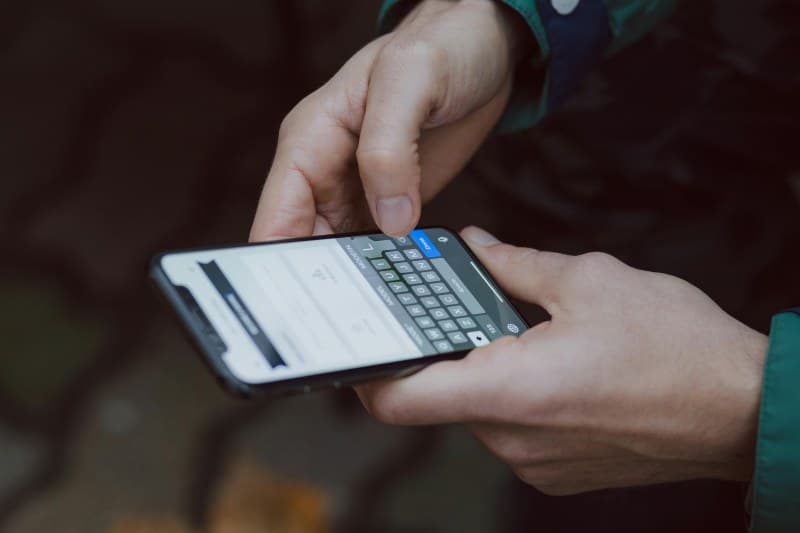
That mid-day battery death panic—we’ve all been there
Imagine you’re rushing to a client meeting, and just as you need to pull up the presentation, your phone dies. Or you’re hiking and can’t call for help because your battery’s at 1%. We’ve all felt that sinking feeling. But why does this happen so often, even when we charge overnight?
Why your phone battery drains faster than expected
It’s not just bad luck. Here are the top culprits:
- Background apps: Apps like social media or navigation run in the background, using data and battery.
- Screen brightness: Keeping your screen at max brightness is a huge battery hog.
- Old battery: Over time, lithium-ion batteries lose their capacity to hold a charge.
- Location services: GPS and Bluetooth running non-stop drain power.
- Push notifications: Every alert wakes your phone up, using energy.
6 science-backed ways to extend your battery life
Let’s break down the most effective methods, so you can pick what works for you:
| Method | Effort Level | Battery Impact | Pros | Cons |
|---|---|---|---|---|
| Lower screen brightness | Low | High | Easy to do, immediate effect | Might be hard to see in sunlight |
| Turn off background app refresh | Medium | Medium | Stops apps from using data in background | Some apps might not update in real time |
| Use battery saver mode | Low | High | Automatically reduces power usage | Limits some features like location |
| Turn off location services when not needed | Low | Medium | Saves battery and privacy | Can’t use navigation or location-based apps |
| Update your OS | Low | Medium | OS updates often include battery optimizations | Takes time to download and install |
| Replace old battery | High | Very High | Restores battery capacity to almost new | Costs money and time to replace |
Myth busting: What doesn’t actually save battery
You’ve probably heard some tips that aren’t true. Let’s set the record straight:
- Closing apps: Modern phones (iOS and Android) manage apps efficiently. Closing them actually uses more battery because you have to restart them later.
- Using airplane mode all day: While it saves battery, it also cuts you off from calls and messages—hardly practical for most people.
A classic quote to remember
“Waste not, want not.” — Traditional Proverb
This old saying applies perfectly to battery life. By not wasting power on unnecessary features, you won’t find yourself wanting charge when you need it most.
Real-life example: Sarah’s battery win
Sarah, a freelance designer, used to have her phone die by 3 PM every day. She tried closing apps (which didn’t help) until she followed these tips: she lowered her screen brightness, turned off background app refresh for non-essential apps, and used battery saver mode after 50% charge. Now her phone lasts until bedtime—no more mid-day panics!
FAQ: Common battery questions
Q: Is charging my phone overnight bad for the battery?
A: No! Modern phones have built-in safeguards that stop charging once the battery is full. You don’t have to worry about overcharging.
Q: Does using wireless charging drain the battery faster?
A: Wireless charging is slightly less efficient than wired, but the difference is minimal. It won’t significantly reduce your battery life over time.
Final thoughts
Extending your phone’s battery life doesn’t have to be complicated. By making small adjustments to your habits and knowing the facts, you can avoid that mid-day panic and keep your phone running when you need it most.