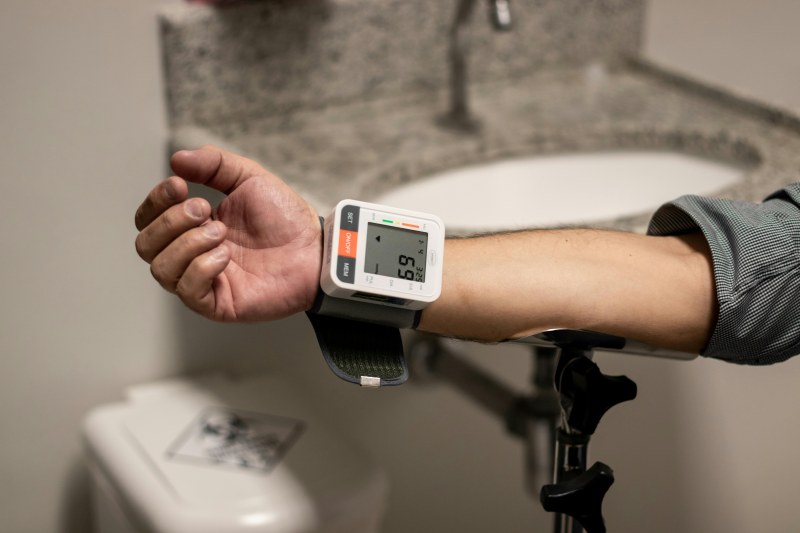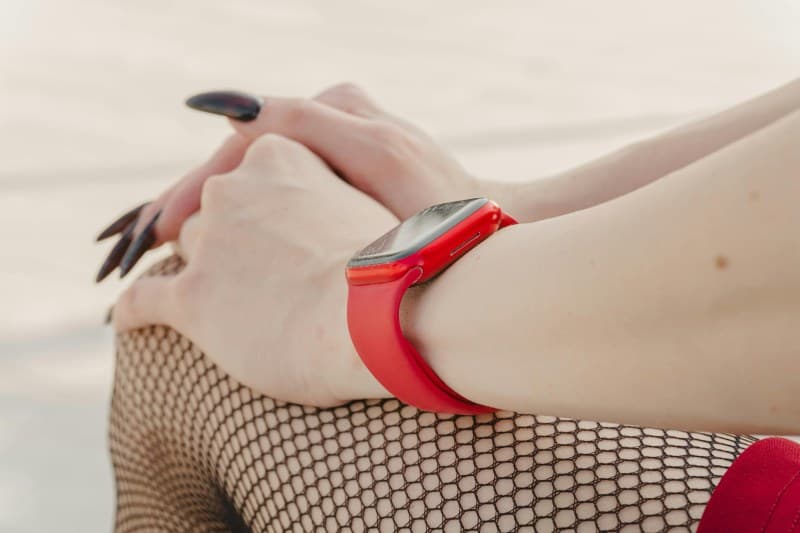
Last month, my friend Mia got a new smartwatch and was thrilled to see she’d slept 8 hours every night—until she realized the watch counted her lying awake scrolling as ‘light sleep.’ She was confused: why wasn’t the data accurate? That’s a question many smartwatch users ask, and it’s why understanding how these devices work matters.
5 Key Health Metrics Smartwatches Track (And How They Work)
Smartwatches use sensors like accelerometers, optical heart rate monitors, and SpO2 sensors to collect data. Here’s a breakdown of the most common metrics:
| Metric | What It Tracks | How It Works | Accuracy Pro Tip |
|---|---|---|---|
| Heart Rate | Beats per minute (BPM) | Uses green light to detect blood flow changes under the skin. | Wear the watch snugly (not too tight) on your wrist, away from bones. |
| Sleep Stages | Deep, light, REM, and awake periods | Combines movement data (accelerometer) and heart rate variability. | Wear the watch to bed consistently—skip a night, and data gaps happen. |
| Step Count | Daily steps taken | Accelerometer detects movement patterns (like arm swings). | Keep the watch on your dominant hand for more reliable counts. |
| SpO2 (Blood Oxygen) | Oxygen saturation in blood | Infrared light measures how much oxygen is carried by red blood cells. | Wear the watch loosely but steadily while sleeping (most devices track this at night). |
| Active Calories | Calories burned during physical activity | Uses heart rate, movement, and user data (age, weight) to estimate. | Update your profile (height, weight) regularly for better calculations. |
Common Myths About Smartwatch Health Tracking (Debunked)
Let’s clear up some misconceptions:
- Myth 1: Smartwatches are 100% accurate for medical purposes. Fact: Consumer smartwatches are for general monitoring, not diagnosis. Always consult a doctor for health concerns.
- Myth 2: More expensive watches mean better accuracy. Fact: While premium models may have better sensors, even budget watches can be accurate if used correctly.
- Myth 3: Sleep tracking data is always reliable. Fact: Devices can struggle to distinguish between light sleep and awake time (like Mia’s scrolling incident). It’s a rough estimate, not a perfect record.
Tips to Boost Your Smartwatch’s Tracking Accuracy
Small adjustments can make a big difference:
- Wear the watch on the correct wrist (check your device’s instructions—some prefer non-dominant).
- Clean the sensor area regularly (sweat or dirt can interfere).
- Charge the watch fully before bed (low battery can cause data drops).
- Use the device’s built-in calibration tools (many let you adjust step count or heart rate settings).
“Technology is a useful servant but a dangerous master.” — Christian Lous Lange
This quote reminds us that smartwatches are tools to help us understand our health, not to dictate every decision. They should serve us, not stress us out if the numbers aren’t perfect. For example, if your watch says you slept 7 hours instead of 8, don’t panic—focus on how you feel the next day.
FAQ: Your Smartwatch Health Tracking Questions Answered
Q: Can my smartwatch detect arrhythmia or other heart issues?
A: Some models (like Apple Watch Series 4+) can detect irregular heartbeats, but this is a screening tool, not a diagnosis. If you get an alert, contact your healthcare provider immediately.
Q: Why does my step count vary between my smartwatch and phone?
A: Phones use different sensors (and are often in pockets or bags) while watches are on your wrist. The watch’s count is usually more accurate for steps.
Smartwatches are great for staying aware of your health habits, but they’re not perfect. Use them as a guide, not a rulebook. And remember—Mia eventually adjusted her watch settings and started putting it on earlier before bed, which fixed her sleep tracking issues. Small changes go a long way!