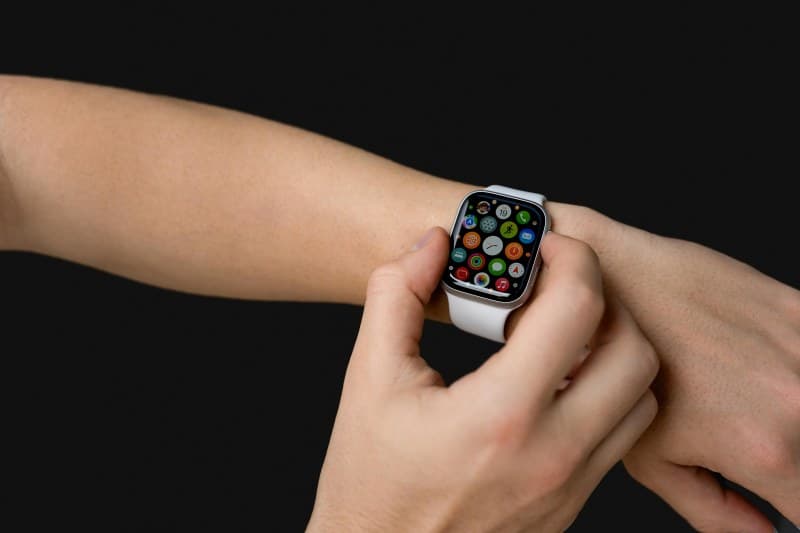
Last week, I was mid-jog when my smartwatch died—right before it was supposed to track my finish time. I’d charged it the night before, so why did it die so fast? Turns out, two small settings were sucking the life out of it without me noticing. Let’s break down what’s really draining your smartwatch battery and how to fix it.
2 Key Factors That Drain Smartwatch Batteries Fast
Not all battery drains are equal. These two settings are the biggest culprits for most users:
| Factor | Impact Level (1-10) | Quick Fix | Estimated Daily Battery Saved |
|---|---|---|---|
| Always-On Display (AOD) | 8 | Turn off AOD or set to auto (only activates when you lift your wrist) | 20-30% |
| Background App Sync | 7 | Disable sync for non-essential apps (e.g., social media, news) | 15-25% |
Common Myths About Smartwatch Batteries (Debunked)
Let’s clear up some misinformation floating around:
- Myth: Closing apps manually saves battery. Truth: Modern smartwatches (like Apple Watch or Galaxy Watch) automatically suspend background app activity.Closing apps won’t help and might even use more power to reopen them.
- Myth: Dark mode doesn’t affect battery life. Truth: For OLED screens (most smartwatches), dark pixels emit no light—so dark mode can save up to 10% battery daily.
“Waste not, want not.” — Benjamin Franklin
This classic proverb rings true for smartwatch batteries. Wasting power on features you don’t need (like AOD when you’re at your desk) means you’ll run out of charge when you need it most—like during a workout or a long day out.
Practical Tips to Extend Your Battery Life
Small changes can make a big difference:
- Set screen brightness to auto (adjusts to ambient light).
- Use power saving mode on days you know you won’t have access to a charger.
- Limit GPS use to workouts only (it’s a major battery hog).
- Turn off notifications for apps you don’t check often (e.g., games, marketing emails).
FAQ: Your Smartwatch Battery Questions Answered
Q: Does charging my smartwatch overnight damage the battery?
A: No. Modern smartwatches have overcharge protection, so you can leave them plugged in without worrying about reducing battery lifespan.
Q: How long should a smartwatch battery last before replacement?
A: Most smartwatch batteries last 2-3 years. If your battery life drops to less than half of its original capacity (e.g., from 18 hours to 8 hours), it’s time to get it replaced.