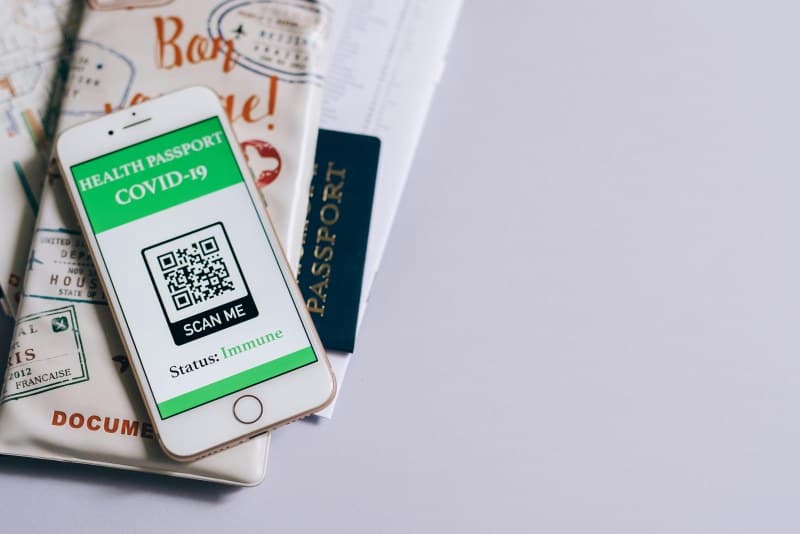
Walk into any café these days, and you’ll probably see a QR code staring back at you—scan it for the menu, order, pay, done. But do you know how these little square patterns actually work? Or the myths floating around about them? Let’s break it down.
What Are QR Codes & How Do They Work?
QR stands for Quick Response, a 2D barcode that stores data in both horizontal and vertical directions (unlike 1D barcodes, which only use horizontal lines). When you scan a QR code with your phone’s camera, the app decodes the black-and-white pattern into usable information—like a URL, contact details, or Wi-Fi credentials. It’s a fast, paperless way to share data without typing long strings.
7 Common QR Code Myths Debunked
Let’s separate fact from fiction with these 7 myths:
| Myth | Fact |
|---|---|
| QR codes only store website URLs. | They can hold text, contact info, Wi-Fi settings, event tickets, and even small images. |
| All QR codes have malware. | Only codes linking to malicious sites do—always check the URL preview before opening. |
| QR codes expire automatically. | They don’t expire unless the linked content (like a menu or event page) is removed by the creator. |
| You need a special app to scan QR codes. | Most modern phones (iOS 11+ and Android 9+) have built-in scanners in their camera apps. |
| QR codes can’t hold much data. | A standard QR code can store up to 4,296 alphanumeric characters—enough for a short story! |
| Scanning QR codes drains your battery quickly. | Scanning uses minimal battery, similar to taking a quick photo. |
| QR codes are inaccessible to visually impaired users. | Apps like QR Code Reader for the Blind read QR content aloud, making them accessible. |
Practical Uses Beyond Menus
QR codes aren’t just for ordering lattes. Here are some unexpected ways they’re used:
- 📅 Event check-ins: Skip long lines by scanning a QR code at concerts or conferences.
- 💳 Contactless payments: Services like PayPal and Venmo use QR codes for quick transactions.
- 🏛️ Museum exhibits: Scan to get audio guides or extra info about artworks.
- 📶 Wi-Fi setup: Scan a code to connect to a network without typing passwords.
A Story of QR Code Success
Maria, a small café owner in Portland, switched to QR menus during the pandemic. She noticed wait times dropped by 30% because customers could order directly from their phones. Now, she uses QR codes for loyalty points—scan after your meal to earn a free coffee. Repeat visits have increased by 20% since she started.
“Simplicity is the ultimate sophistication.” — Leonardo da Vinci
This quote fits perfectly with QR codes. They simplify complex tasks (like sharing Wi-Fi or ordering food) with a single scan, making life easier for everyone.
Privacy Tips for Safe Scanning
QR codes are convenient, but stay safe with these tips:
- Always check the URL preview before opening a link.
- Use your phone’s built-in scanner instead of random third-party apps.
- Avoid scanning codes from unknown sources (like unsolicited emails or random posters).
FAQ: Your QR Code Questions Answered
Q: Can QR codes contain malware?
A: Yes, if they link to malicious websites. But most scanners show a preview of the URL—if it looks suspicious (e.g., has random characters), don’t open it. Stick to codes from trusted sources like restaurants or official events.
Q: How do I create my own QR code?
A: Tools like QR Code Generator or Canva let you make free QR codes for URLs, contact info, or Wi-Fi. Just enter your data, choose a design, and download.