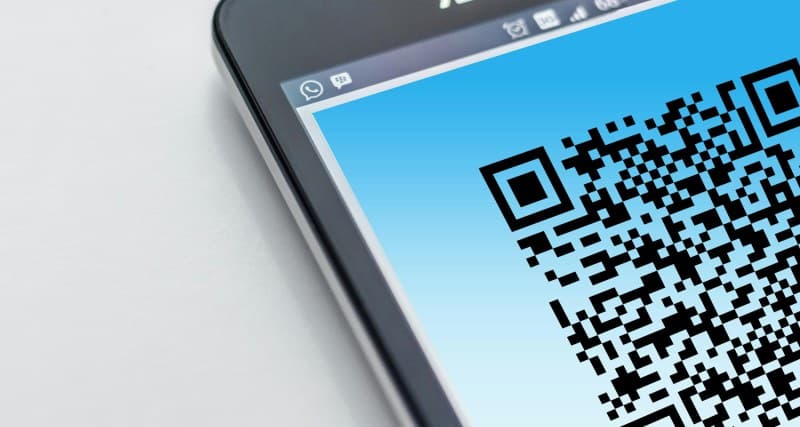
Ever stood in a café, scanned a QR code to pull up the menu, and wondered how that tiny square of black and white dots works? You’re not alone. QR codes have become everywhere—from restaurant menus to event tickets—but most of us don’t know the basics behind them. Let’s break it down simply.
What Are QR Codes, Anyway?
QR stands for Quick Response. They’re 2D barcodes (unlike the 1D barcodes on grocery items) that can store more data—like URLs, text, contact info, or even Wi-Fi credentials. When you scan one with your phone’s camera, it decodes the pattern into actionable information.
5 Types of QR Codes: A Quick Comparison
Not all QR codes are the same. Here’s a look at the most common types and their uses:
| Type | Primary Use Case | Pros | Cons |
|---|---|---|---|
| Static QR Code | Fixed data (e.g., a restaurant’s website) | No expiration, easy to create | Can’t update data once created |
| Dynamic QR Code | Links to changeable content (e.g., a promotional offer) | Editable, tracks scans | Requires a subscription for advanced features |
| Micro QR Code | Small spaces (e.g., product labels) | Compact size | Limited data storage |
| iQR Code | Large data (e.g., detailed product manuals) | High data capacity | Needs a high-resolution scan |
| Structured Append QR Code | Very large data (e.g., a book chapter) | Splits data into multiple codes | Requires scanning all codes in order |
How Do QR Codes Work?
Imagine the QR code as a grid of dots. Each dot represents a bit (0 or 1). When your phone’s camera scans the code, it reads the pattern and translates it into data. The three square markers in the corners help the camera orient itself, so you don’t have to hold your phone perfectly straight.
“Time is money.” — Benjamin Franklin
This classic quote rings true for QR codes. Think about how much time you save by scanning a code instead of typing a long URL or searching for a menu online. For small businesses like Maria’s café, switching to QR menus cut down on paper waste and reduced contact during the pandemic—win-win.
Common Myths Debunked
- Myth: QR codes are unsafe.
Fact: QR codes themselves are harmless. The risk comes from scanning codes from untrusted sources (like random flyers or unknown websites). Always check the context before scanning. - Myth: QR codes can only store URLs.
Fact: They can store text, contact info, Wi-Fi passwords, and even small images. - Myth: QR codes are only for young people.
Fact: Many seniors use QR codes to access medical records or connect to family members via pre-saved contact info.
Practical Uses You Might Not Know
QR codes aren’t just for menus. Here are some everyday uses:
- Wi-Fi Access: Scan a code to auto-connect to a Wi-Fi network (no need to type the password).
- Event Tickets: Most concerts and sports games use QR codes for entry—no paper tickets needed.
- Product Information: Scan a code on a clothing tag to see the product’s sustainability details or care instructions.
FAQ: Your Burning QR Code Questions Answered
Q: Can QR codes expire?
A: Static QR codes don’t expire, but dynamic ones can. If a dynamic code links to a URL that’s taken down, the code will stop working. Always check if the code is from a trusted source.
Q: Do I need an app to scan QR codes?
A: Most modern smartphones (iOS 11+ and Android 9+) have built-in QR code scanners in their cameras. Just point and shoot!
Final Thoughts
QR codes are a simple, efficient tool that’s here to stay. Whether you’re using them to order food or access information, understanding the basics helps you use them safely and effectively. Next time you scan a QR code, you’ll know exactly what’s happening behind the scenes.