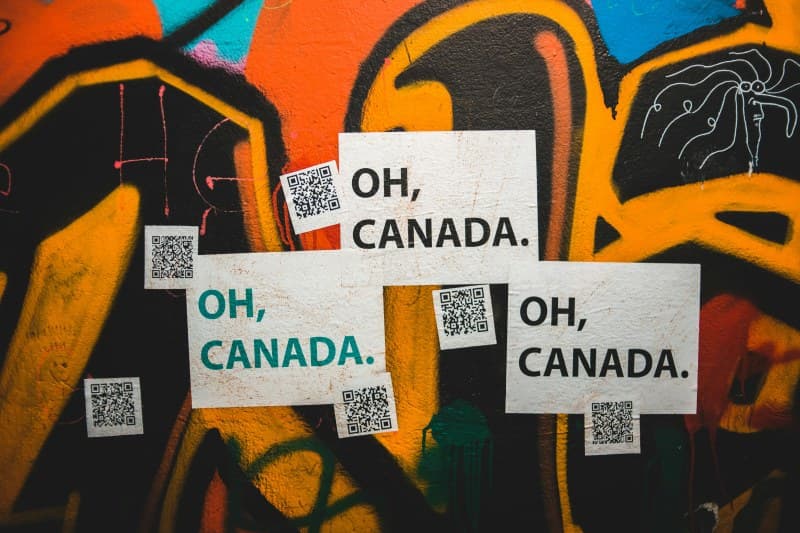
Last week, I walked into a local café and noticed no physical menus on the tables. Instead, a small sign with a square black-and-white pattern sat in the center. I pulled out my phone, scanned it, and the menu popped up instantly. That’s the magic of QR codes—they’re everywhere, but do we really know how they work?
How QR Codes Actually Work
QR stands for Quick Response, and they’re a type of 2D barcode (unlike the 1D barcodes you see on grocery items). Each QR code is made of black squares arranged on a white background. These squares encode data—like a URL, text, or contact info. When your phone’s camera scans the code, its software decodes the pattern into usable information.
Think of it as a secret language: each square’s size, position, and arrangement tells your phone what to do. The three big squares in the corners are position markers—they help your camera align the code, even if it’s tilted or blurry.
Types of QR Codes: A Quick Comparison
Not all QR codes are the same. Here’s how four common types stack up:
| Type | Data Capacity | Primary Use Case | Pros & Cons |
|---|---|---|---|
| Static QR Code | Up to 4,296 alphanumeric characters | Fixed info (e.g., restaurant menu URL) | Pros: Free to create, no maintenance. Cons: Can’t edit data once made. |
| Dynamic QR Code | Links to a redirect page (unlimited indirect data) | Changing info (e.g., event ticket updates) | Pros: Editable, trackable. Cons: May require a paid service. |
| Micro QR Code | Up to 35 numeric characters | Small spaces (e.g., product labels) | Pros: Compact. Cons: Low data capacity. |
| iQR Code | Up to 40,000 alphanumeric characters | Large data needs (e.g., product manuals) | Pros: High capacity. Cons: Less common, harder to scan with old phones. |
5 Common QR Code Myths Debunked
Let’s clear up some misconceptions:
- Myth: QR codes are always unsafe. Fact: Most are safe, but avoid scanning codes from unknown sources (like random posters). Always check the URL before opening.
- Myth: They can only store URLs. Fact: They can hold contact info, Wi-Fi passwords, text, and even small images.
- Myth: They’re hard to create. Fact: You can make a static QR code for free using tools like QR Code Generator or Google’s QR Code Maker in 2 minutes.
- Myth: Only young people use them. Fact: Seniors use them too—for things like accessing medical records or connecting to family via contact codes.
- Myth: They’ll be replaced soon. Fact: QR codes are here to stay. They’re cheap, easy to use, and integrate with almost every smartphone.
A Classic Quote About Simplicity
“Simplicity is the ultimate sophistication.” — Leonardo da Vinci
This quote fits QR codes perfectly. They’re simple to use, but their impact is huge—streamlining everything from payments to event check-ins.
Practical Uses You Might Not Know
QR codes aren’t just for menus. Here are some everyday uses:
- Wi-Fi Setup: Scan a code to connect to a Wi-Fi network without typing the password.
- Contactless Payments: Apps like PayPal and Venmo use QR codes to send money quickly.
- Event Tickets: Concerts and sports games use dynamic QR codes to prevent counterfeiting.
- Product Information: Scan a code on a toy to get assembly instructions or safety warnings.
FAQ: Are QR Codes Safe?
Q: I’m worried about scanning QR codes—can they give my phone a virus?
A: It’s rare, but possible if the code links to a malicious website. To stay safe: only scan codes from trusted sources, check the URL before opening (most phones show a preview), and keep your phone’s security software up to date.
Next time you see a QR code, you’ll know exactly what it is and how it works. They’re more than just a square pattern—they’re a simple tool that makes our lives easier.