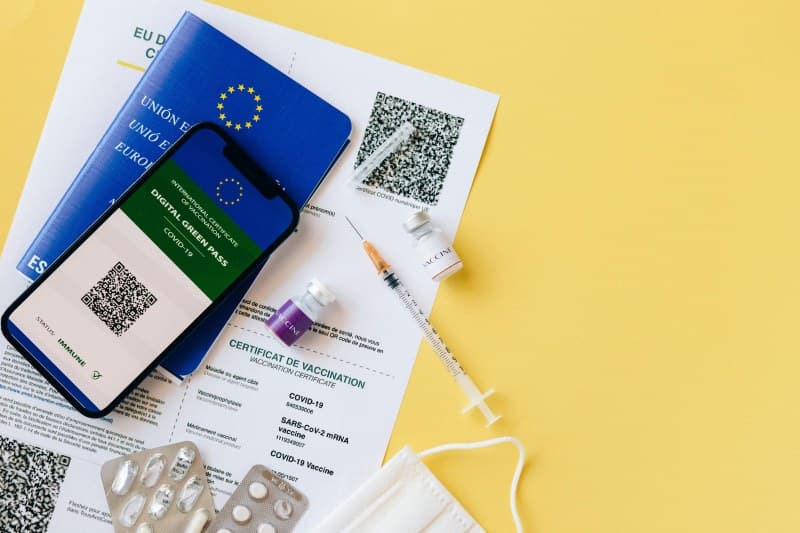
Last week, I walked into a local café and instead of a paper menu, the server pointed to a QR code on the table. I pulled out my phone, scanned it, and there was the menu—no touching, no waiting. QR codes have become so common we barely think about them, but do you know how they work or the different types you’re using every day?
What Are QR Codes, Anyway?
QR codes (short for Quick Response) are 2D barcodes that store data—like URLs, text, contact info, or even Wi-Fi credentials. Unlike traditional 1D barcodes (the ones on grocery items), they can hold up to 7,089 characters and be scanned from any direction. Invented in 1994 by a Japanese engineer for tracking car parts, they’ve since exploded into everyday life, from event tickets to restaurant menus.
2 Key Types of QR Codes You Use Daily
Not all QR codes are the same. The two most common types are static and dynamic. Here’s how they stack up:
| Type | Purpose | Editable | Common Use Cases | Pros | Cons |
|---|---|---|---|---|---|
| Static | Store fixed data directly in the code | No (data is permanent) | Business cards, Wi-Fi access, product labels | No ongoing cost, works offline | Can’t update data; if the link breaks, the code is useless |
| Dynamic | Link to external content (hosted online) | Yes (update the link without changing the code) | Daily specials, event tickets, marketing campaigns | Flexible, trackable (see how many times it’s scanned) | Requires internet access; may have subscription fees for advanced features |
Common QR Code Myths Debunked
Let’s bust some myths you might have heard:
- Myth 1: All QR codes are unsafe. Truth: While some malicious codes exist (linking to phishing sites), most are safe. Always check the URL before opening—if it looks suspicious (e.g., random letters/numbers), skip it.
- Myth 2: QR codes can only store URLs. Truth: They can store text (like a recipe), contact details (vCard), or even Bitcoin addresses. For example, a museum might use a QR code to share a展品’s backstory.
Practical Tips for Using QR Codes Safely & Smartly
Here are a few tips to make the most of QR codes:
- Use your phone’s built-in scanner (iOS and Android have them—no need for extra apps).
- For dynamic codes, choose a reputable service (like Canva or QR Code Generator) to avoid broken links.
- When creating your own code (e.g., for a party invite), opt for dynamic if you might need to update the details later.
“Simplicity is the ultimate sophistication.” — Leonardo da Vinci
This quote perfectly sums up QR codes. They take complex tasks (like sharing a menu or contact info) and turn them into a simple square that anyone can scan, making daily interactions faster and more efficient.
FAQ: Your QR Code Questions Answered
Q: Can QR codes expire?
A: It depends. Static QR codes don’t expire (since the data is fixed), but dynamic ones can if the service hosting the linked content shuts down or the creator sets an expiration date. For example, a dynamic QR code for a limited-time sale might stop working after the sale ends.
Q: Do I need an internet connection to scan a QR code?
A: Scanning the code itself doesn’t need internet, but if it links to online content (like a menu), you’ll need Wi-Fi or data to access it. Static codes with text (e.g., a phone number) work offline.
Next time you scan a QR code, take a second to think—Is it static or dynamic? Is it safe? These small checks will help you use this handy tech with confidence.