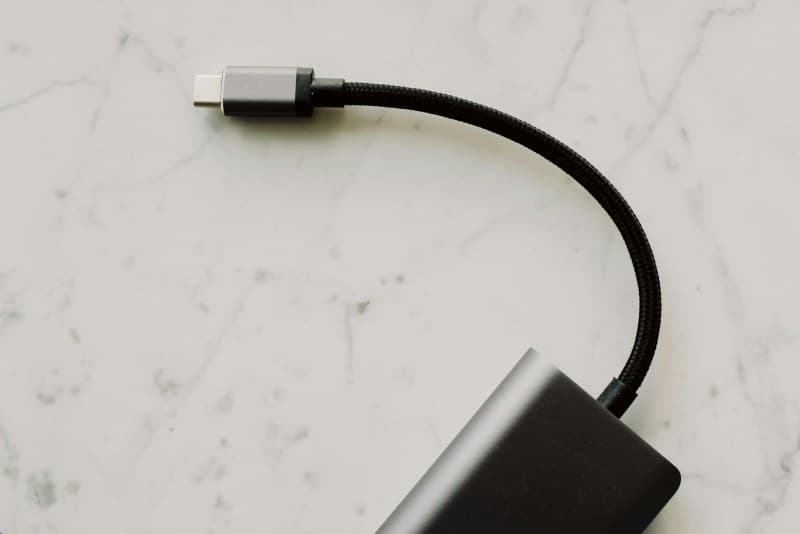
Last week, I found myself on my knees behind my desk, fumbling for my laptop charger. Instead of grabbing it quickly, I pulled a tangled nest of USB cords, HDMI cables, and phone chargers. It took 10 minutes to untangle them—and by then, my coffee was cold. If this sounds familiar, you’re not alone. Cable clutter is a universal problem, but you don’t need expensive organizers to fix it.
Why your desk cables turn into a mess
Most cable clutter starts small: you plug in a new device, leave the cable loose, and repeat. Over time, cables get tangled because they have no designated spot. Other culprits? Multiple devices (laptop, monitor, speaker, phone), lazy cleanup after use, and not labeling cables so you know which is which.
5 easy fixes to tame cable clutter (no tools needed)
Below is a comparison of 5 simple methods to organize your cables—all using items you probably already have at home:
| Method | Tools Needed | Time per Cable | Pros | Cons |
|---|---|---|---|---|
| Velcro Strips | Self-adhesive Velcro strips | 30 seconds | Reusable, adjustable, holds cables tight | May leave residue if removed |
| Binder Clips | Standard binder clips (small to medium) | 15 seconds | Cheap, easy to use, can clip multiple cables | Slippery on smooth surfaces |
| Toilet Paper Rolls | Empty toilet paper rolls | 1 minute | Free, eco-friendly, great for grouping cables | Not the most aesthetic option |
| Rubber Bands | Thick rubber bands | 10 seconds | Quick, portable, no residue | Can stretch over time |
| Masking Tape Labels | Masking tape + marker | 20 seconds | Helps identify cables quickly, cheap | Tape can peel off easily |
Let’s break down each method:
1. Velcro Strips: Cut small pieces of Velcro and wrap them around each cable. Stick the other side to your desk or wall for a fixed spot.
2. Binder Clips: Clip multiple cables together and attach the clip to the edge of your desk.
3. Toilet Paper Rolls: Cut rolls into 2-inch sections, then slide cables through to group them.
4. Rubber Bands: Wrap a rubber band around a bundle of cables to keep them neat.
5. Masking Tape Labels: Write the cable’s purpose (e.g., “Laptop Charger”) on a piece of tape and stick it to the end.
“A place for everything, and everything in its place.” — Benjamin Franklin
This classic saying sums up why these fixes work. When each cable has a designated spot, you don’t have to rummage through a mess. My friend Sarah tried this: she used Velcro strips to attach her TV cables to the back of the stand, and labeled each one. Now she never mixes up her HDMI and USB cables.
Quick Q&A
Q: Will these methods damage my cables?
A: No! All the methods use soft or non-abrasive materials. Just avoid wrapping rubber bands too tight—they shouldn’t squeeze the cable. Velcro strips are gentle, and binder clips won’t scratch the insulation.
Another tip: Once you organize your cables, make a habit of putting them back in their spot after use. It takes 5 seconds and prevents the mess from coming back. Try one of these fixes this weekend—your future self (and your coffee) will thank you.