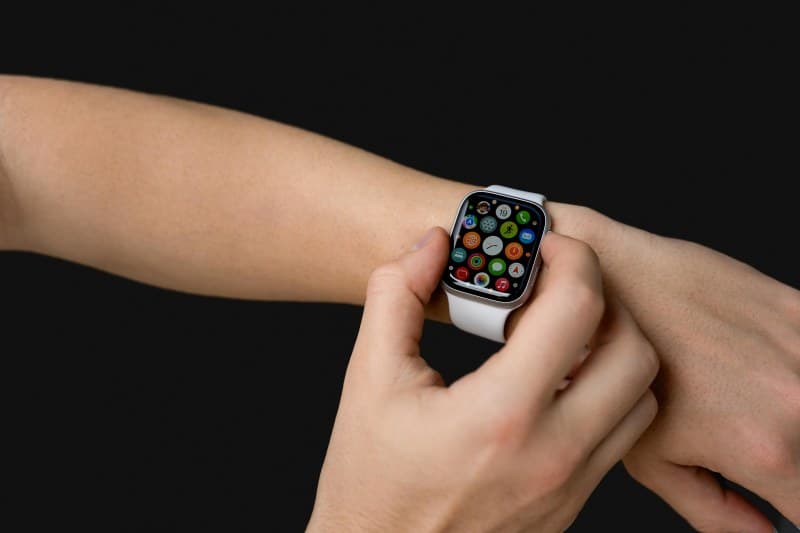
Last week, my friend Sarah stormed into the coffee shop, holding her dying iPhone and Apple Watch. “This watch is killing my phone battery!” she said, frustrated. Like many people, she assumed her smartwatch was the culprit behind her constant need to charge. But is that really true? Let’s break down the myths and find out.
The Big Question: Does Your Smartwatch Really Drain Your Phone Fast?
Smartwatches connect to your phone via Bluetooth or Wi-Fi to sync data—messages, health stats, app notifications. This does use some battery, but not as much as you might think. Most modern phones lose between 1-5% of their battery daily due to smartwatch syncing, which is negligible for most users. The real battery hogs are usually background apps or location services, not your watch.
6 Common Smartwatch Battery Myths Debunked
- Myth 1: Keeping Bluetooth on 24/7 drains phone battery drastically.
Truth: Bluetooth uses very little power these days. Even with a smartwatch connected, it’s far less than running a GPS app or streaming video. - Myth 2: All smartwatches drain phone battery equally.
Truth: Different models have different syncing needs. A basic fitness tracker uses less power than a full-featured smartwatch with constant app updates. - Myth 3: Disabling notifications on the watch saves no phone battery.
Truth: If your watch shows notifications, your phone doesn’t have to light up or vibrate as often—this does save a small amount of battery over time. - Myth 4: Standalone smartwatches don’t affect phone battery at all.
Truth: Even standalone watches sync data periodically (like when you’re home), so they still use some phone battery—just less than non-standalone models. - Myth 5: Charging your smartwatch near your phone drains both.
Truth: Charging devices near each other has no impact on their battery life. This is a common superstition with no scientific basis. - Myth 6: Closing the smartwatch app on your phone stops all battery use.
Truth: Most smartwatch apps run in the background to maintain sync. Closing them might not help—instead, adjust the app’s background permissions.
How Different Smartwatches Impact Phone Battery: A Quick Comparison
Here’s how three popular smartwatches affect phone battery life (based on daily use):
| Smartwatch Model | Average Daily Phone Battery Drain (%) | Key Notes |
|---|---|---|
| Apple Watch Series 9 | 2-3% | Uses optimized Bluetooth; minimal drain if notifications are limited. |
| Samsung Galaxy Watch 6 | 1-2% | Low-power mode reduces drain even further. |
| Fitbit Versa 4 | 0.5-1% | Basic fitness tracker with minimal sync needs. |
A Real-Life Example: Sarah’s Battery Woes
Sarah’s problem wasn’t her Apple Watch—it was her phone’s background apps. After checking her battery usage, she found that Instagram and Gmail were running 24/7, using 15% of her battery daily. She turned off background app refresh for those apps and adjusted her watch’s notification settings. Now her phone lasts all day, and her watch is still her favorite accessory.
Classic Wisdom on Myths and Technology
“The greatest enemy of knowledge is not ignorance, it is the illusion of knowledge.” — Stephen Hawking
This quote rings true for smartwatch myths. We often assume the worst about new tech without checking the facts. Taking a few minutes to understand how your devices work can save you a lot of frustration.
FAQ: Your Smartwatch Battery Questions Answered
Q: Can I reduce my smartwatch’s impact on my phone battery?
A: Yes! Try these tips: Turn off unnecessary syncs (like social media updates), use low-power mode on both devices, and limit background app refresh for your smartwatch app.
Q: Is it better to use Wi-Fi or Bluetooth for smartwatch-phone connection?
A: Bluetooth uses less battery than Wi-Fi for most smartwatches. Stick to Bluetooth unless you need faster data transfer (like downloading apps to your watch).
Final Tips to Keep Both Devices Charged Longer
To get the most out of your smartwatch and phone battery:
1. Adjust your watch’s always-on display settings (turn it off when not needed).
2. Use your phone’s battery saver mode during long days.
3. Sync your watch only when necessary (e.g., once an hour instead of continuously).
By following these steps, you can enjoy your smartwatch without worrying about draining your phone.