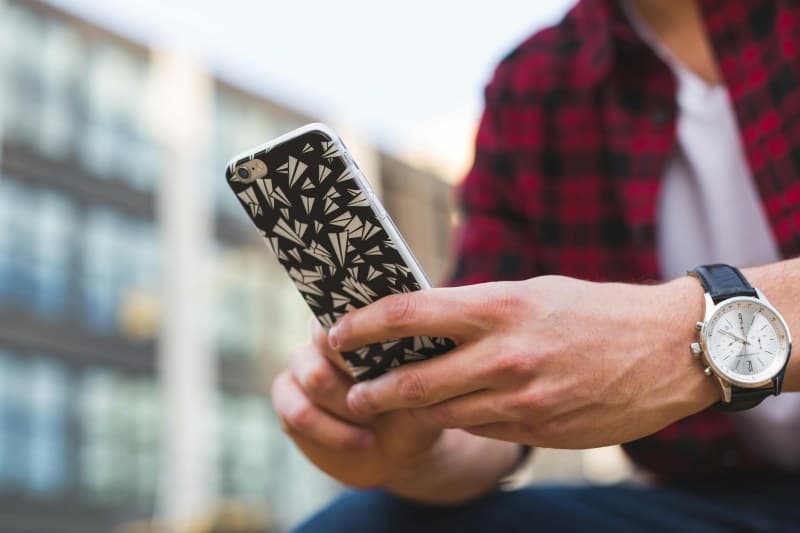
Last week, my friend Sarah spent 10 minutes every hour swiping away all her phone apps like they were crumbs on a table. She swore this kept her battery going longer. But when I asked why, she just said, ‘Everyone does it.’ Sound familiar? The idea that closing apps saves battery is one of the most persistent tech myths out there. Let’s break down the truth and debunk three other common myths about phone battery life.
The Truth About Closing Apps
Modern smartphones (iOS and Android) are designed to manage background apps efficiently. Apps in the background are either suspended (not using power) or doing minimal tasks like checking for notifications. Closing them actually uses more battery because reopening them requires reloading data and resources. For example, iOS’s App Switcher lets apps hibernate, so swiping them away doesn’t help—if anything, it’s a waste of time.
3 Persistent Phone Battery Myths (And Their Truths)
Let’s compare three common myths with what actually happens:
| Myth | Truth |
|---|---|
| Closing apps saves battery life. | Reopening apps uses more power than letting them hibernate. Only close apps if they’re frozen or misbehaving. |
| Charging your phone overnight damages the battery. | Modern phones have smart charging that stops at 100% and uses trickle charging to maintain it. No damage done. |
| Dark mode always saves battery. | Only true for OLED screens (each pixel lights up individually). LCD screens use the same power regardless of color. |
A Classic Wisdom to Remember
“Knowledge is power.” – Francis Bacon
This quote applies perfectly here. Knowing how your phone’s battery works (instead of following old myths) gives you the power to make smarter choices that actually save battery life. You don’t need to waste time on unnecessary tasks—just understand the tech.
Real-Life Example: Sarah’s Battery Journey
After I explained the myths to Sarah, she stopped closing apps. Instead, she turned on adaptive brightness and disabled background app refresh for non-essential apps like games and social media. Over a week, her battery life improved by 20%. She was shocked—all that time spent swiping was a waste!
FAQ: Your Battery Questions Answered
Q: Should I keep my phone battery between 20% and 80% to extend its life?
A: Yes! Lithium-ion batteries (used in most phones) last longer when kept in this range. Avoid letting it drop below 20% or stay at 100% for long periods (though overnight charging is okay).
Practical Tips to Actually Save Battery
- 🔋 Turn on adaptive brightness (adjusts to ambient light).
- 📶 Disable background app refresh for apps you don’t need notifications from.
- 🌙 Use dark mode only if you have an OLED screen.
- 🔇 Turn off location services for apps that don’t need it (like weather apps you don’t use).
Next time you’re tempted to swipe away all your apps, remember: knowledge beats old habits. By understanding how your phone’s battery works, you can save time and power—your battery (and your fingers) will thank you.