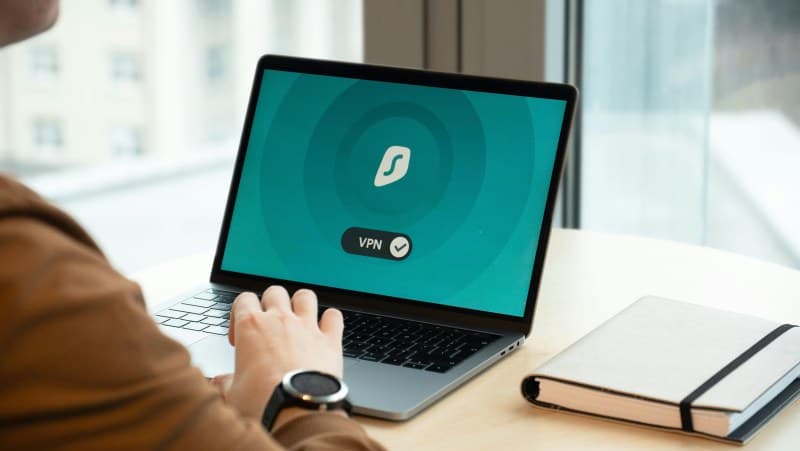
Imagine sitting in your favorite coffee shop, sipping a latte while scrolling through your bank app. Did you know the public Wi-Fi there could be a goldmine for hackers? That’s where VPNs come in. But how do they actually work, and are they worth the hype?
What Is a VPN, Anyway?
A VPN (Virtual Private Network) is like a secret tunnel for your internet traffic. It encrypts your data so no one—hackers, ISPs, or even governments—can snoop on what you’re doing online. Think of it as sending a letter in a locked box instead of a postcard.
How VPNs Work in 3 Simple Steps
Let’s break it down without the jargon:
- Encrypt: When you turn on a VPN, it scrambles your data into a code only your device and the VPN server can understand.
- Route: Your encrypted data travels through the VPN’s secure server instead of your regular internet provider’s.
- Connect: The server sends your data to the website or app you’re using, and sends back the response the same way—securely.
4 Key Benefits of Using a VPN
VPNs aren’t just for tech geeks. Here are the top reasons to use one:
- 🔒 Privacy Protection: Hides your IP address so websites can’t track your location or browsing habits.
- 🌍 Access Geo-Blocked Content: Watch your favorite shows while traveling (like Netflix US from Europe).
- 🛡️ Secure Public Wi-Fi: Keeps your data safe on coffee shop or airport Wi-Fi.
- 💸 Save Money: Some sites charge different prices based on location—use a VPN to get better deals on flights or hotels.
Common VPN Myths Debunked
Let’s separate fact from fiction with this quick table:
| Myth | Fact |
|---|---|
| VPNs make your internet slower. | Modern VPNs have fast servers—you’ll barely notice a difference. |
| All VPNs are the same. | Some log your data; choose a no-logs VPN for true privacy. |
| VPNs are illegal. | VPNs are legal in most countries (check local laws for exceptions). |
| You don’t need a VPN at home. | Home Wi-Fi can still be hacked—VPN adds an extra layer of security. |
Real-Life Example: Sarah’s Coffee Shop Scare
Sarah was a college student who loved working at her campus coffee shop. One day, she checked her bank account on the public Wi-Fi and noticed strange charges the next day. A hacker had stolen her credit card info. After that, she started using a free (but reputable) VPN every time she used public Wi-Fi. No more stolen data—problem solved!
FAQ: Do I Need a VPN Everywhere?
Q: Should I keep my VPN on all the time?
A: It depends. For public Wi-Fi, yes—definitely. At home, if you want extra privacy (like hiding your browsing from your ISP), it’s a good idea. For streaming geo-blocked content, turn it on when you need it.
Final Thoughts
“An ounce of prevention is worth a pound of cure.” — Benjamin Franklin
Franklin’s words ring true for online security. A VPN is a small step that can save you from big headaches (like identity theft). Whether you’re a beginner or a pro, using a VPN is one of the easiest ways to protect your digital life. So next time you connect to public Wi-Fi, don’t forget to turn on your VPN—your data will thank you.