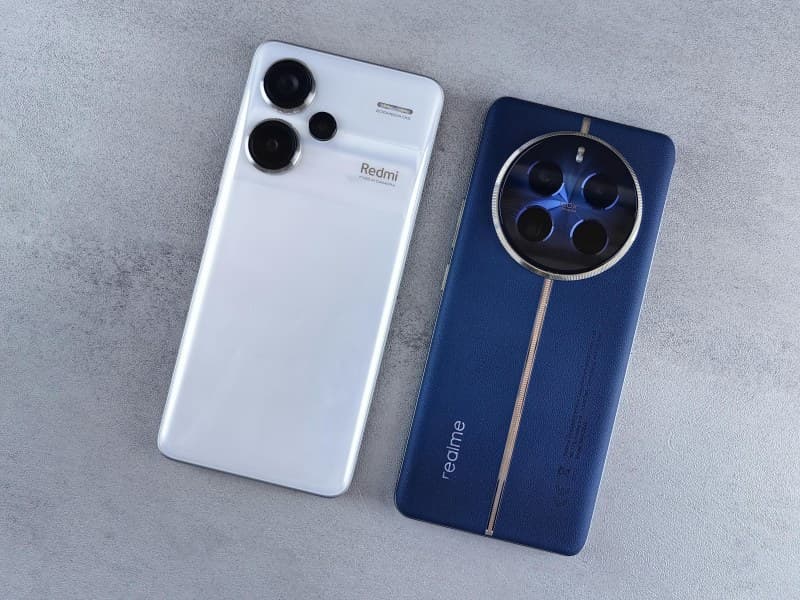
Ever been stuck at a park or coffee shop with your phone’s battery bar blinking red, no charger in sight? We’ve all been there. Instead of panicking, simple tweaks can squeeze extra life out of your device—no new gear required. Let’s break down the four most practical ways to keep your phone running when you need it most.
4 Go-To Ways to Save Battery When You’re Out
These methods are quick, free, and don’t require any technical skills. Let’s dive in:
1. Adjust Screen Settings
Your screen is the biggest battery drain. Dimming brightness (or using auto-brightness) and shortening the screen timeout (to 30 seconds or less) can cut down on power use significantly.
2. Turn Off Background App Refresh
Apps like social media or email often refresh in the background, using battery even when you’re not using them. Disabling this for non-essential apps can save a surprising amount of juice.
3. Enable Low Power Mode
Most phones have a low power mode that reduces performance (like slower app loading) and turns off non-critical features (like automatic downloads). It’s a quick way to extend battery life by 20-30%.
4. Disable Unused Connections
Bluetooth, GPS, and Wi-Fi (when not connected to a network) are constant battery hogs. Turn them off if you’re not using them—your phone will thank you.
Compare the 4 Methods
Here’s a side-by-side look at each method to help you choose:
| Method | Effort Level (1-5) | Time to Apply | Pros | Cons |
|---|---|---|---|---|
| Adjust Screen Settings | 1 | 10 seconds | Instant impact, no performance loss | Dim screen might be hard to see in sunlight |
| Turn Off Background Refresh | 2 | 1-2 minutes | Long-term savings, no visible changes | You might miss real-time updates from some apps |
| Low Power Mode | 1 | 5 seconds | Biggest battery boost | Slower app loading, some features disabled |
| Disable Unused Connections | 1 | 5 seconds | Quick fix, no downsides if not using connections | You might need to re-enable later (e.g., for Bluetooth headphones) |
Why Small Changes Matter
“A stitch in time saves nine.” – English Proverb
This old saying rings true for battery saving. Taking 30 seconds to adjust your screen brightness now can save you from a dead phone later when you need to call a ride or take a photo. Small, proactive steps prevent bigger problems down the line.
Real-Life Example: The Festival Save
Last month, my friend Lila went to an outdoor music festival. She forgot her power bank, but she acted fast: she turned on low power mode, disabled Bluetooth, and set her screen to auto-brightness. She managed to keep her phone alive for 6 hours—long enough to take videos of her favorite band and text her friends to meet up. Without those changes, her phone would’ve died in 2 hours.
Common Battery Myths Debunked
- Myth: Closing all background apps saves battery.
Truth: Modern phones automatically suspend unused apps. Constantly closing them uses more battery because the phone has to reload them from scratch. - Myth: Charging overnight damages the battery.
Truth: Most phones have smart charging that stops once full, so it’s safe.
Quick FAQ
Q: Will low power mode make my phone too slow to use?
A: It might slow down app loading a bit, but most daily tasks (texting, calling, browsing) still work smoothly. The trade-off for extra battery life is worth it for most people.
Next time your battery is dwindling, try one (or all) of these methods. They’re simple, free, and can make a big difference. Remember—small tweaks now keep your phone running when you need it most.