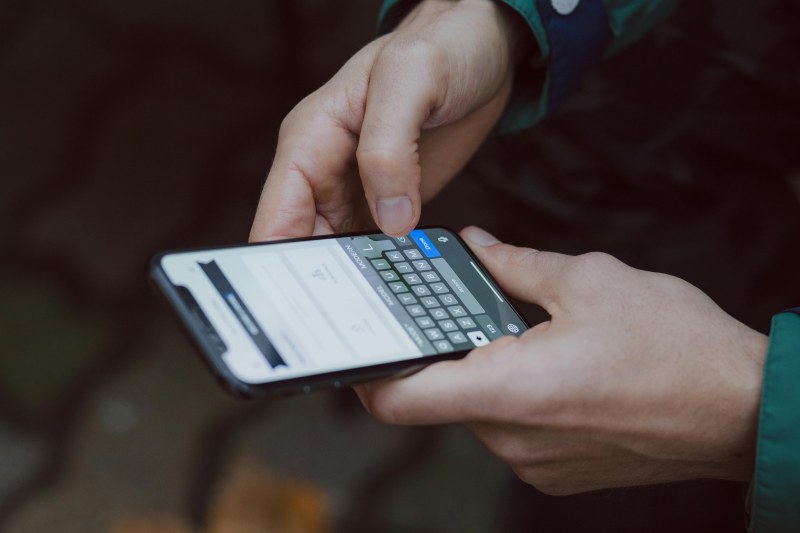
Sarah stared at her phone screen, shocked—she’d spent 3 hours scrolling social media that day. She downloaded a screen time tracker hoping to cut back, but soon found herself confused: Why did the tracker count her reading app as “unproductive”? Was it sharing her data with advertisers? If you’ve ever felt this way, you’re not alone. Screen time trackers are everywhere, but how do they actually work, and what myths should you ignore?
How Do Screen Time Trackers Work?
Most screen time trackers fall into two categories: OS-level (built into your phone’s operating system, like iOS Screen Time or Android Digital Wellbeing) or third-party apps (like Forest or Freedom). They monitor two key metrics: how long your screen is active, and which apps you use (and for how long). OS-level trackers have deep device access, so they can track every app open. Third-party apps usually need permission to access usage stats, and some even track website visits via browser extensions.
5 Common Myths About Screen Time Trackers
- Myth 1: They spy on your personal messages. Debunk: Trackers don’t read your texts or emails—they only count time spent in messaging apps, not content.
- Myth 2: More screen time = worse productivity. Debunk: It depends on activity. Spending 2 hours on a work app is productive; 2 hours scrolling isn’t. Trackers help distinguish, not judge.
- Myth 3: Third-party trackers sell your data. Debunk: Not all—look for apps with clear privacy policies (like Forest, which doesn’t sell user data). Always check reviews first.
- Myth4: Trackers are only for kids. Debunk: Adults benefit too—many use them to reduce mindless scrolling or balance work and personal screen time.
- Myth5: You need to cut screen time to zero to see benefits. Debunk: Small changes (30 mins less social media daily) can boost focus and mood.
OS-Level vs Third-Party Trackers: Which Is Right For You?
Not sure which tracker to use? Here’s a quick comparison:
| Feature | OS-Level Trackers (iOS/Android) | Third-Party Trackers (e.g., Forest, Freedom) |
|---|---|---|
| Data Collection | Comprehensive (all apps, screen time) | Variable (some focus on specific apps) |
| Privacy Control | Managed by OS (no third-party access) | Depends on app—choose no-data-selling options |
| Customization | Basic (app limits, downtime) | Advanced (site blocking, focus modes) |
| Cost | Free | Free with paid premium options |
| Battery Impact | Low (built into OS) | Moderate (varies by app) |
Practical Tips to Use Trackers Effectively
- Set realistic goals: Instead of “no social media,” try “limit to 1 hour a day.”
- Use downtime features: Schedule screen-free hours before bed to improve sleep.
- Don’t obsess over numbers: Focus on how you feel—are you more present with family?
“Everything in moderation, including moderation.” — Oscar Wilde
This quote rings true for screen time trackers. They’re tools to find balance, not to make you feel guilty. Sarah learned this when she stopped fixating on total screen time and used her tracker to prioritize reading over scrolling—she now reads 1 book a week instead of mindlessly swiping.
FAQ: Do Screen Time Trackers Drain My Phone’s Battery?
Q: Will using a screen time tracker drain my phone’s battery significantly?
A: It depends. OS-level trackers have minimal impact since they’re part of the system. Third-party apps may use more battery, but most are optimized. For example, Forest uses very little battery because it runs in the background without constant data collection. If you notice a big drain, switch to an OS-level tracker or a lighter third-party app.
Screen time trackers are powerful tools for mindful digital habits—if you use them right. By understanding how they work, debunking myths, and choosing the right tracker, you can take control of your screen time without feeling overwhelmed. Remember: It’s not about cutting screen time entirely, but making sure it serves you.