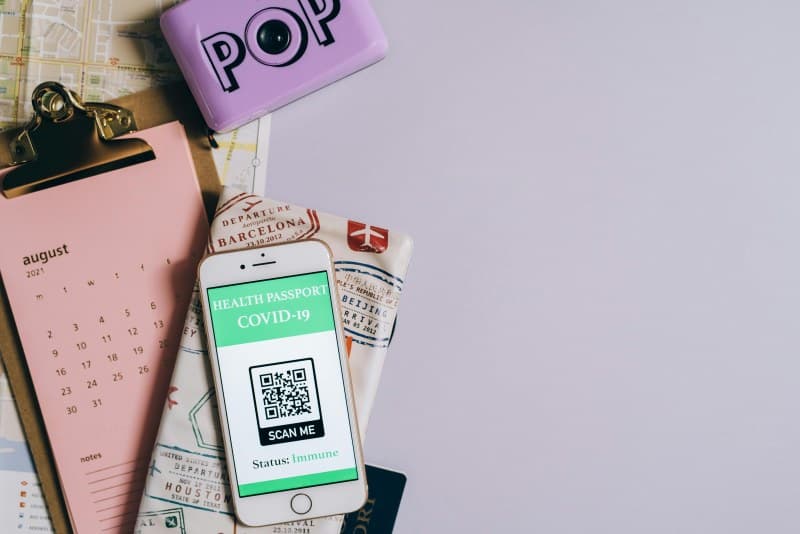
Last weekend, I walked into a local café and instead of a paper menu, the server pointed to a square code on the table. I pulled out my phone, scanned it, and voilà—all the drinks and dishes were right there. That’s the magic of QR codes, but how do they actually work? Let’s break it down.
What Exactly Is a QR Code?
QR stands for Quick Response. Invented by Japanese company Denso Wave in 1994, it was originally designed to track automotive parts on assembly lines. Unlike traditional 1D barcodes (the ones you see on grocery items), QR codes are 2D—meaning they store data both horizontally and vertically, allowing them to hold much more information.
How QR Codes Work: The Basics
When you scan a QR code with your phone’s camera, the app (or built-in scanner) does three main things: first, it identifies the three square markers in the corners to figure out the code’s orientation. Then, it reads the black and white squares (called modules) as binary data (0s and 1s). Finally, it converts that data into something useful—like a website link, text, or contact info.
7 Key Facts About QR Codes You Might Not Know
- 📊 Data capacity: A standard QR code can store up to 7,089 numeric characters or 4,296 alphanumeric characters—way more than a 1D barcode’s 20-25 characters.
- 🔧 Error correction: Even if up to 30% of the code is damaged (scratched, smudged, or covered), it can still be scanned. This is why you often see logos in the middle of QR codes.
- 🆓 Free to create: You don’t need to pay to make a QR code—tools like QR Code Generator or Canva offer free options.
- 🌐 Versatile content: They can link to websites, videos, Wi-Fi credentials, contact cards, or even plain text.
- 📶 No internet needed to scan: The scanning process itself doesn’t require Wi-Fi, but the content you’re linking to (like a website) might.
- 🌍 Global use: QR codes are used in over 100 countries, from mobile payments in China to event tickets in Europe.
- 🎨 Customizable: You can change the color, add a logo, or even shape the code (as long as the corner markers stay intact).
Common QR Code Myths Debunked
Let’s set the record straight with this quick comparison:
| Myth | Reality |
|---|---|
| QR codes are only for URLs | They can store text, contact info, Wi-Fi passwords, and more. |
| Scanning QR codes is always risky | Only if from untrusted sources (like random posters or spam emails). Most codes (restaurant menus, event tickets) are safe. |
| QR codes are a new tech | They were invented in 1994 but became mainstream post-pandemic for contactless interactions. |
| You need a special app to scan | Most modern smartphones (iOS 11+ and Android 9+) have built-in QR scanners in their cameras. |
Practical Uses of QR Codes in Daily Life
QR codes aren’t just for menus. Here are some common ways they’re used:
- 💳 Mobile payments: Apps like PayPal or Venmo use QR codes to let you send money quickly.
- 🎟️ Event tickets: Concerts, movies, and flights often use QR codes instead of paper tickets.
- 📶 Wi-Fi setup: Scan a code to connect to a Wi-Fi network without typing the password.
- 📇 Business cards: Link your QR code to your LinkedIn profile or contact info for easy sharing.
Classic Wisdom on Simplicity
“Simple can be harder than complex: You have to work hard to get your thinking clean to make it simple.” — Steve Jobs
This quote perfectly sums up QR codes. They take complex data (like a website link or contact info) and turn it into a simple square that anyone can scan. No need to type long URLs or remember phone numbers—just point and click.
FAQ: Your QR Code Questions Answered
Q: Are QR codes safe to scan?
A: Yes, as long as you trust the source. Avoid scanning codes from unknown posters, emails, or text messages. If a code links to a suspicious website (e.g., one asking for personal info), close it immediately.
Next time you scan a QR code, take a moment to appreciate the little square that’s making your life easier. From menus to payments, QR codes are here to stay—and now you know exactly how they work.